
Splice app screens & user flows
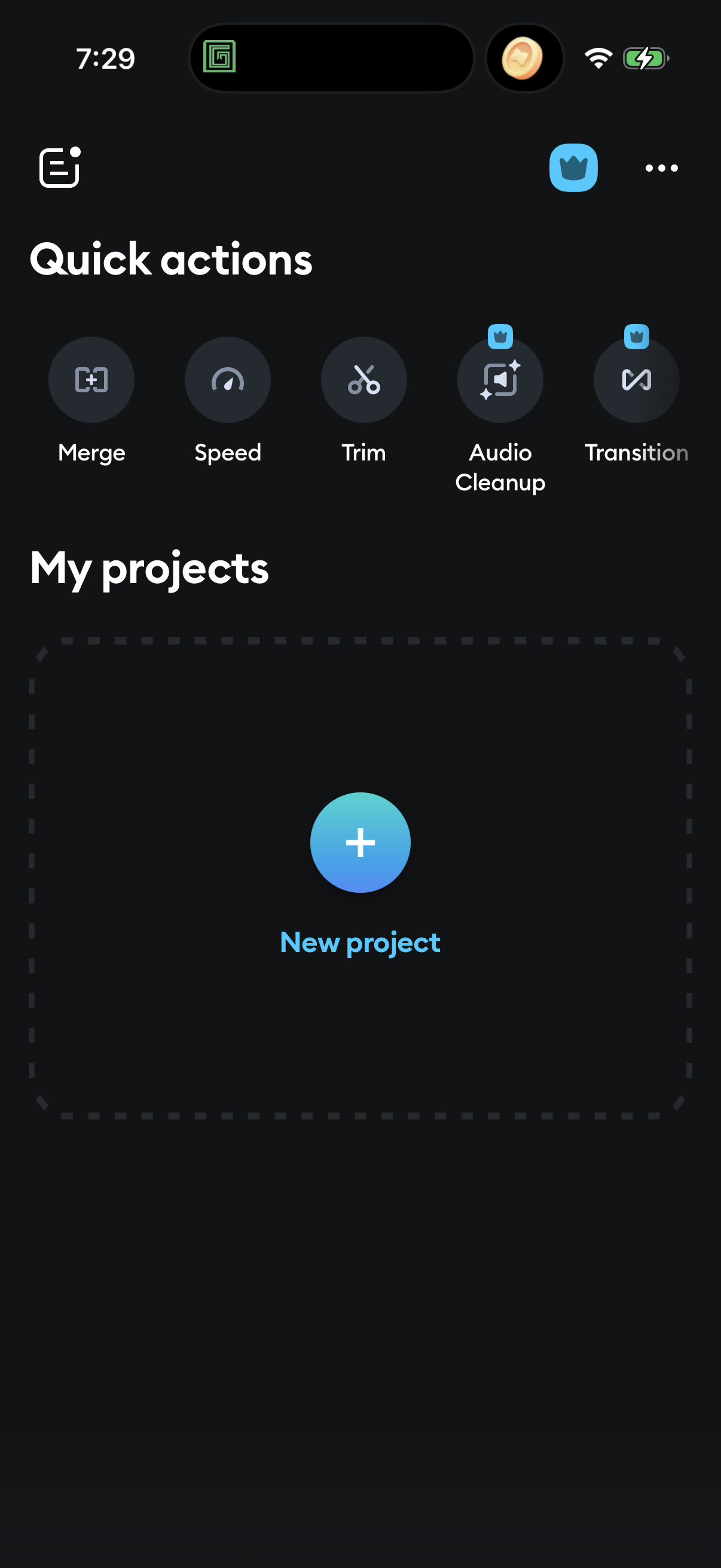
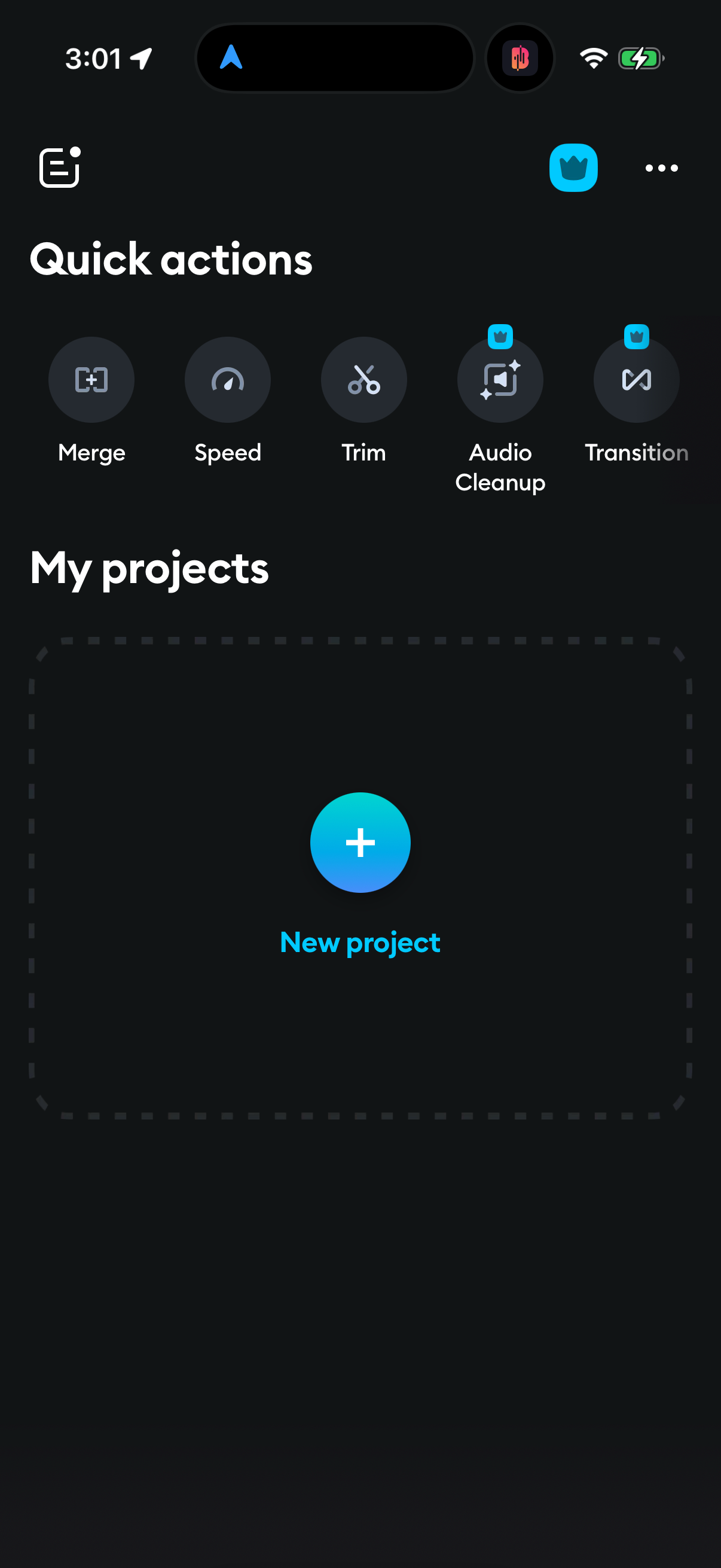
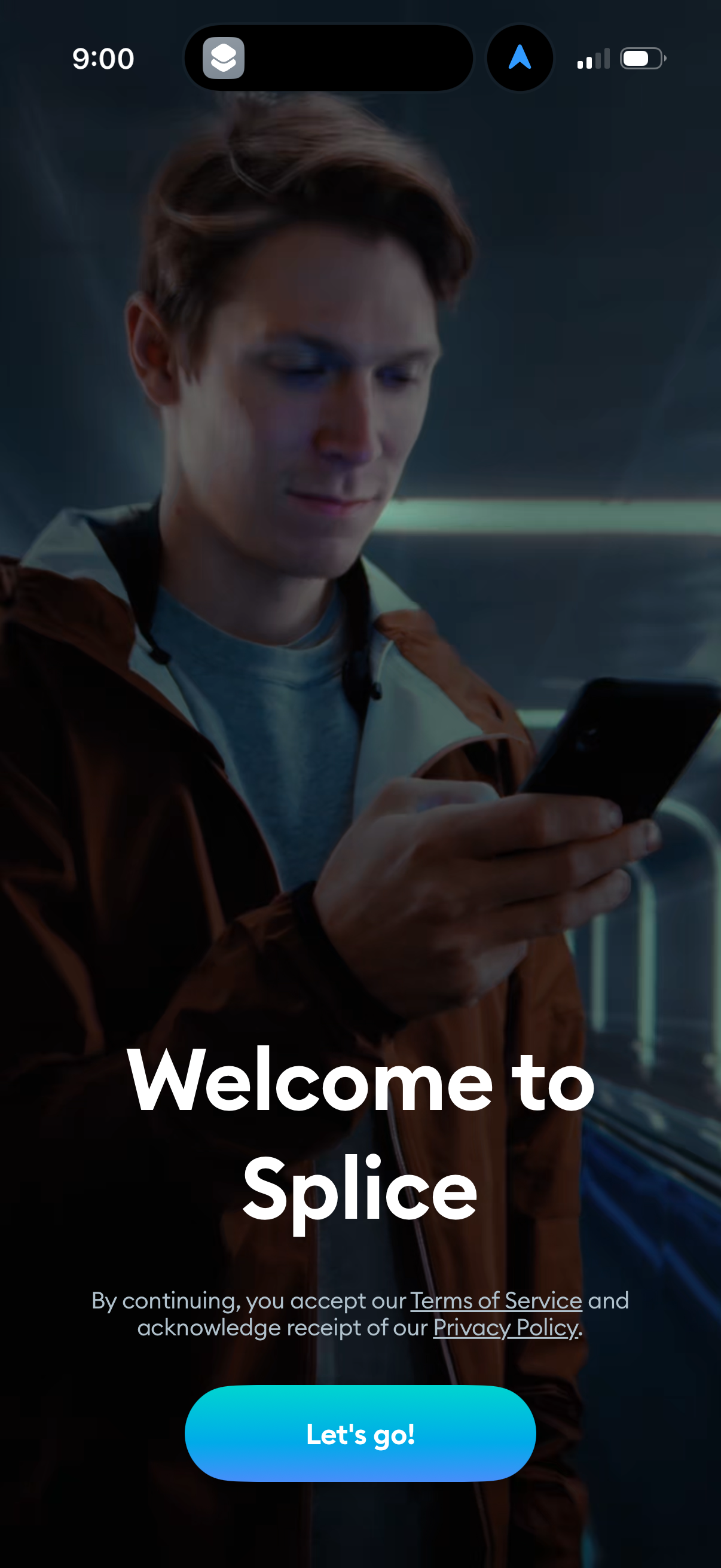
Explore up to date onboarding, reviews, dashboard, paywall, and settings flows from Splice and more on Lazyweb.
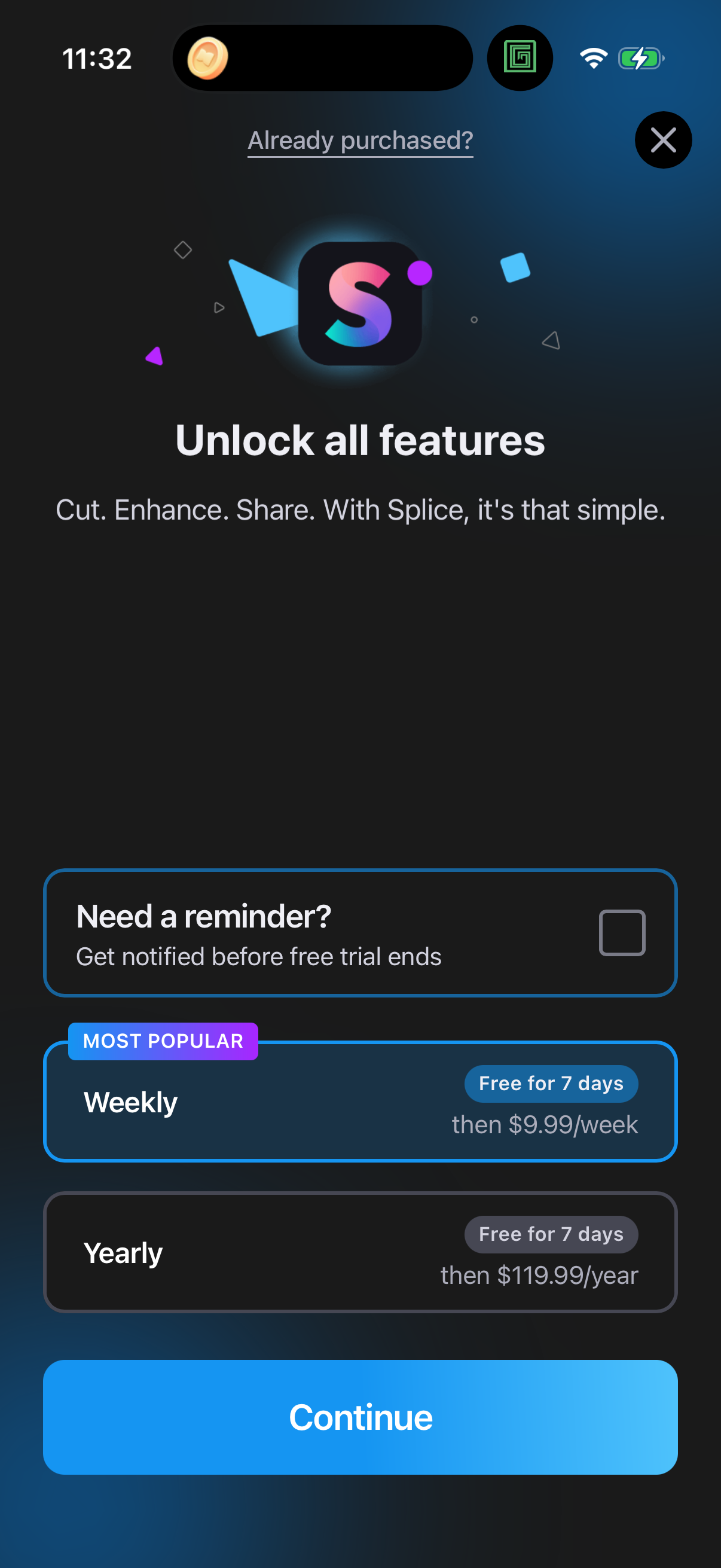
Splice in Photo & Video — see 84 app screens across Paywall flows. Compare onboarding, paywall, and pricing patterns against real competitors inside Lazyweb.
Lazyweb is a blazing-fast design research library with 281k+ real app screens, user flow examples, UI patterns, and product design patterns for competitive analysis and benchmarking.
Screenshots

Company metadata
| Category | Photo & Video |
|---|---|
| Subcategory | Photo & Video Editing |
| Tagline | Create videos that blow minds. The most powerful mobile video editor around. |
| Business model | Subscription |
| Product archetype | Prosumer |
| Growth engine | Network effects (social graph), PR, Word of mouth |
| Active users | 70,000,000 |
| Public company | No |
| Market leader | Yes |
| Website | https://www.spliceapp.com |
| App Store | https://apps.apple.com/us/app/splice-video-editor-maker/id409838725 |
| X / Twitter | https://x.com/splice_app |
| https://www.instagram.com/spliceapp/ | |
| https://www.linkedin.com/company/spliceapp/ | |
| TikTok | https://www.tiktok.com/@spliceapp?lang=en |
| Crunchbase | https://www.crunchbase.com/organization/bending-spoons |
App Store description
Simple yet powerful, Splice makes it easy to create fully customized, professional-looking videos on your iPhone or iPad. Imagine the performance of a desktop editor, optimized for your mobile device. POWERFUL EDITING TOOLS MADE SIMPLE + Trim, cut, and crop your photos and video clips. + Refine your clips by adjusting exposure, contrast, saturation, and more. + Adjust playback speed for fast or slow motion, now also with speed ramping. + Overlay photos or videos and apply masks to create incredible effects. + Remove background with Chroma Key. + Animate your clips with the Ken Burns effect. + Apply filters and adjust background colors, orientation, and more. + Add amazing effects: glitch, chroma, vintage, and lots more. + Choose your transition style and control the speed between transitions. + Add title slides, text overlays, and a custom outro. + Bring your photos to life and create slideshows with pan and zoom effects. EASILY SHARE + SAVE YOUR VIDEO + Share right to YouTube, Instagram, TikTok, Facebook, Mail, Messages, and more. + Save videos to your camera roll. SUBSCRIPTION INFO: Subscribe to take advantage of the features described above. • Subscription length: weekly, monthly, yearly • Your payment will be charged to your iTunes Account as soon as you confirm your purchase.