
Capcut app screens & user flows
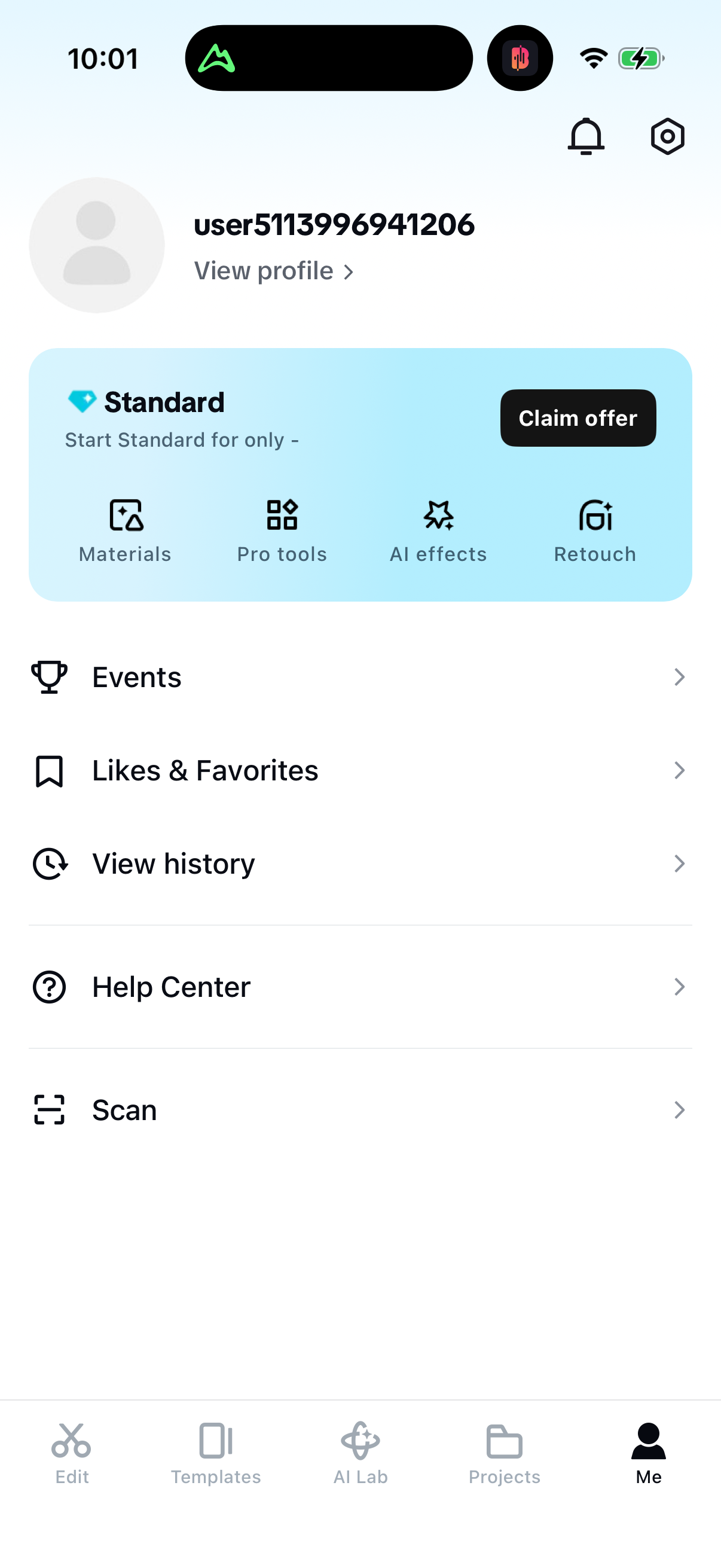
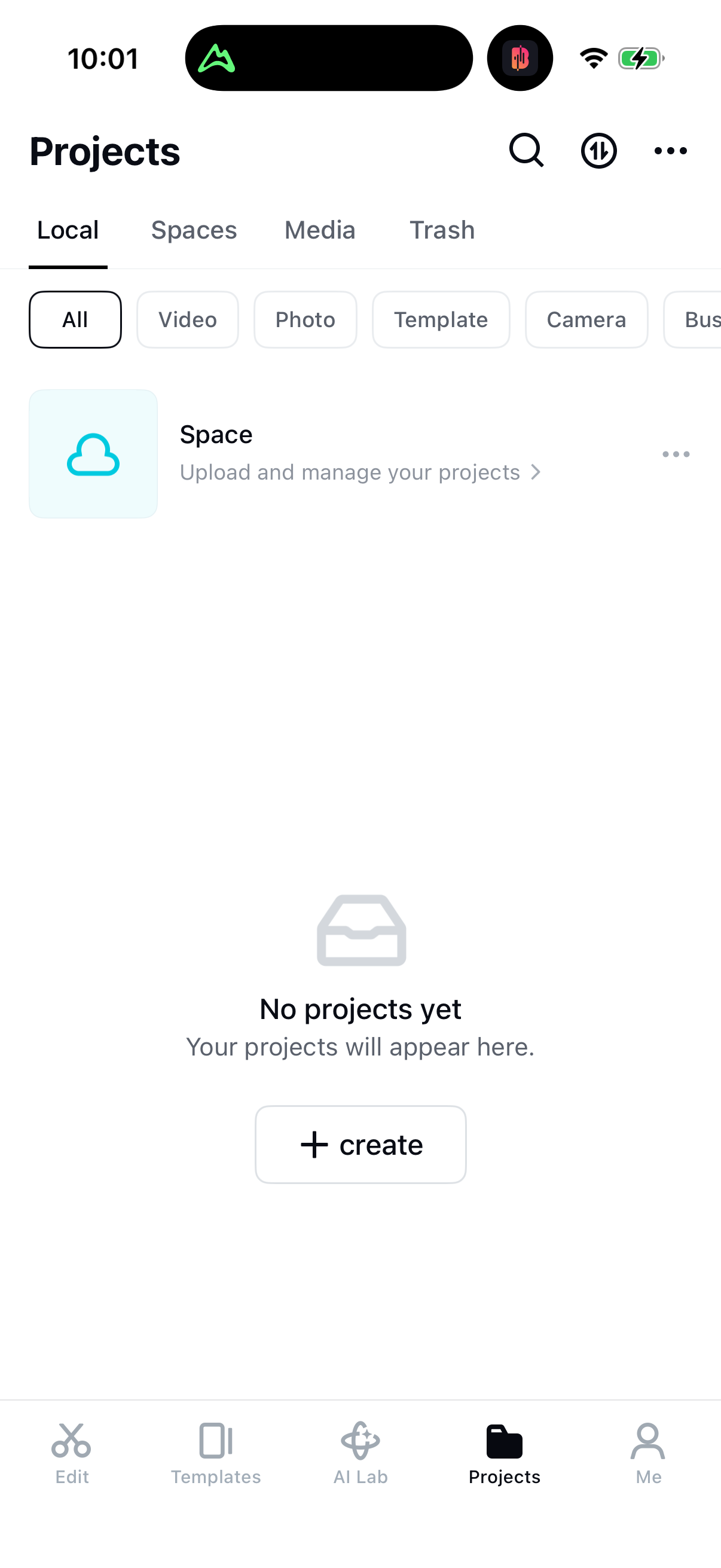
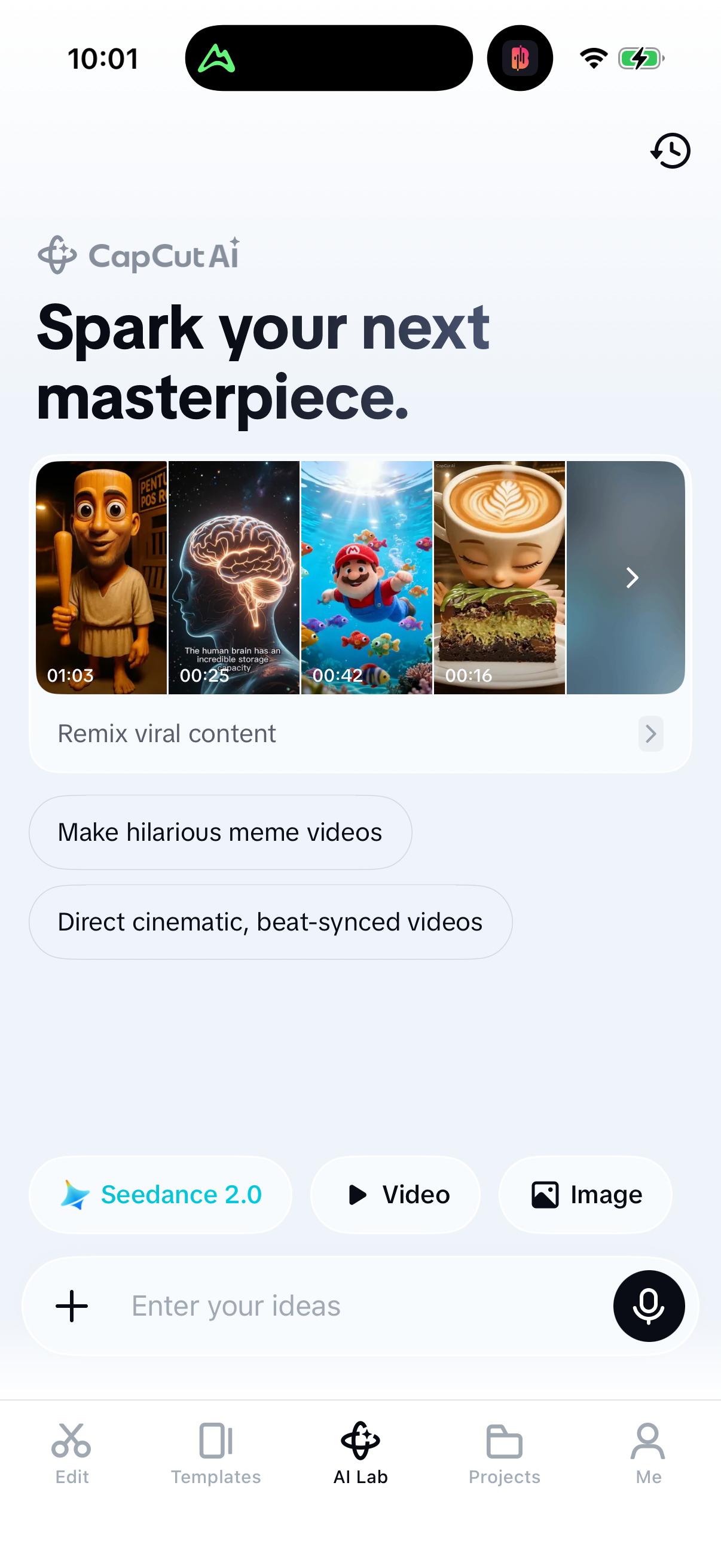
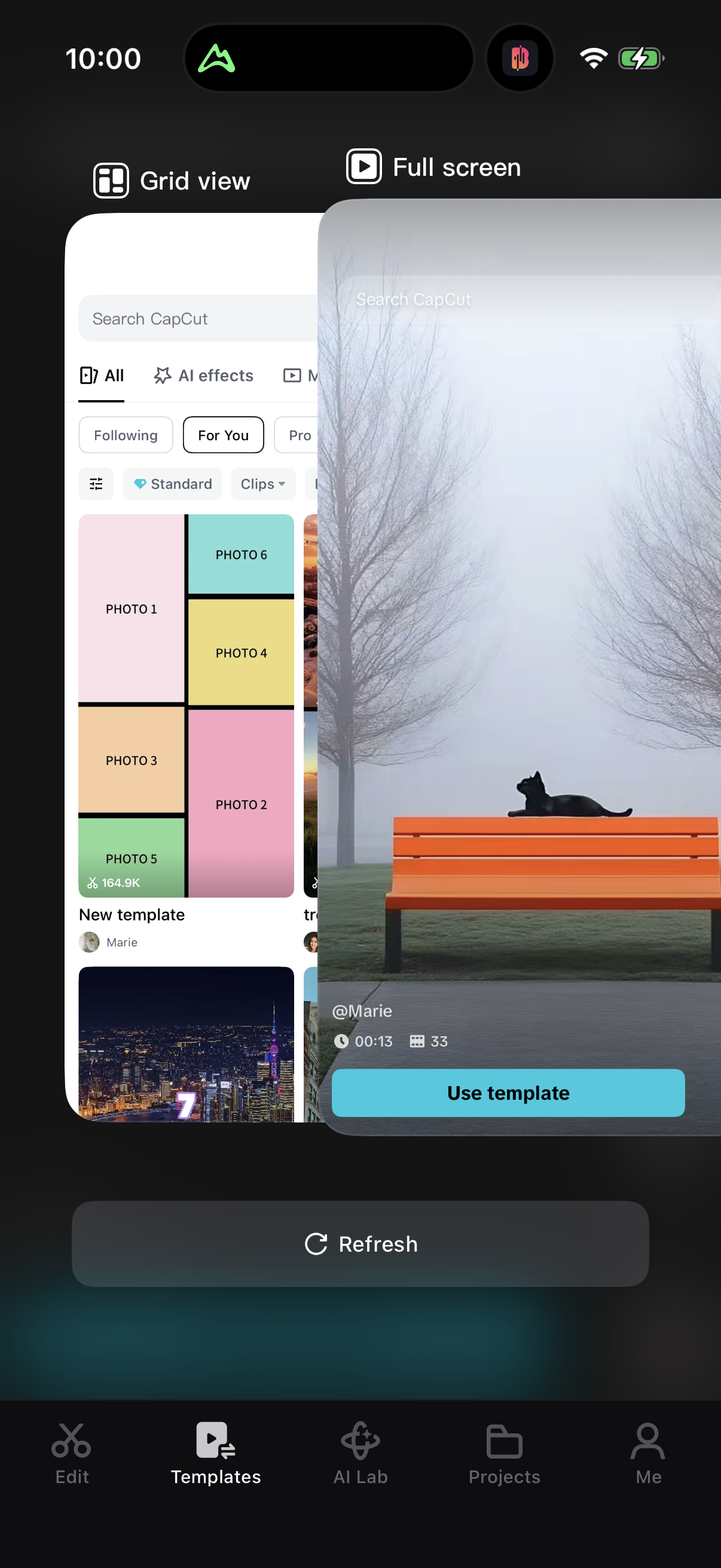
Explore up to date profile, onboarding, paywall, messaging, and search flows from Capcut and more on Lazyweb.
Capcut in Photo & Video — see 117 app screens across Paywall, Onboarding, and Welcome Back Paywall 2 flows. Compare onboarding, paywall, and pricing patterns against real competitors inside Lazyweb.
Lazyweb is a blazing-fast design research library with 281k+ real app screens, user flow examples, UI patterns, and product design patterns for competitive analysis and benchmarking.
Screenshots

Company metadata
| Category | Photo & Video |
|---|---|
| Subcategory | Photo & Video Editing |
| Tagline | AI-Powered Video Editor for Everyone. CapCut has everything you need to create trending content for YouTube, Instagram, and beyond. |
| Business model | Subscription, IAP Consumables / Usage |
| Product archetype | Social, Prosumer |
| Growth engine | Product-led self-serve (PLG), PR |
| Revenue (2024) | $1,400,000,000 |
| Active users | 800,000,000 |
| Money raised | $0 |
| Public company | No |
| Market leader | Yes |
| Website | https://www.capcut.com |
| App Store | https://apps.apple.com/us/app/capcut-photo-video-editor/id1500855883 |
| X / Twitter | https://x.com/capcutapp |
| https://www.instagram.com/capcutapp/ | |
| https://www.linkedin.com/company/capcut | |
| TikTok | https://www.tiktok.com/@capcut |
| Crunchbase | https://www.crunchbase.com/organization/capcut |
App Store description
CapCut offers easy-to-use video editing functions, in-APP fonts and effects, advanced features such as keyframe animation, smooth slow-motion, chroma key, and stabilization, to help you capture and snip moments. Create fancy videos with other unique features: auto captions, text-to-speech, motion tracking, and background removal. Show your personality and go viral on TikTok, YouTube, Instagram, WhatsApp, and Facebook! FEATURES Basic video editing • Trim and shorten clips and split or merge videos. • Adjust video speed from 0.1x to 100x, and apply speed curves to clips. • Animate video clips with incredible zoom in/out effects. • Highlight the best moments with the freeze feature. • Explore transition options with awesome effects on and between clips. Advanced video editor • Keyframe video animation is available for all settings. • Edit videos to create smooth slow-motion with the optical flow feature and speed curve tool. • Use the chroma key to remove specific colors from videos. • Easy to arrange and preview clips on multi-track timeline. • The stabilizing feature keeps video footage steady. Intelligent features • Auto captions: automate speech recognition and subtitles in videos. • Text-to-speech: apply text-to-speech in multiple languages and voices. • Background removal: automatically remove backgrounds. Text & Stickers • Add text to videos with different fonts and styles, choose unique text templates. Fonts can be imported locally. • Subtitles can be added to the timeline of video tracks and can be moved and adjusted in one step. Trending Effects & Filters • Match video content with diverse filters that are updated weekly with the latest trends. • Edit videos with hundreds of trending effects, including Glitch, Blur, 3D, etc. • Add movie-style video filters or adjust video brightness, contrast, etc. Music & Sound Effects • Add millions of music clips and sound effects to videos. • Extract audio, clips, and recordings from videos. Easy to Share • Custom video export resolution, HD video editor supports 4K 60fps exports and smart HDR. • Adjust the format and share with your friends on social media platforms. CapCut is an all-in-one video editor and video maker application with everything you need to create stunning, high-quality videos. Beginners can get started with CapCut in a matter of seconds, while advanced users can enjoy all the functions they need to edit videos. Terms of Service — https://www.capcut.com/clause/terms-of-service Privacy Policy — https://www.capcut.net/clause/privacy Contact Us Any questions about CapCut? Please contact us at capcut.support@bytedance.com. Facebook: https://www.facebook.com/capcutapp Instagram: https://www.instagram.com/capcutapp YouTube: https://www.youtube.com/capcutofficial TikTok: https://www.tiktok.com/@capcut