
Photoroom app screens & user flows
Explore up to date reviews, onboarding, referral, settings, and paywall flows from Photoroom and more on Lazyweb.
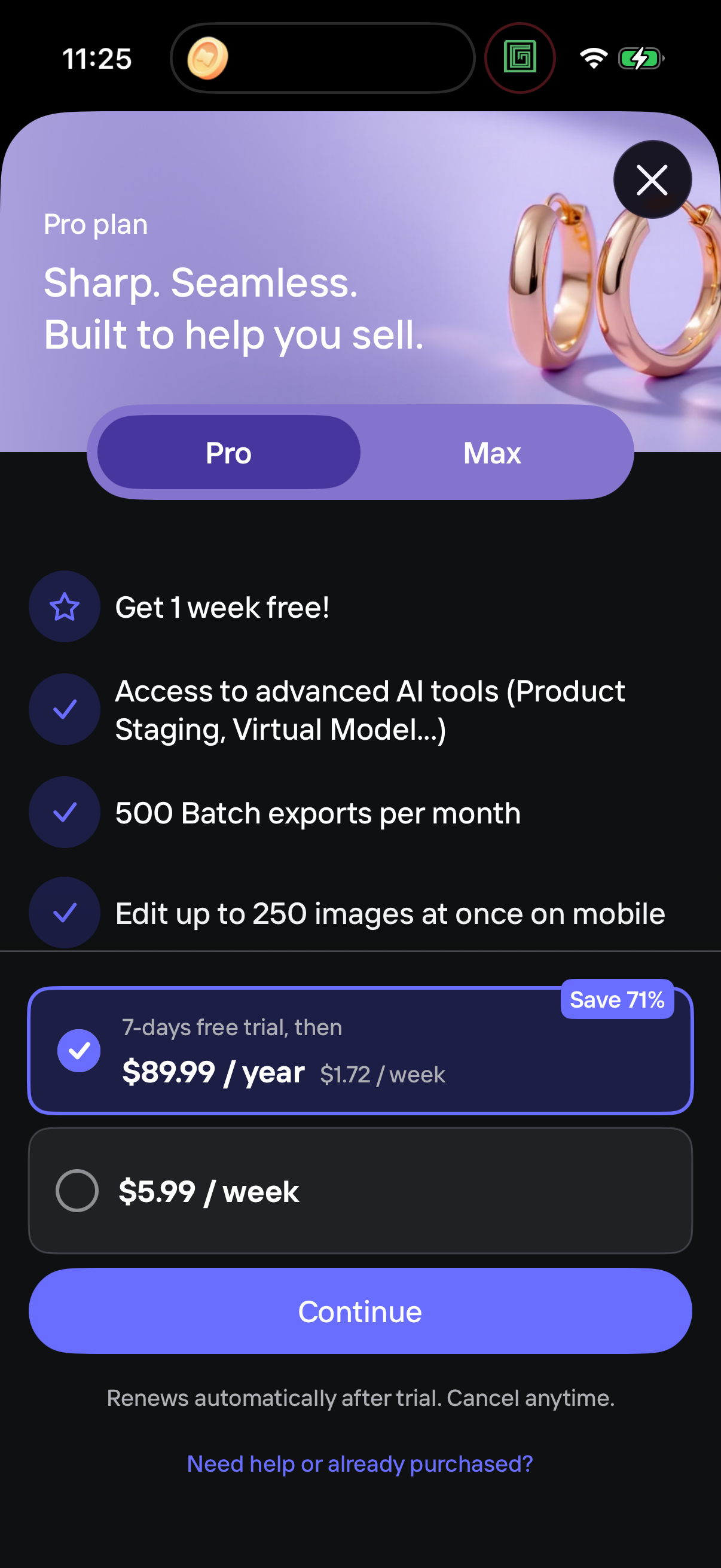
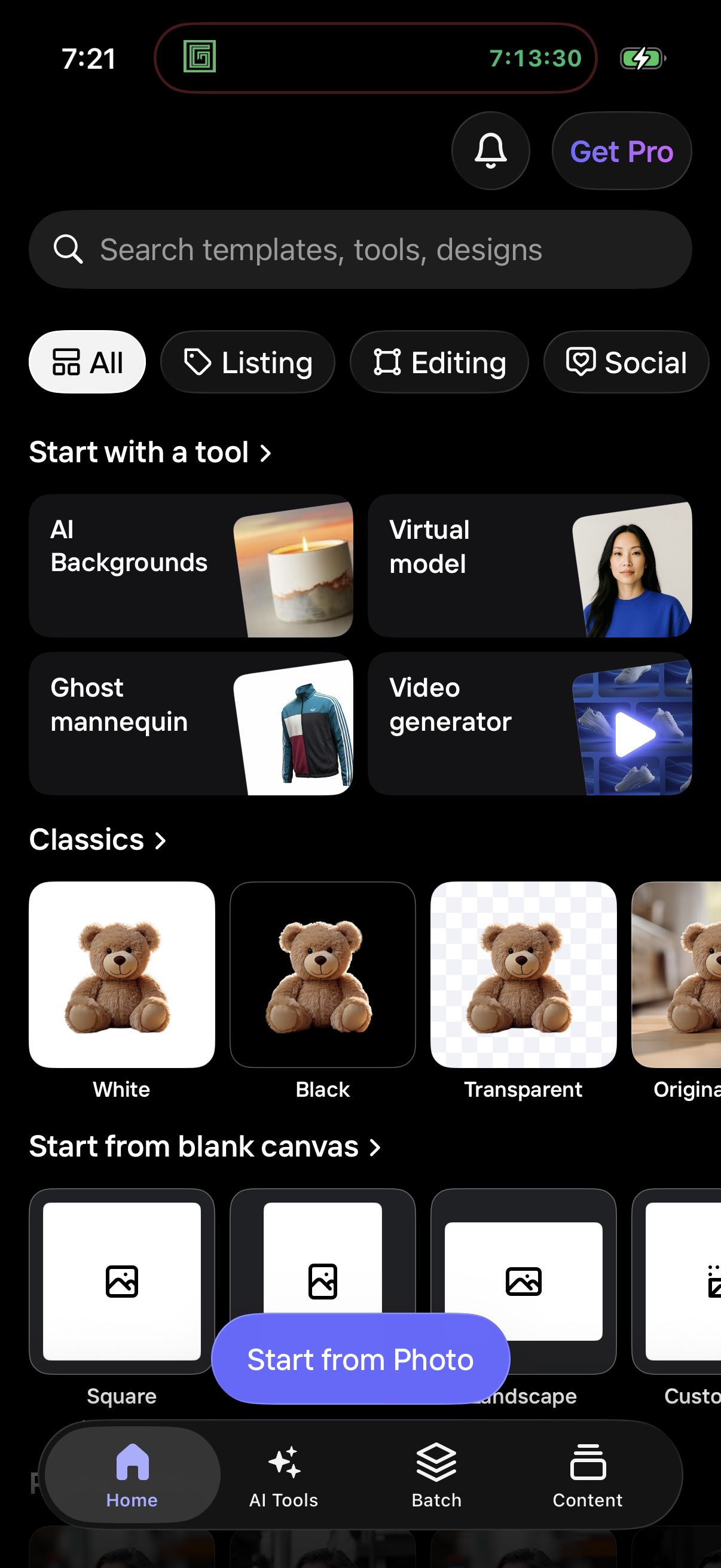
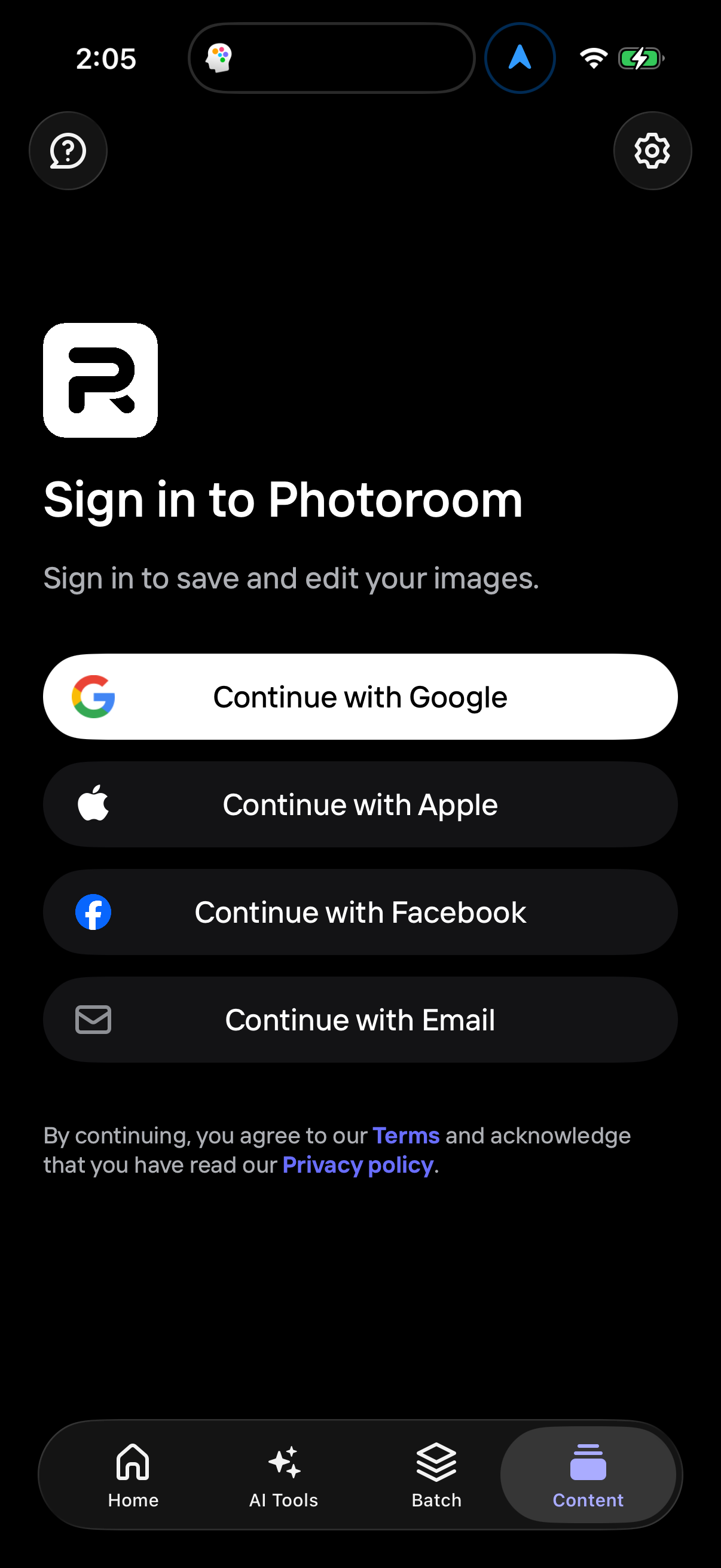
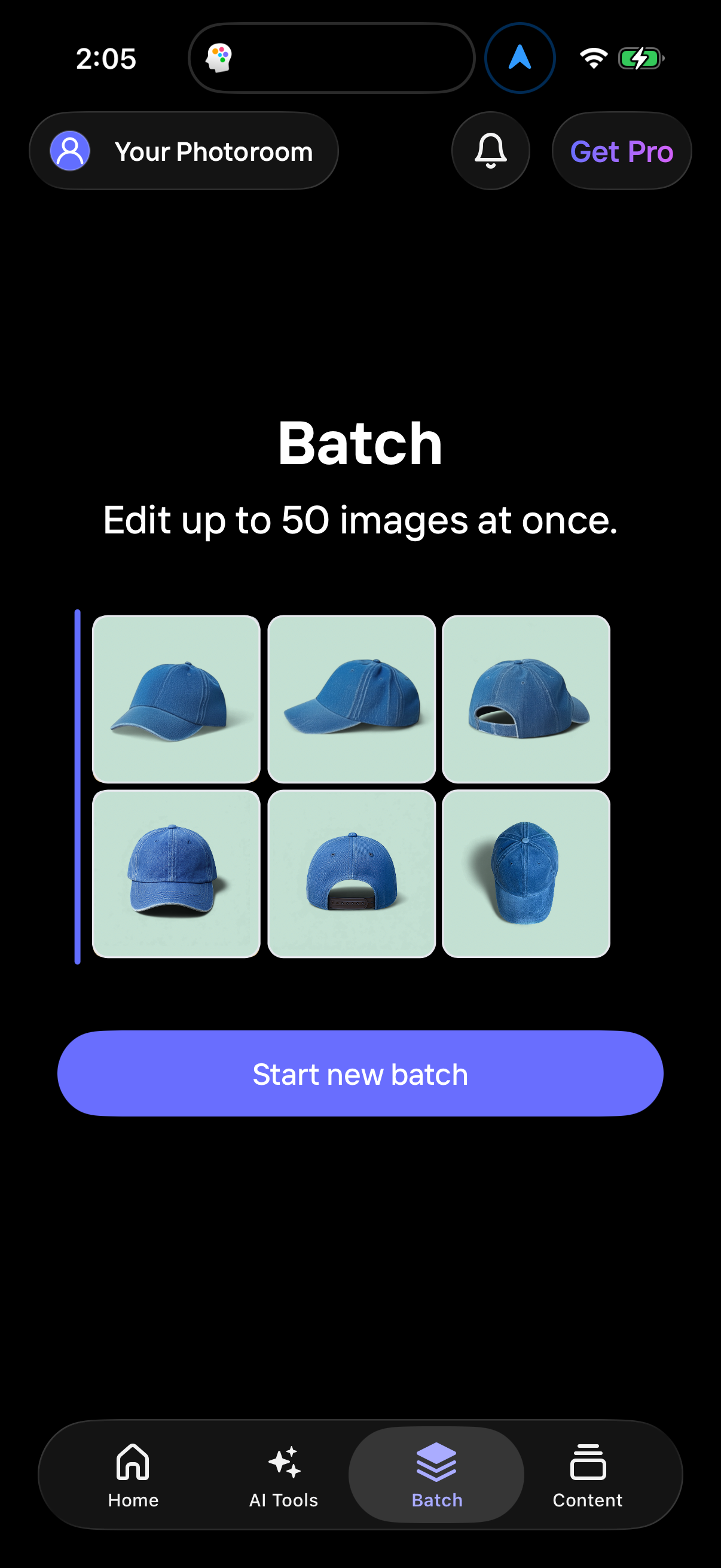
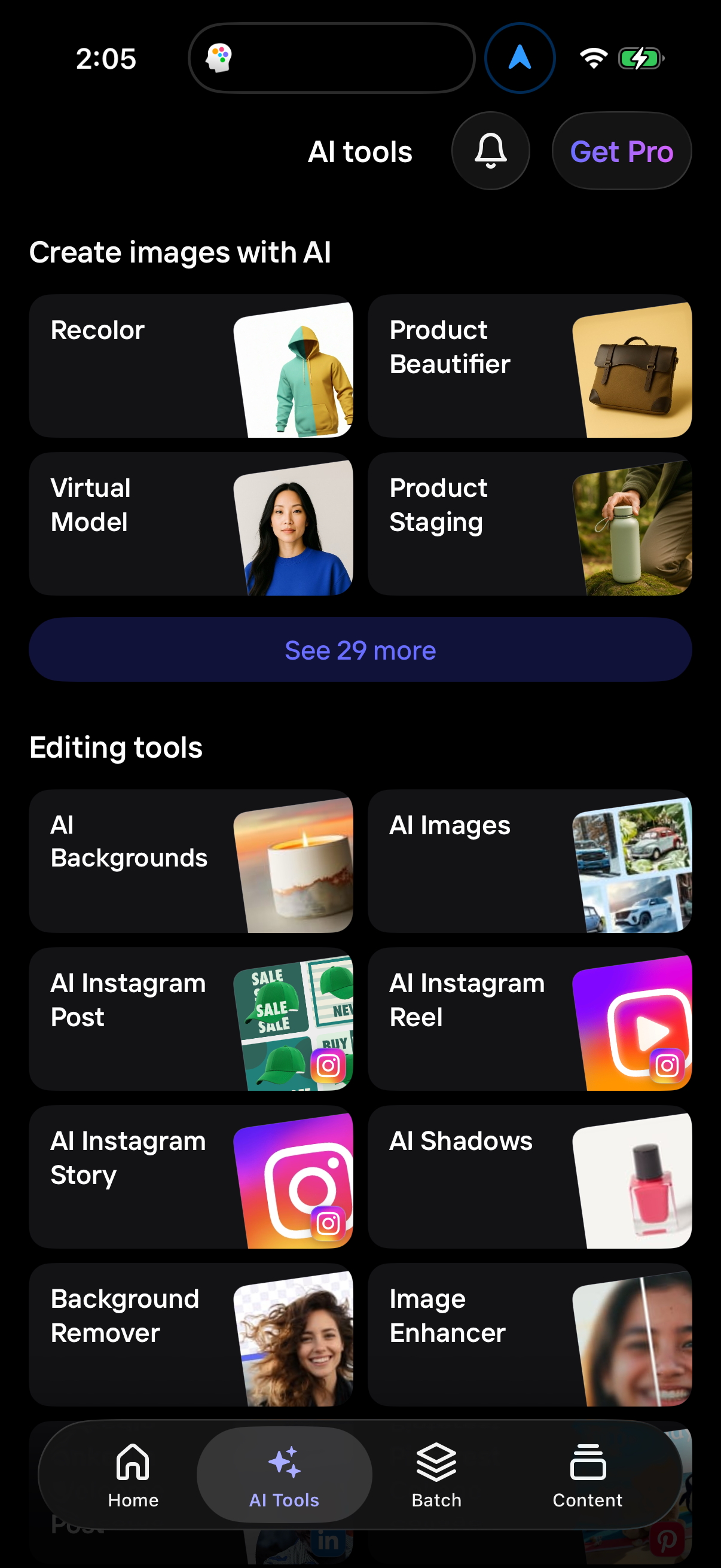
Photoroom in Photo & Video — see 80 app screens across Browse ai tools, Retouch with ai fill, Remove background and confirm, and Start batch edit flows. Compare onboarding, paywall, and pricing patterns against real competitors inside Lazyweb.
Lazyweb is a blazing-fast design research library with 281k+ real app screens, user flow examples, UI patterns, and product design patterns for competitive analysis and benchmarking.
Screenshots
Company metadata
| Category | Photo & Video |
|---|---|
| Subcategory | AI photo editor |
| Business model | Subscription |
| Product archetype | Prosumer |
| Market leader | Unknown |
| Website | https://www.photoroom.com |
| App Store | https://apps.apple.com/us/app/photoroom-ai-photo-editor/id1455009060 |
| https://www.instagram.com/photoroom | |
| https://www.linkedin.com/company/photoroom | |
| TikTok | https://www.tiktok.com/@photoroom |
| Crunchbase | https://www.crunchbase.com/organization/photoroom |
App Store description
Photoroom is the ultimate AI-powered photo editing app, trusted by over 300 million users. Create studio-quality product photos in seconds with Photoroom’s advanced AI photo editing technology—no design skills required. WHY CHOOSE PHOTOROOM? - AI-powered visuals. Describe your idea, and AI generates custom scenes, logos and more in seconds. - One-tap background removal. Remove or replace backgrounds for polished, professional images. - Virtual models. Showcase clothing on AI-generated models without the need for a photoshoot. - Stage products. Place products in realistic, on-brand scenes. - Beautify products. Enhance your shots with AI-powered lighting and detail improvements. - Batch editing. Edit multiple photos at once—perfect for e-commerce. - Optimised images for social & marketplaces. Resize for Instagram, YouTube, Amazon, Shopify, Etsy, Depop, Vinted, and more. - Video generation. Turn any image into an animation. - Advanced retouching. Remove objects, clean up images, and refine photos with ease. - AI Instagram Stories. Create eye-catching, ready-to-post Stories. - Professional templates. Customise designer-made templates for promotions and special events. - Brand Kit. Keep your designs consistent with saved elements. - Team collaboration. Invite team members to edit and share designs. WHO IS PHOTOROOM FOR? - E-commerce sellers creating standout product listings. - Content creators building a recognisable brand. - Social media managers producing engaging posts. - Anyone who wants high-quality visuals. KEY FEATURES - AI background removal & generation. - AI-powered product visuals. - AI Instagram Stories. - Virtual models. - Batch editing. - Photo retouching tools. - E-commerce & social media resizing. - Video generation. - Editable templates. - Team collaboration. UPGRADE YOUR ACCOUNT Unlock advanced tools, premium templates, and extended export limits. Payment will be charged to your Apple ID account at confirmation of purchase. Subscriptions automatically renew unless cancelled at least 24 hours before the end of the current period. Your account will be charged for renewal within 24 hours prior to the end of the current period. You can manage or cancel your subscription anytime in your App Store account settings. Join 300M+ users and create pro-quality visuals effortlessly with Photoroom! Terms of Use: https://photoroom.app/legal/terms-and-conditions/