
Gio app screens & user flows
Explore up to date onboarding, reviews, profile, search, and settings flows from Gio and more on Lazyweb.
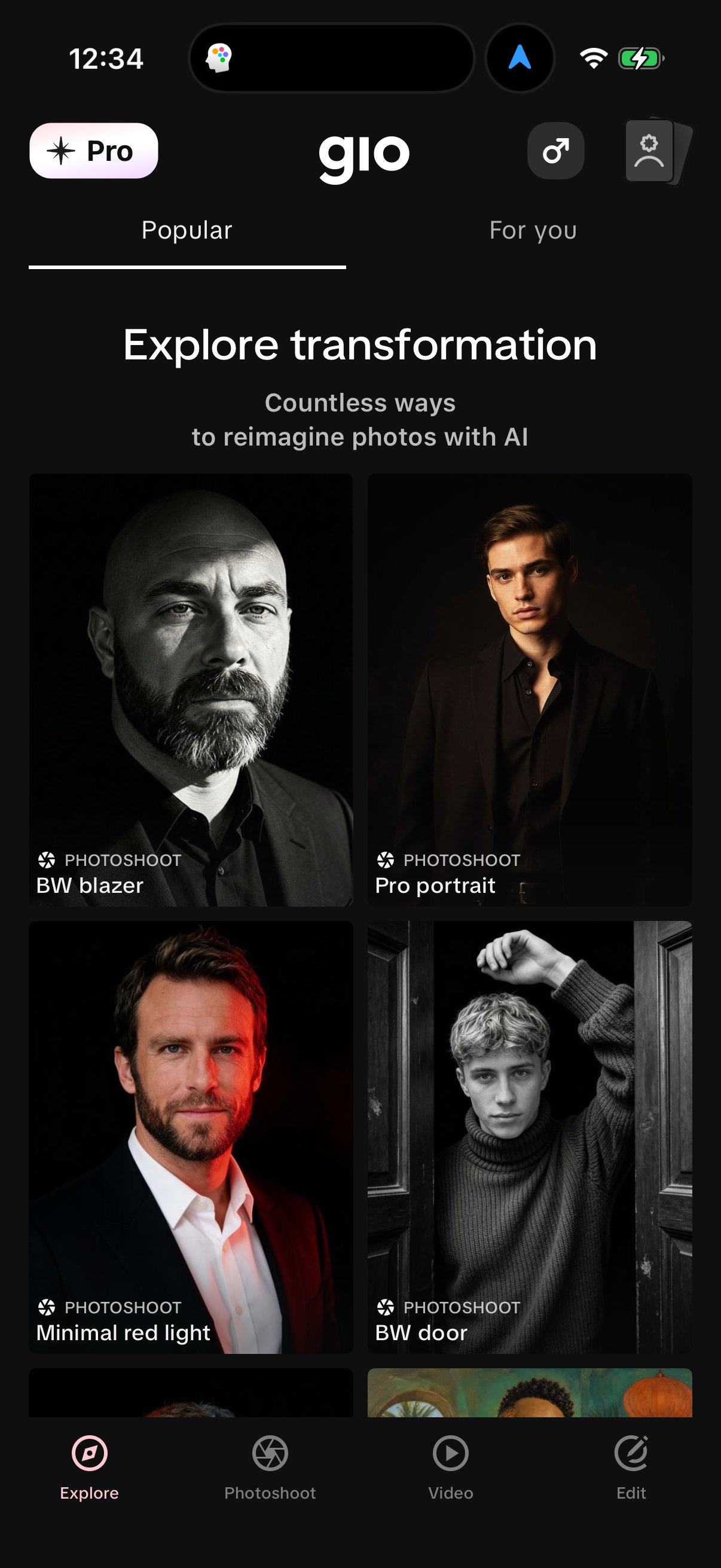
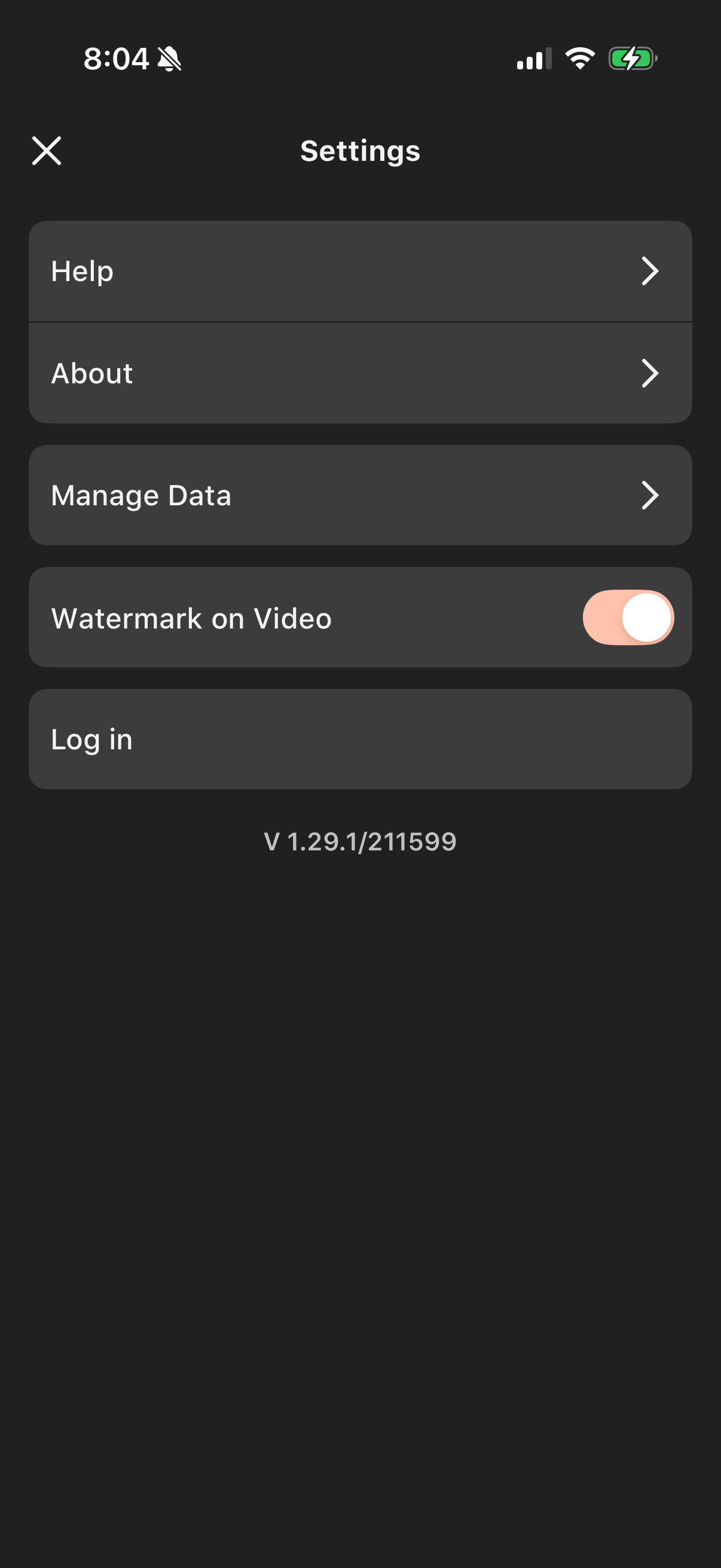
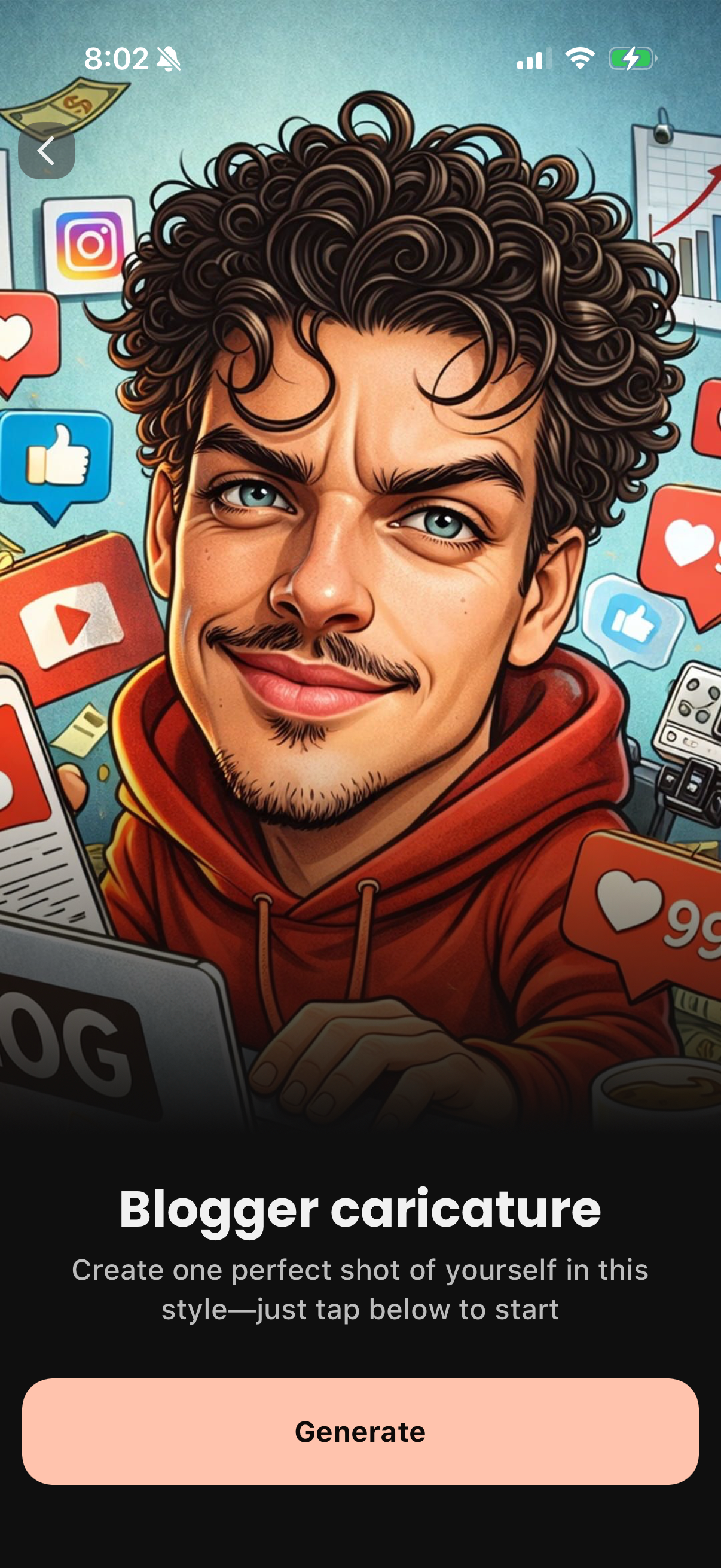
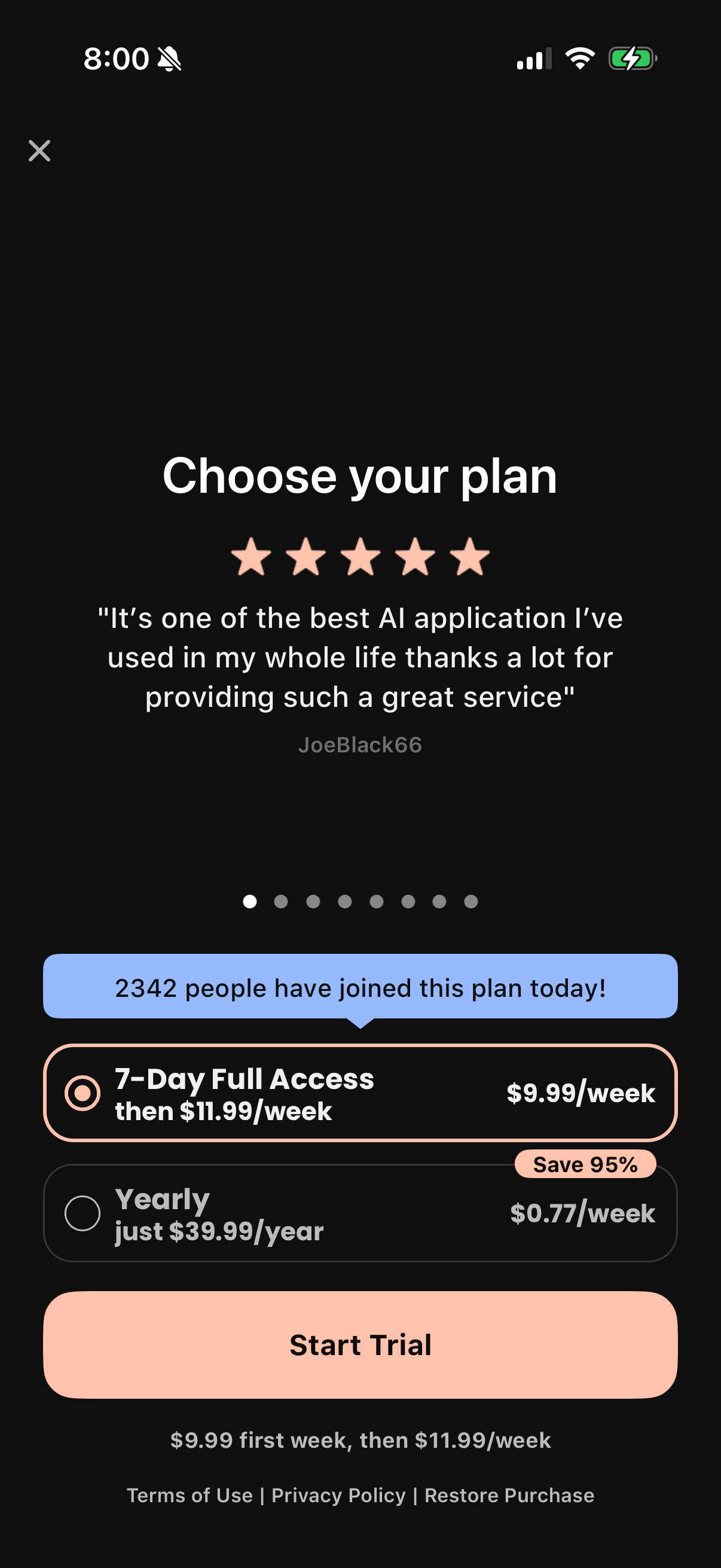
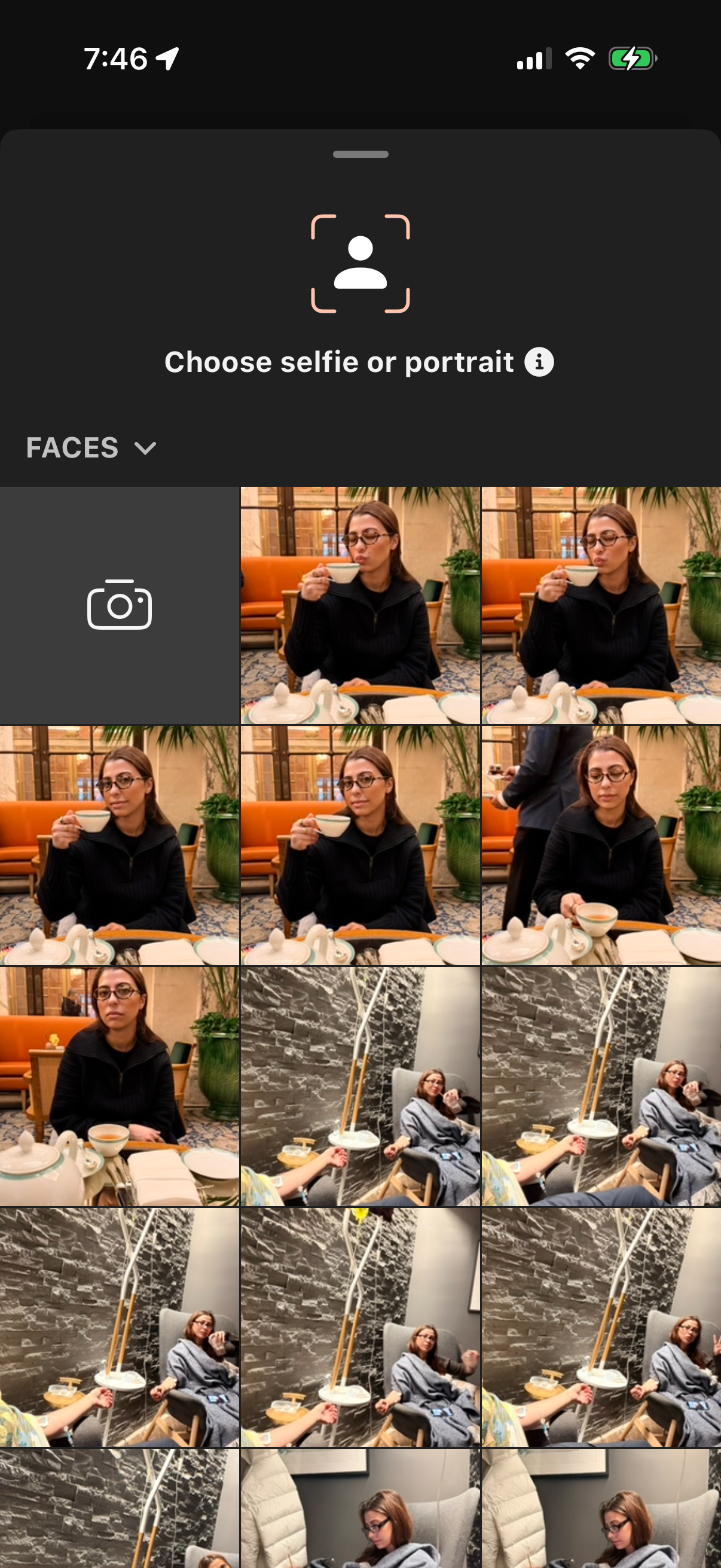
Gio in Photo & Video — see 29 app screens across Photoshoot, Select Yearly, Change Outfit, and Select Media flows. Compare onboarding, paywall, and pricing patterns against real competitors inside Lazyweb.
Lazyweb is a blazing-fast design research library with 281k+ real app screens, user flow examples, UI patterns, and product design patterns for competitive analysis and benchmarking.
Screenshots
Company metadata
| Category | Photo & Video |
|---|---|
| Subcategory | AI photo & video editing |
| Product archetype | Consumer |
| Market leader | Unknown |
| Website | https://gioapp.ai |
| App Store | https://apps.apple.com/us/app/gio-ai-photoshoot-generator/id6449296449 |
App Store description
Go for GIO, your pocket-sized AI photo studio! Create professional-looking headshots, try new outfits, swap backgrounds, and more - in seconds. Your polished headshot is just a tap away - no need to schedule a studio session! Whether you’re a workspace professional looking to refresh your LinkedIn profile, a connection seeker wanting to stand out on social apps, or anyone in between exploring new looks, GIO helps you present your best digital self with AI-powered enhancements. What we offer: ► Photorealistic portraits: Upload one photo and get a refreshed version in a new style, generated by our AI. ► Outfit generator: Instantly update your look with a variety of style options—perfect for any occasion. ► Background changer: Move your photo to any scene to match your professional or creative vibe. ► Beauty toolkit: Smooth skin, refine eyebrows and lips, whiten teeth, and reduce under-eye bags for a refreshed look. ► Hairstyle tool: Explore sleek, office-ready styles or bold, statement-making looks in just a tap. ► Catalog of styles: Browse curated looks on our Discover page, with new styles added regularly. ► Intuitive editing UI: Apply any style easily with our friendly interface for polished results every time. GIO is more than a photo editor - it’s your AI-powered studio for professional-looking headshots, profile pictures, and outfit updates. Try GIO Premium to unlock all features and take your photos further. If you’d like to learn more, here are a couple of links: Our Terms of Use are here: https://gioapp.ai/term-of-use/ Our Privacy Policy’s here: https://gioapp.ai/privacy-policy/ Got a feature idea that could make GIO even better? We'd love to hear from you! Send your suggestions to support@gioapp.ai and help shape the future of your favorite editing app.