
Cava app screens & user flows
Explore up to date checkout, profile, cart, dashboard, and signup flows from Cava and more on Lazyweb.
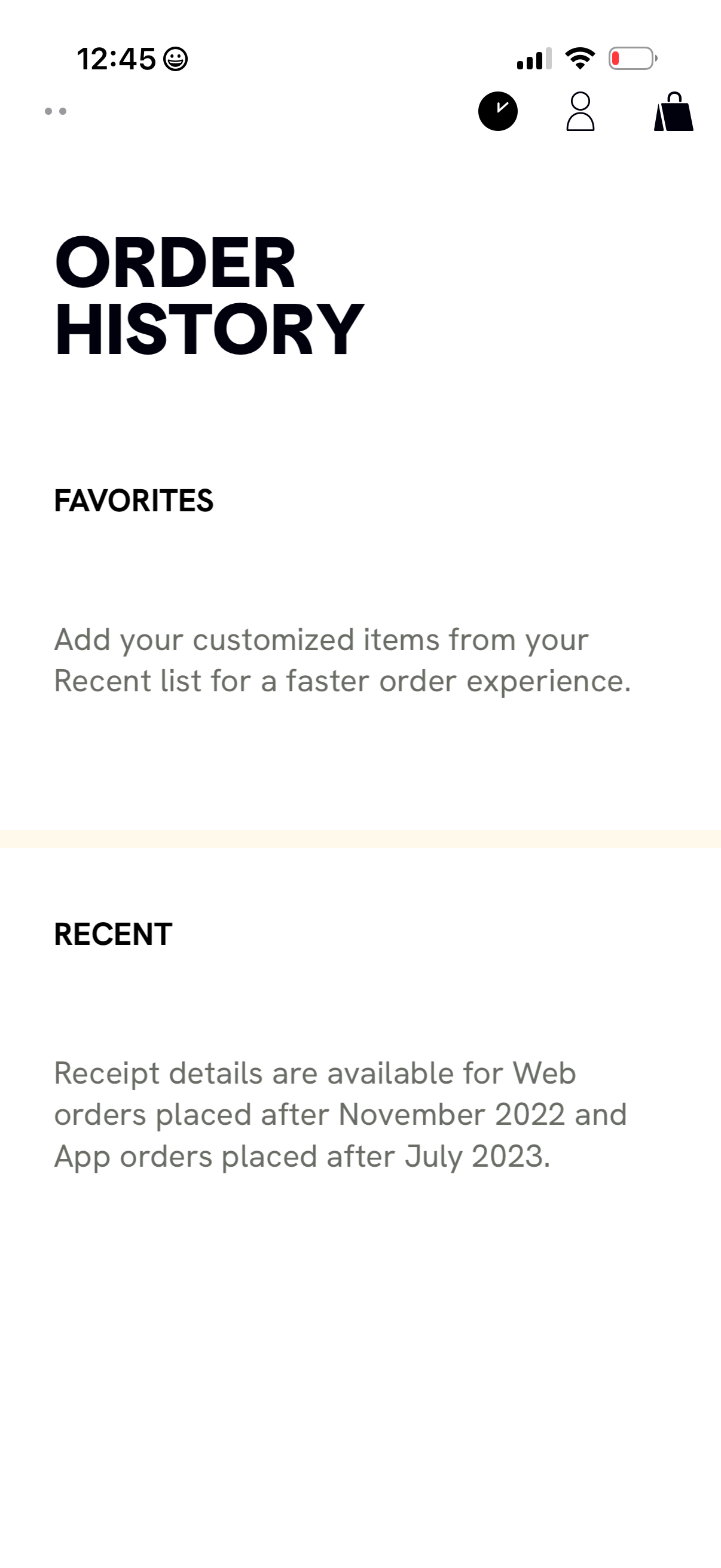
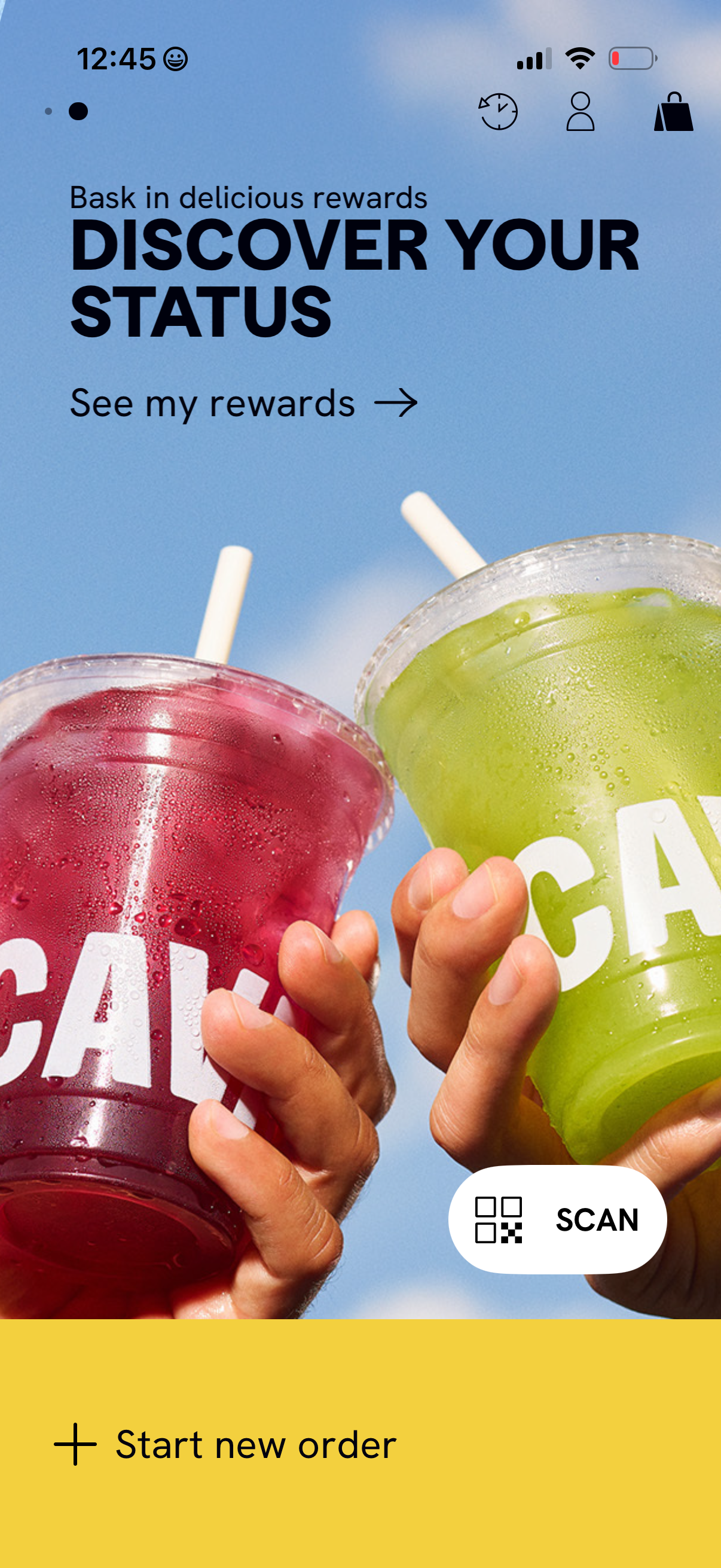
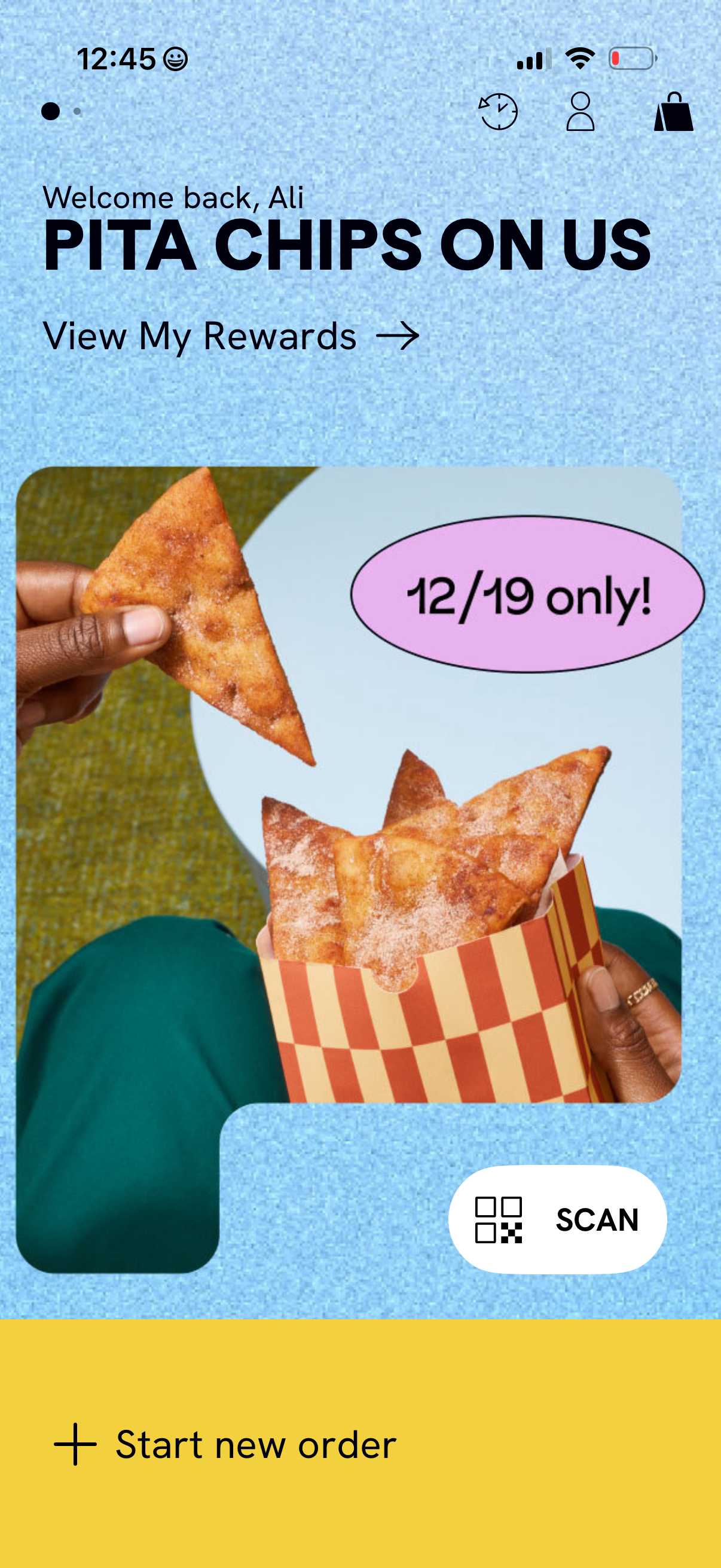
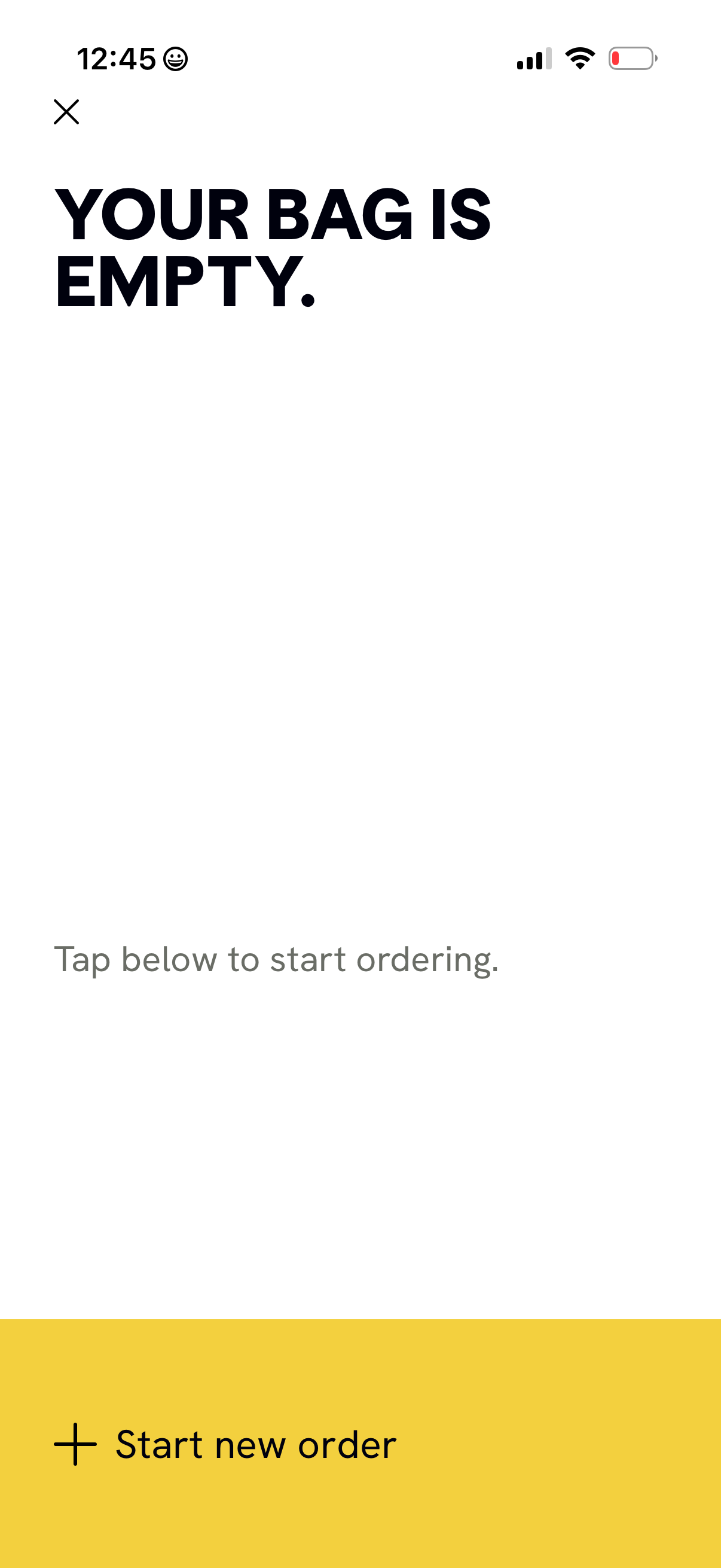
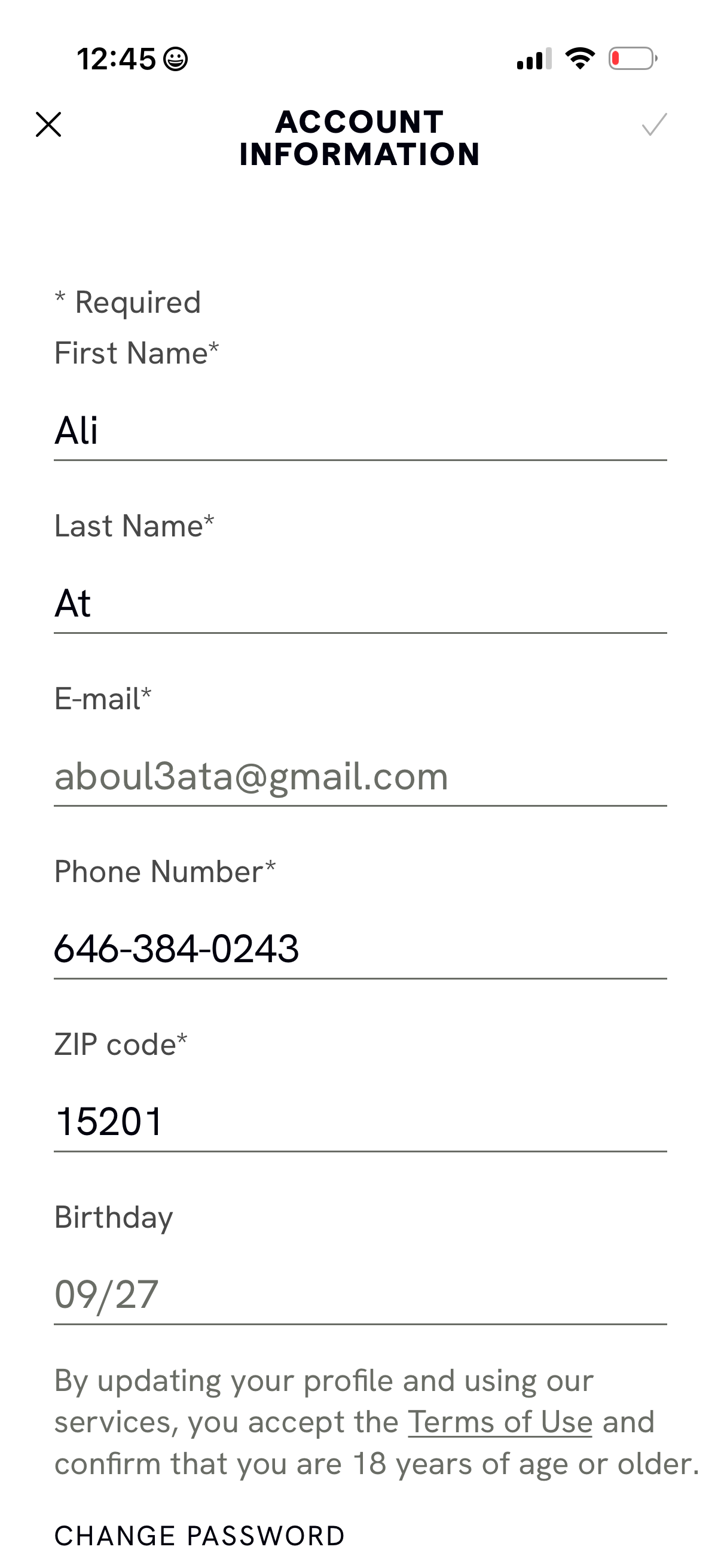
Cava in Food & Drink — see 41 app screens across Create account, Edit account info, View rewards tour, and Resume order flows. Compare onboarding, paywall, and pricing patterns against real competitors inside Lazyweb.
Lazyweb is a blazing-fast design research library with 281k+ real app screens, user flow examples, UI patterns, and product design patterns for competitive analysis and benchmarking.
Screenshots
Company metadata
| Category | Food & Drink |
|---|---|
| Subcategory | Restaurant ordering |
| Business model | Commerce Margin |
| Product archetype | Consumer |
| Market leader | Unknown |
| Website | https://cava.com |
| App Store | https://apps.apple.com/us/app/cava-order-online/id726270499 |
| https://www.instagram.com/cava | |
| https://www.linkedin.com/company/cava- | |
| TikTok | https://www.tiktok.com/@cava |
App Store description
Your cravings can’t wait – and now they don’t have to. Turn line time into mealtime with our easy-to-use app; it’s the simplest way to order ahead and get your CAVA fix when you’re on the go. You come to CAVA for vibrant, better-for-you options – for convenience and customization. Now you can get all your pita, grain bowl, and salad favorites (from Hummus to Harissa and Spicy Lamb Meatballs) how you want them, when you want them. Make your meal completely yours and order it from wherever you are. Then, just head to your preferred CAVA location for easy pickup. Features: Order Ahead and Avoid the Line – Order in advance for Pick-Up or Delivery to get your food when you want it without waiting in line. Customize Your Meal with Unlimited Possibilities – Build your meal at your own pace and customize it to your diet and tastes. Reorder Your Favorites with Ease – Tap the heart next to items in your recent orders to favorite them to make reordering your custom bowls even easier on the app. Filter by Dietary Preferences – Easily set dietary preferences and we’ll flag the items you’re trying to avoid. Sign up and Earn CAVA Rewards – Sign up and earn rewards on all orders placed through the app or when you scan your QR code in store.