Flow Library

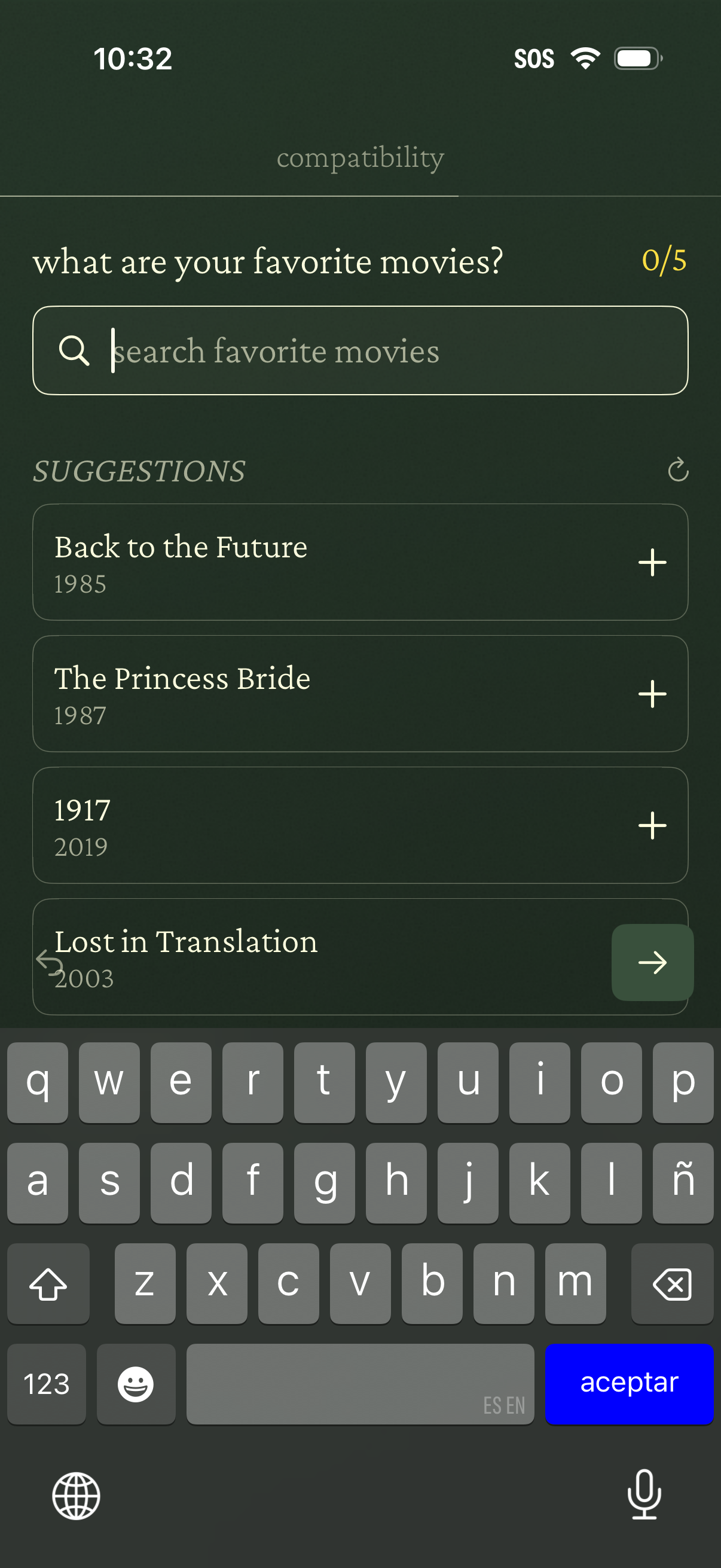
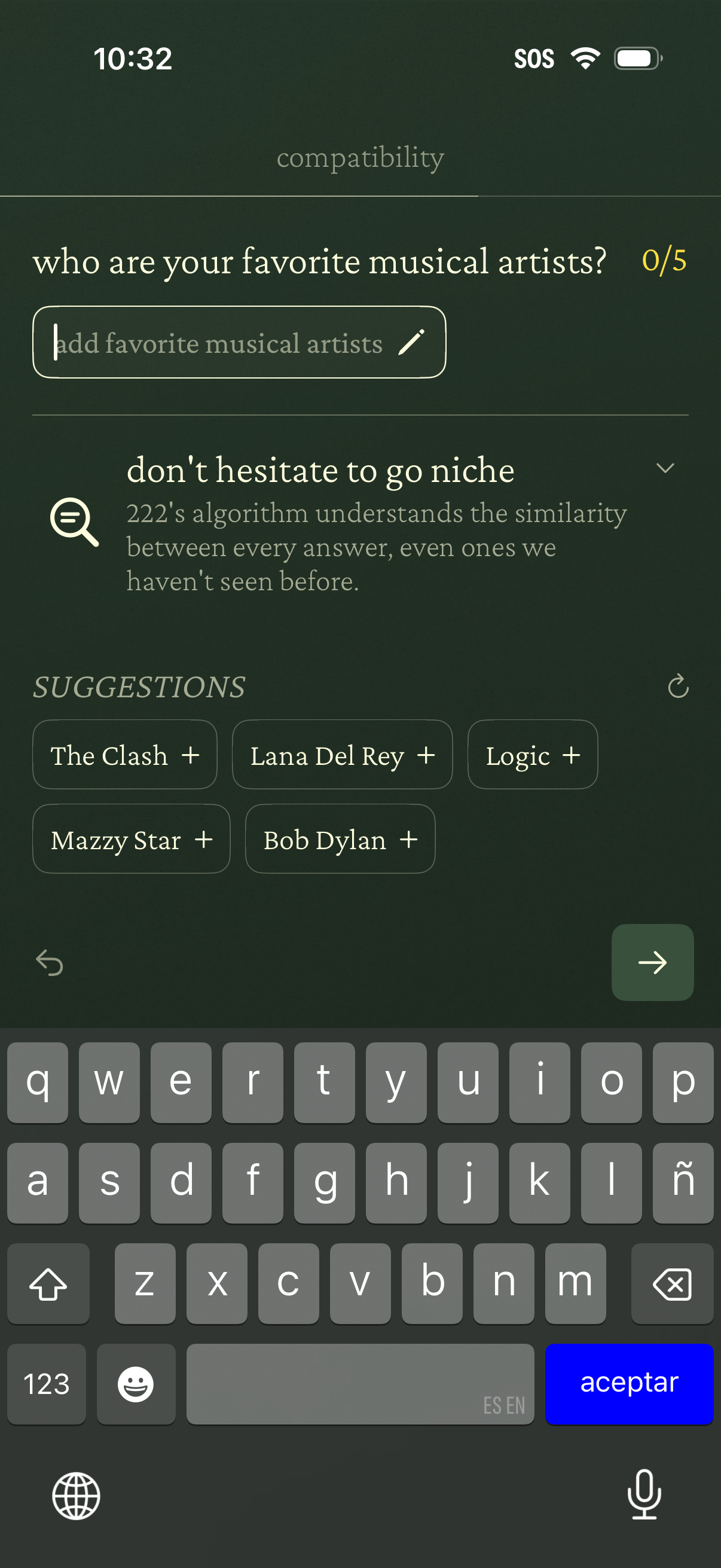
222 Add favorites
Explore the step-by-step add favorites flow from 222.
This flow shows 3 screens from the add favorites experience in 222. Sign up to explore the full flow and compare it with add favorites flows from other apps.

More flows from 222
See all 222 screens, metadata, and flows on the 222 company page.
Search, compare, and monitor product flows inside Lazyweb.
Sign up (free)