
Wetransfer app screens & user flows
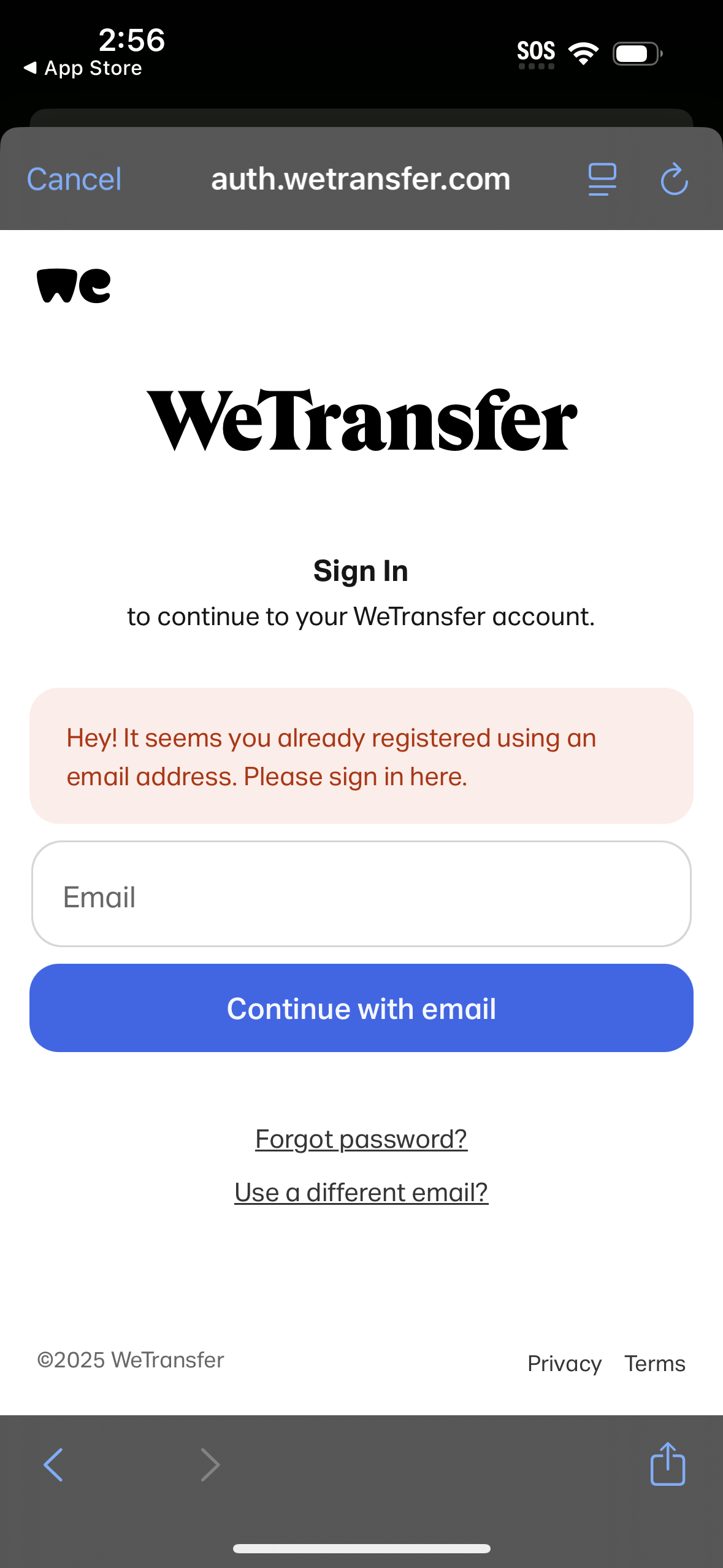
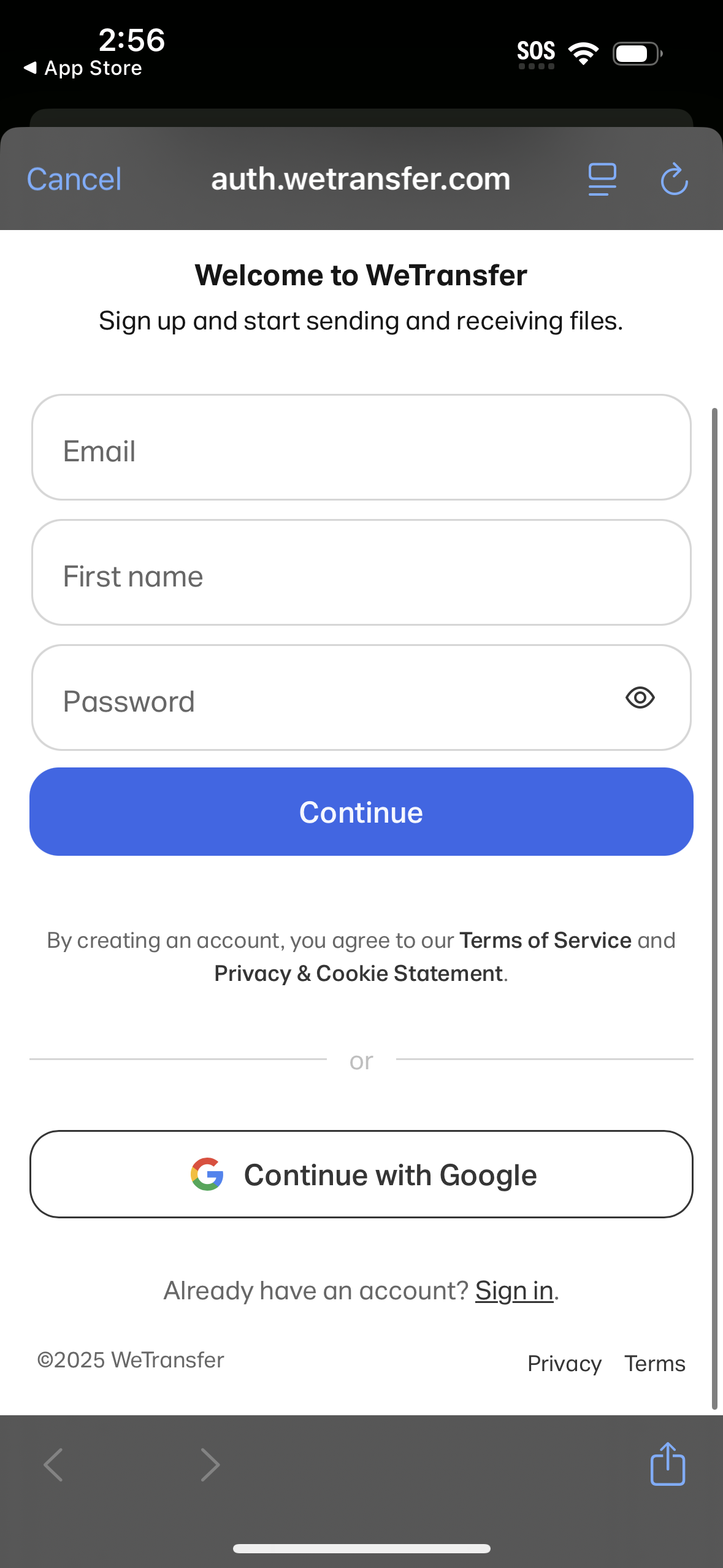
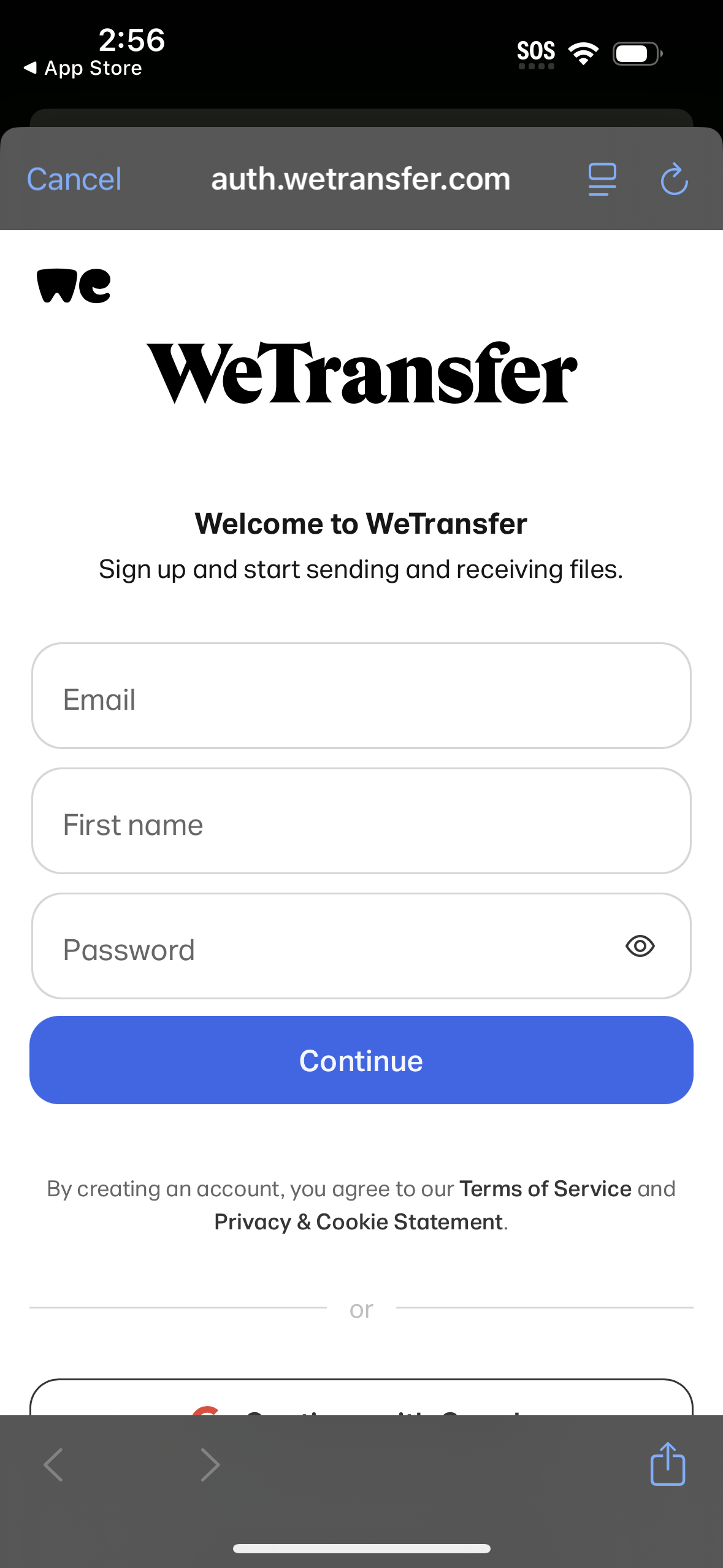
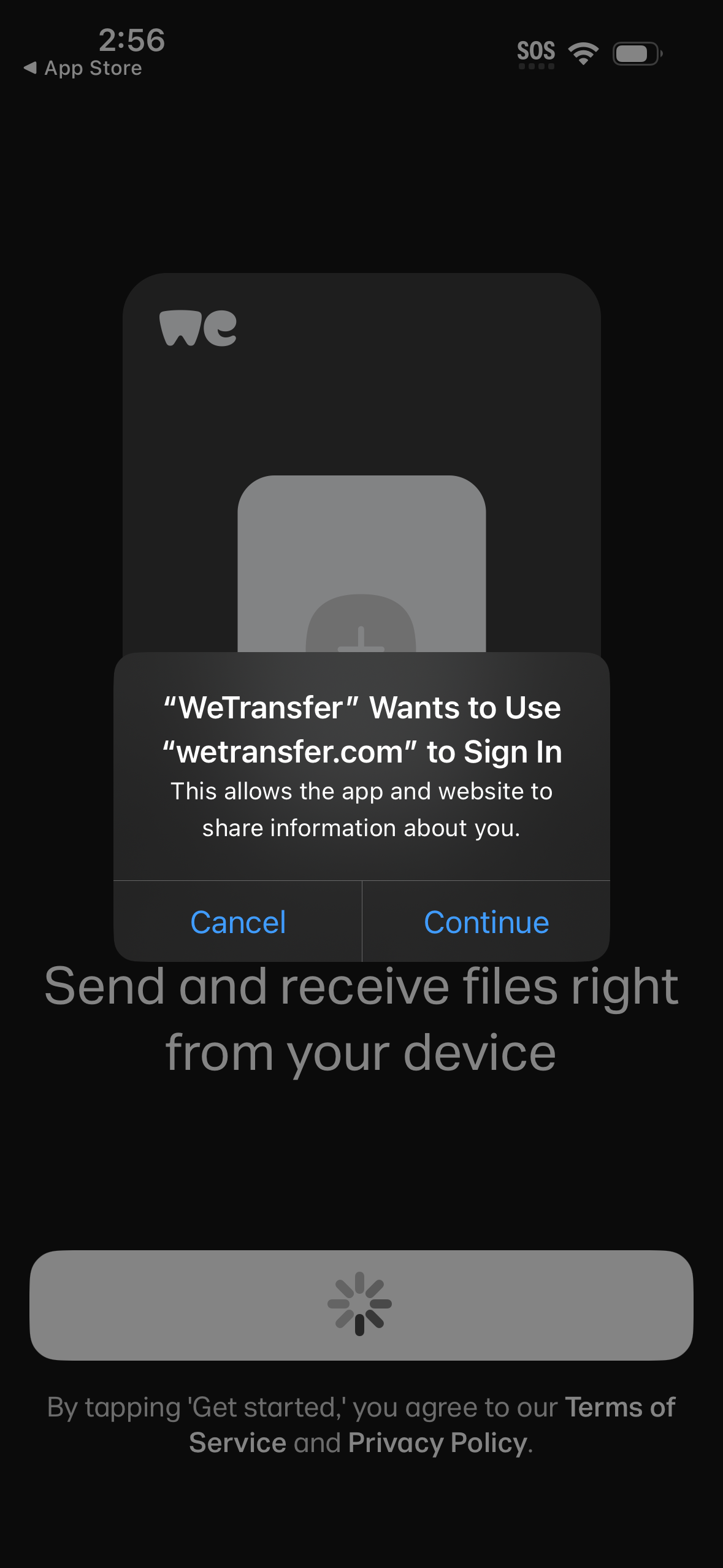
Explore up to date signup, login, profile, onboarding, and paywall flows from Wetransfer and more on Lazyweb.
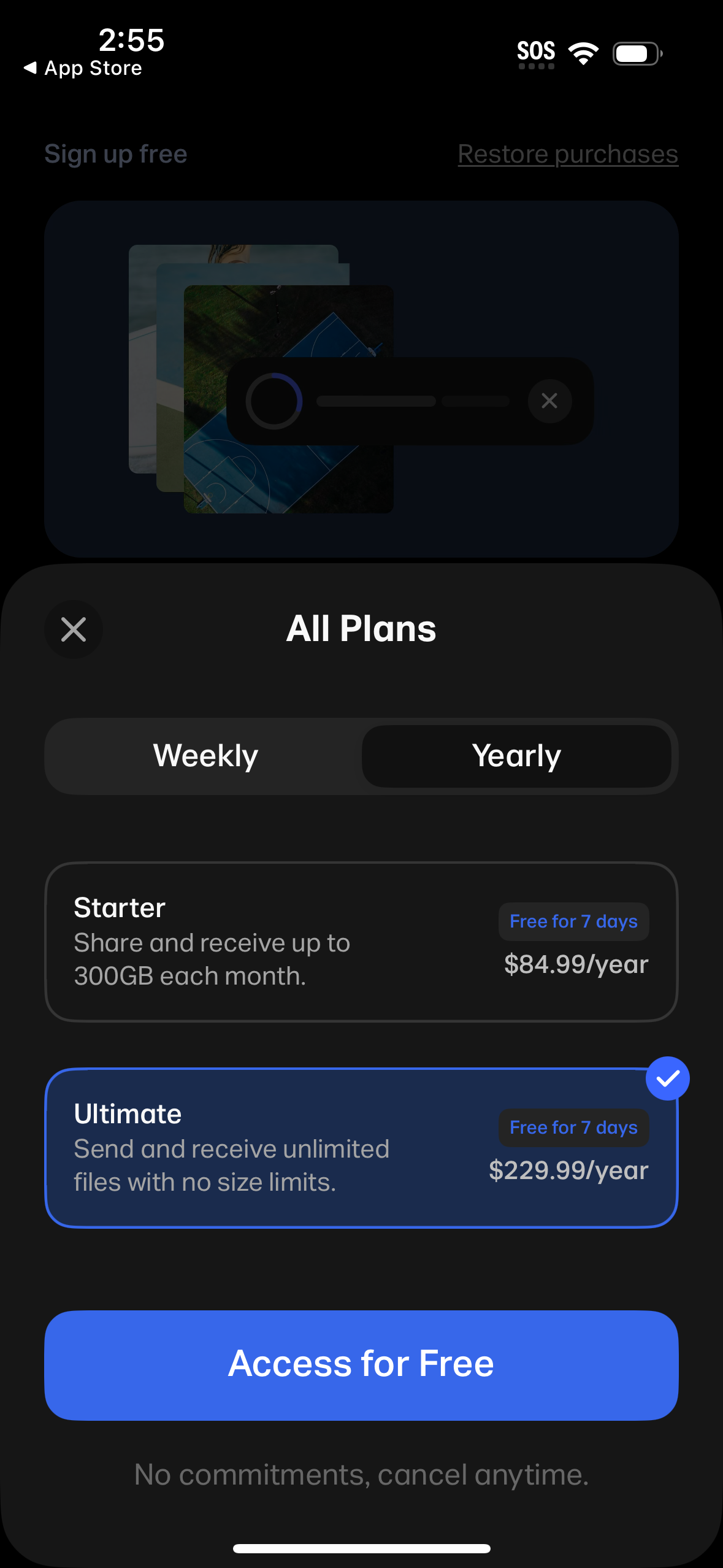
Wetransfer in Productivity — see 8 app screens across signup, login, profile, onboarding, and paywall flows. Compare onboarding, paywall, and pricing patterns against real competitors inside Lazyweb.
Lazyweb is a blazing-fast design research library with 281k+ real app screens, user flow examples, UI patterns, and product design patterns for competitive analysis and benchmarking.
Screenshots
Company metadata
| Category | Productivity |
|---|---|
| Subcategory | File Transfer & Sharing |
| Tagline | Send big files, hassle-free. |
| Business model | Subscription, Advertising |
| Product archetype | Social, Consumer |
| Growth engine | Network effects (social graph), UGC / creator-led, Product-led self-serve (PLG), Paid performance marketing, Word of mouth |
| Active users | 80,000,000 |
| Money raised | $63,800,000 |
| Public company | No |
| Market leader | Unknown |
| Website | https://wetransfer.com |
| App Store | https://apps.apple.com/us/app/wetransfer-transfer-files/id1569379048 |
| X / Twitter | https://x.com/WeTransfer |
| https://www.instagram.com/wetransfer/ | |
| https://www.linkedin.com/company/wetransfer | |
| TikTok | https://www.tiktok.com/@wetransfer |
| Crunchbase | https://www.crunchbase.com/organization/wetransfer |
App Store description
WeTransfer is the simplest way to send (and receive) big files. Whether you’re at your desk or on the go, transfer up to 200 GB in one go. That’s about 2000 videos of your cat. Share photos and videos in their original format, including all the important EXIF metadata that originates from your camera. With WeTransfer, you can check the download status, forward, and delete transfers right from your phone. If you previously sent a transfer from your laptop, you can access the files and link in the app, so you can easily paste it into your favorite messaging app without needing to open your computer. Our Live Activity notifies you when a transfer finishes uploading, so you can multitask or play a quick game while sending huge files. Notifications let you know the minute you receive something so you can preview (or download) your files wherever you are. About us Having made our name in the game of quick and simple file-sharing, WeTransfer has grown into a collection of tools designed for and inspired by the creative process. Collect is the go-to app for saving and sharing inspiration in boards that organize your ideas. Portals makes it easy to request feedback on your in progress projects with Reviews that include asset markup and approval flows. WeTransfer is the original web platform, where creatives share their biggest files.