
Typo app screens & user flows
Explore up to date onboarding, referral, verification, notifications, and permissions flows from Typo and more on Lazyweb.
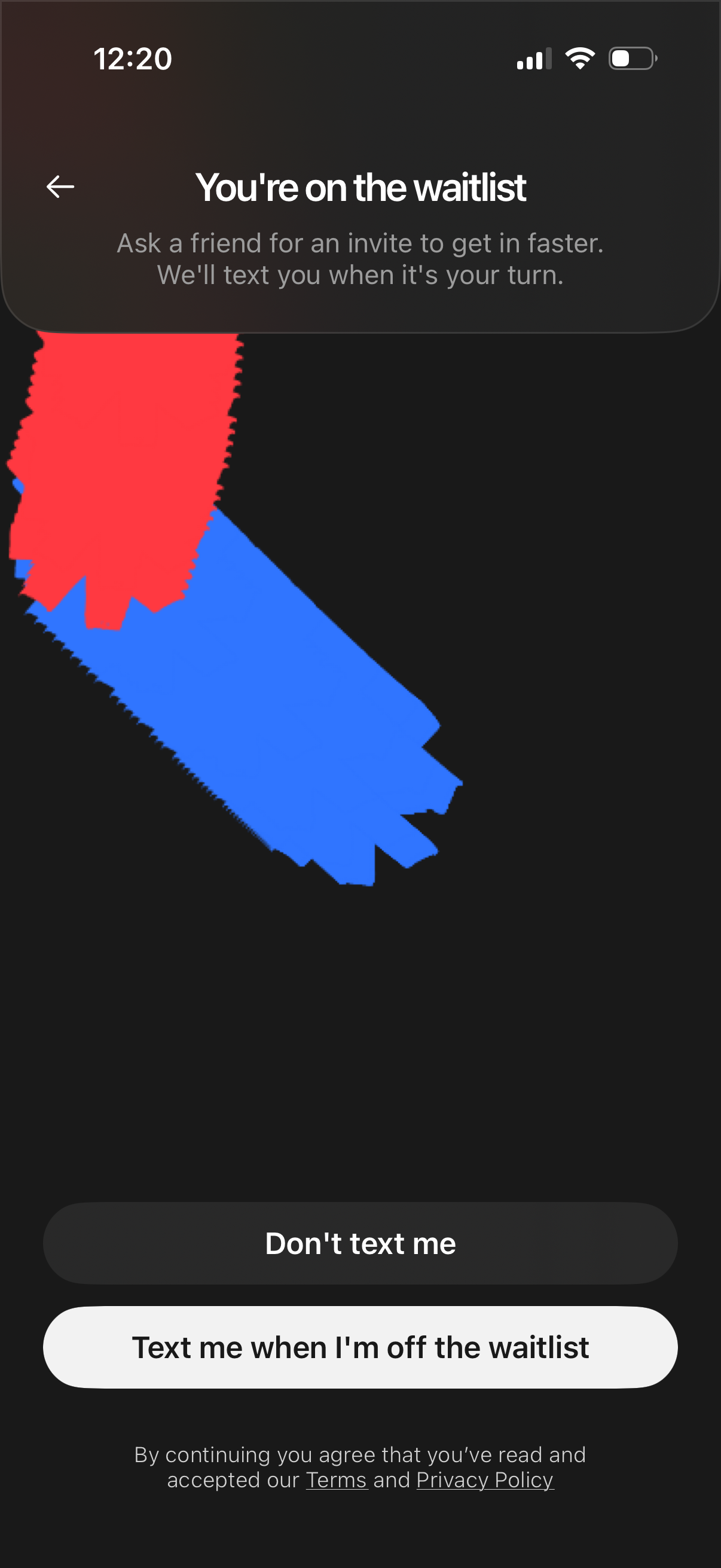
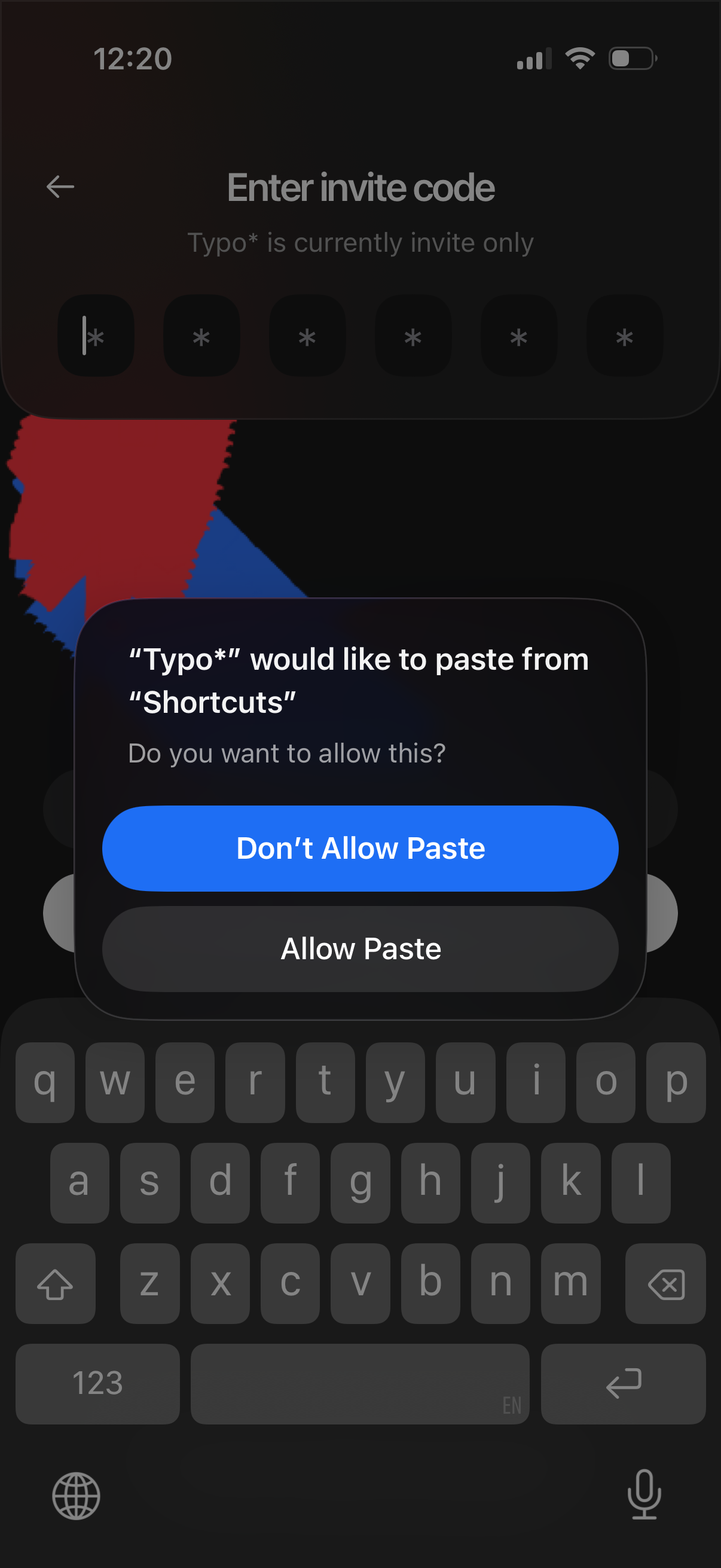
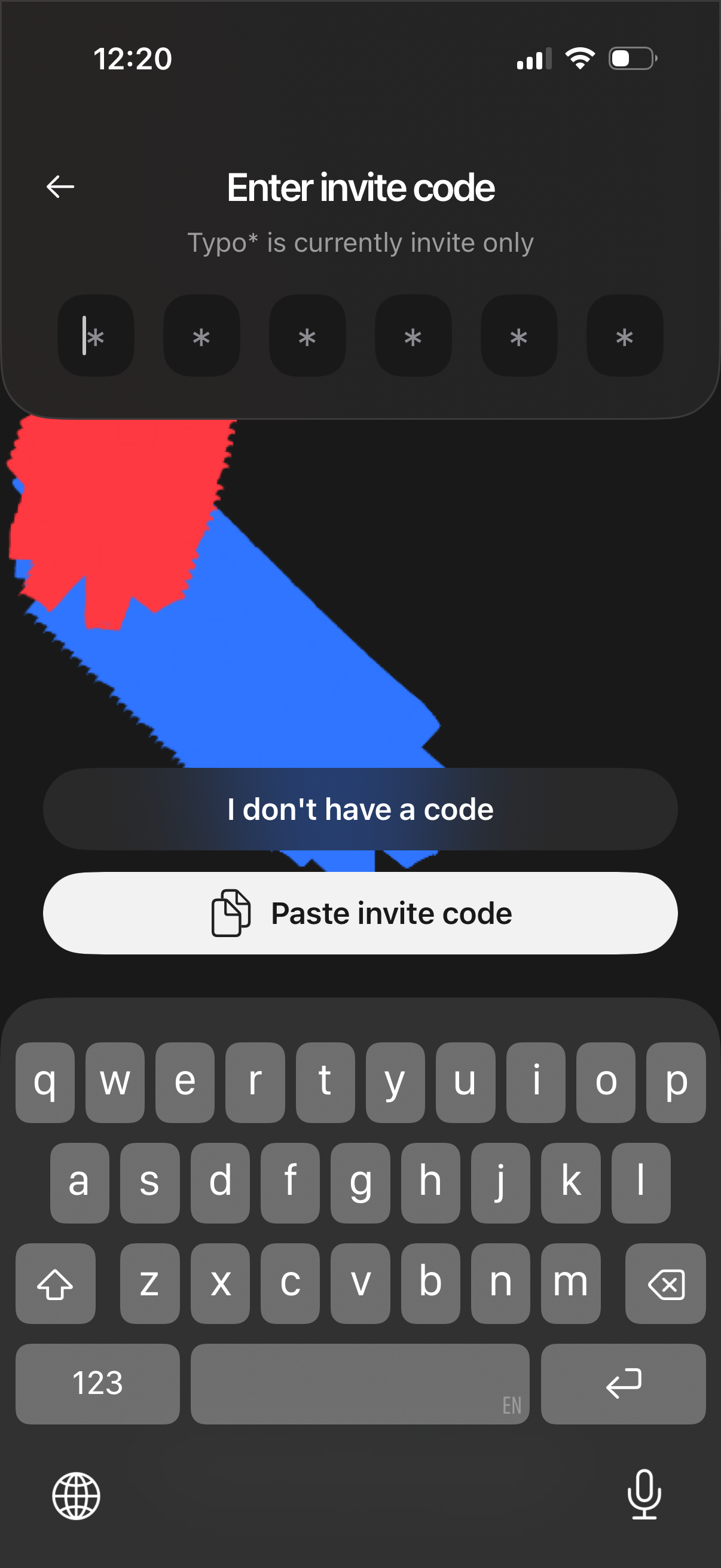
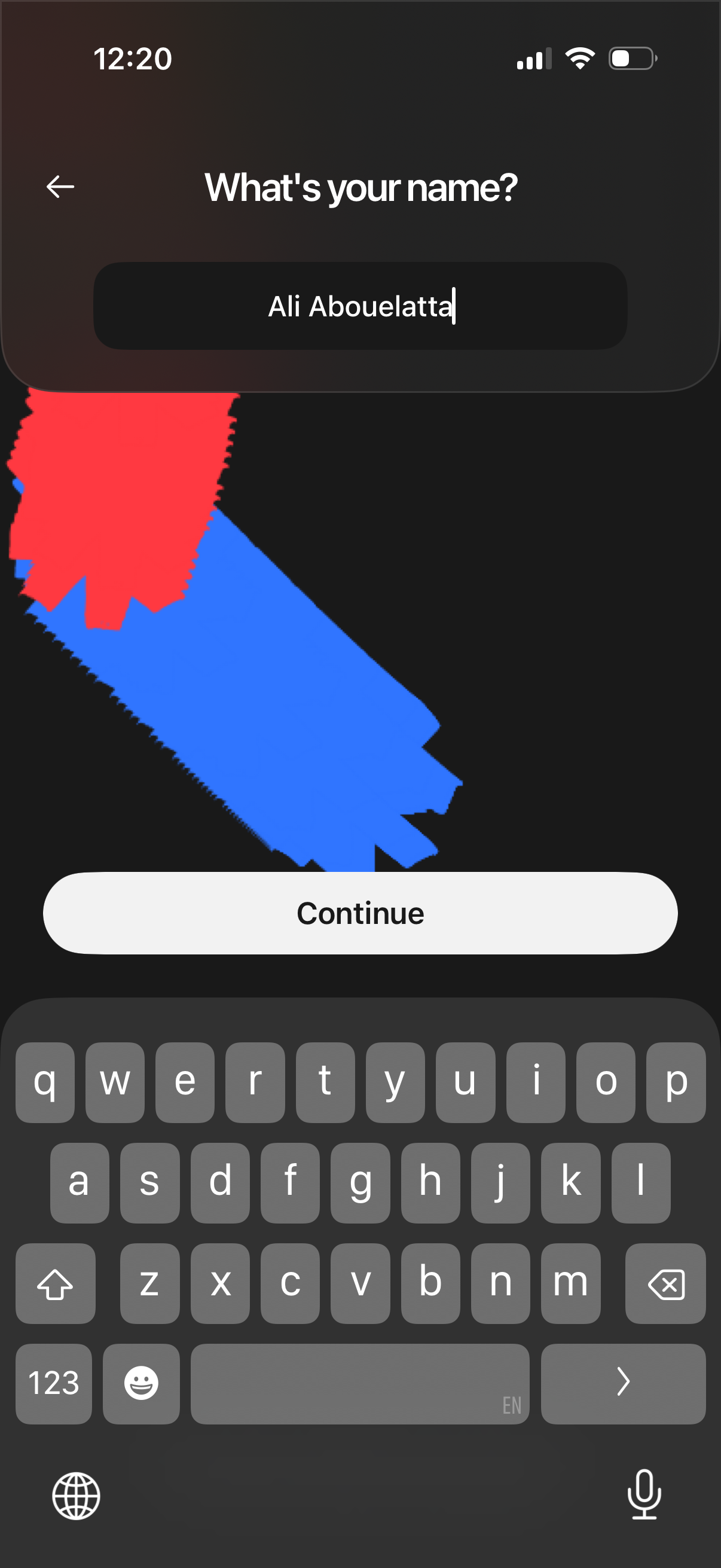
Typo in Productivity — see 12 app screens across Sign up with phone flows. Compare onboarding, paywall, and pricing patterns against real competitors inside Lazyweb.
Lazyweb is a blazing-fast design research library with 281k+ real app screens, user flow examples, UI patterns, and product design patterns for competitive analysis and benchmarking.
Screenshots

Company metadata
| Category | Productivity |
|---|---|
| Subcategory | File sharing & collaboration |
| Growth engine | Virality / invites |
| Market leader | Unknown |
| Website | https://www.typo.inc |
| App Store | https://apps.apple.com/us/app/typo/id6717573143 |
App Store description
Typo* is a single tool to store, share, and discuss what you create. The app is built around three simple ideas: 1) Your work must look its best 2) Feedback must be instant 3) Delivery must never break Your library is the home for all your creative work and references. - Upload any file, up to 100GB. On typo*, it will never lose its quality. - You can also bookmark links, take photos, or make a recording. Chats are for refining your work with the people you trust. - Drop a folder into a chat and invite anyone involved in the project. - You can leave timestamped comments and discuss notes instantly. When you need to share a folder outside the app, create a link. - Anyone with the link can view and download the files without installing typo*. Support: https://www.typo.inc/support Terms of use: https://www.typo.inc/terms-of-service