
Termius app screens & user flows
Explore up to date paywall, profile, wishlist, settings, and checkout flows from Termius and more on Lazyweb.
Termius in Developer Tools — see 105 app screens across paywall, profile, wishlist, settings, and checkout flows. Compare onboarding, paywall, and pricing patterns against real competitors inside Lazyweb.
Lazyweb is a blazing-fast design research library with 281k+ real app screens, user flow examples, UI patterns, and product design patterns for competitive analysis and benchmarking.
Screenshots
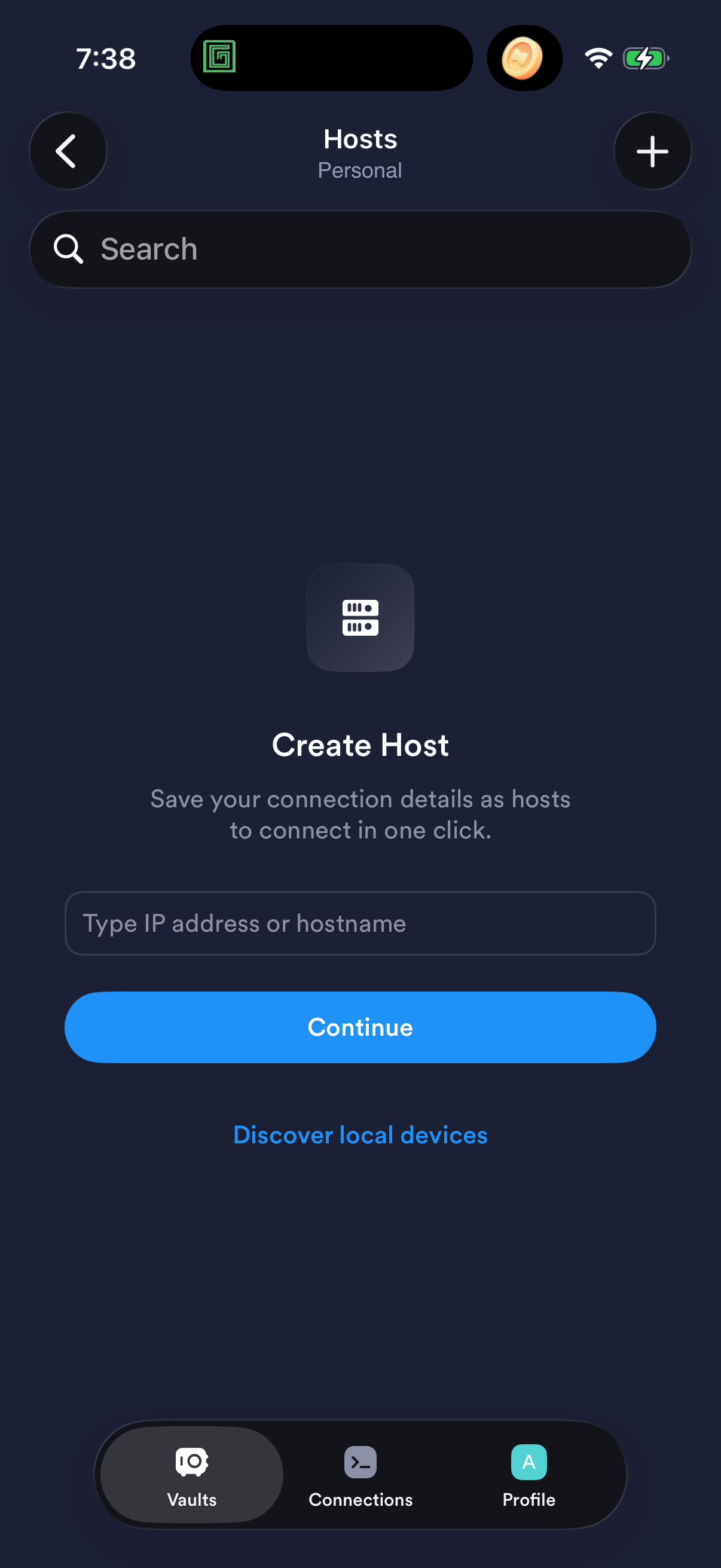
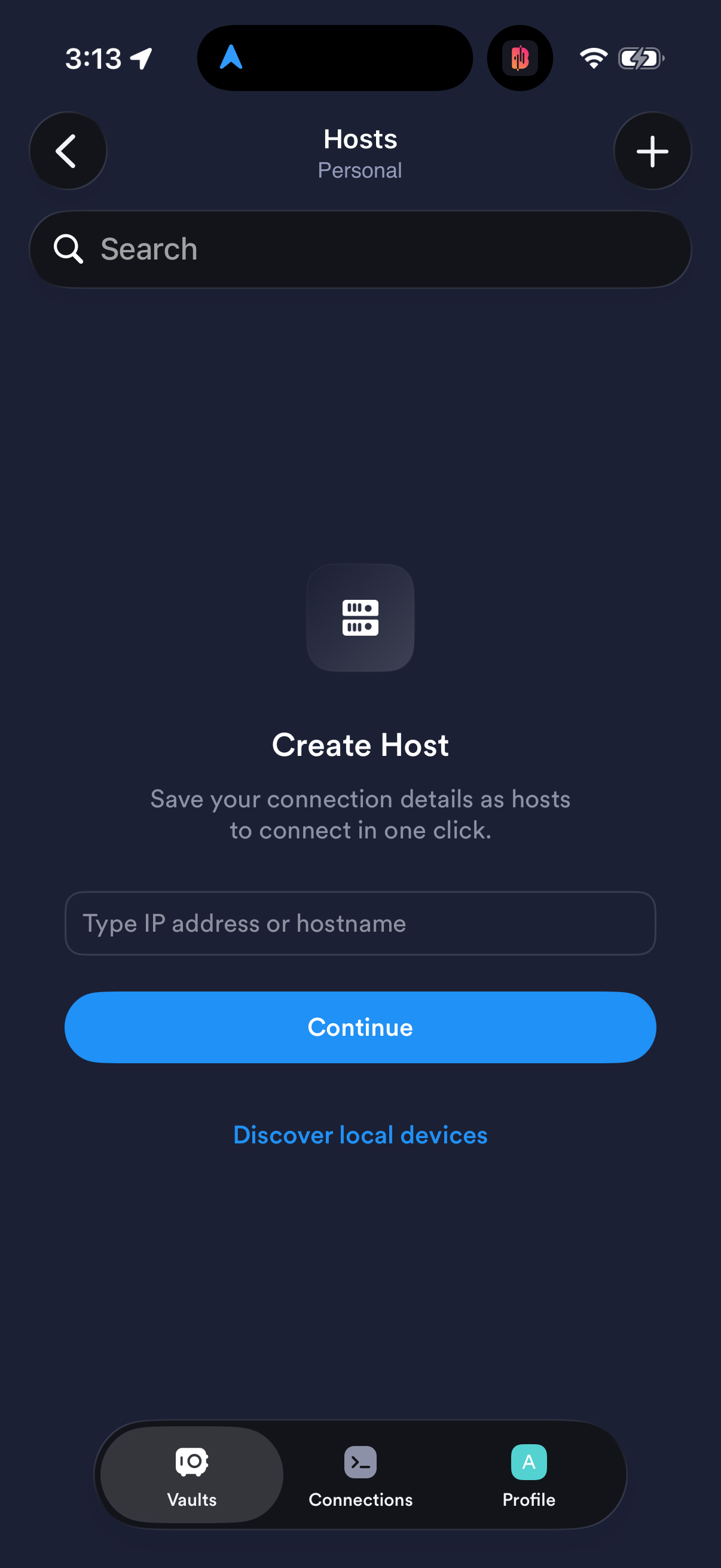
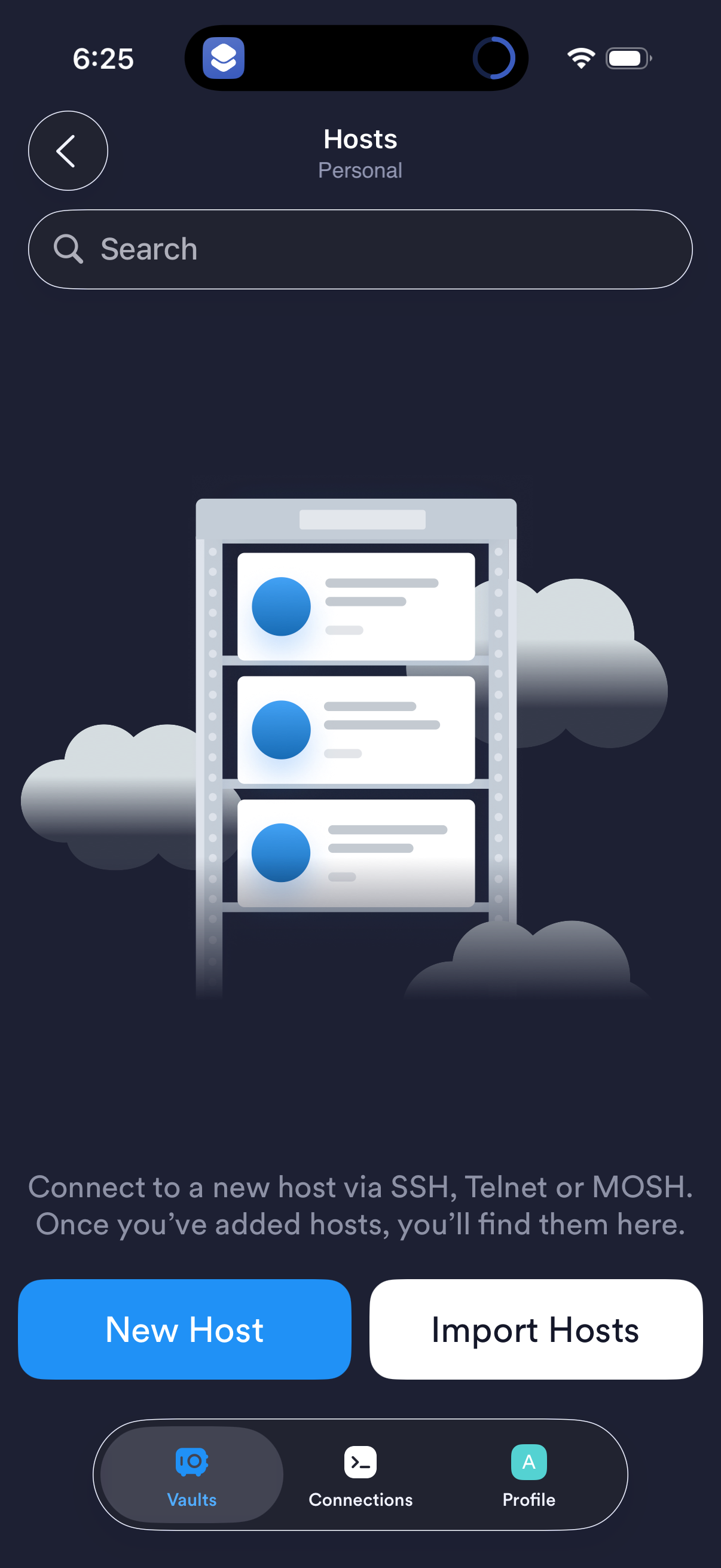
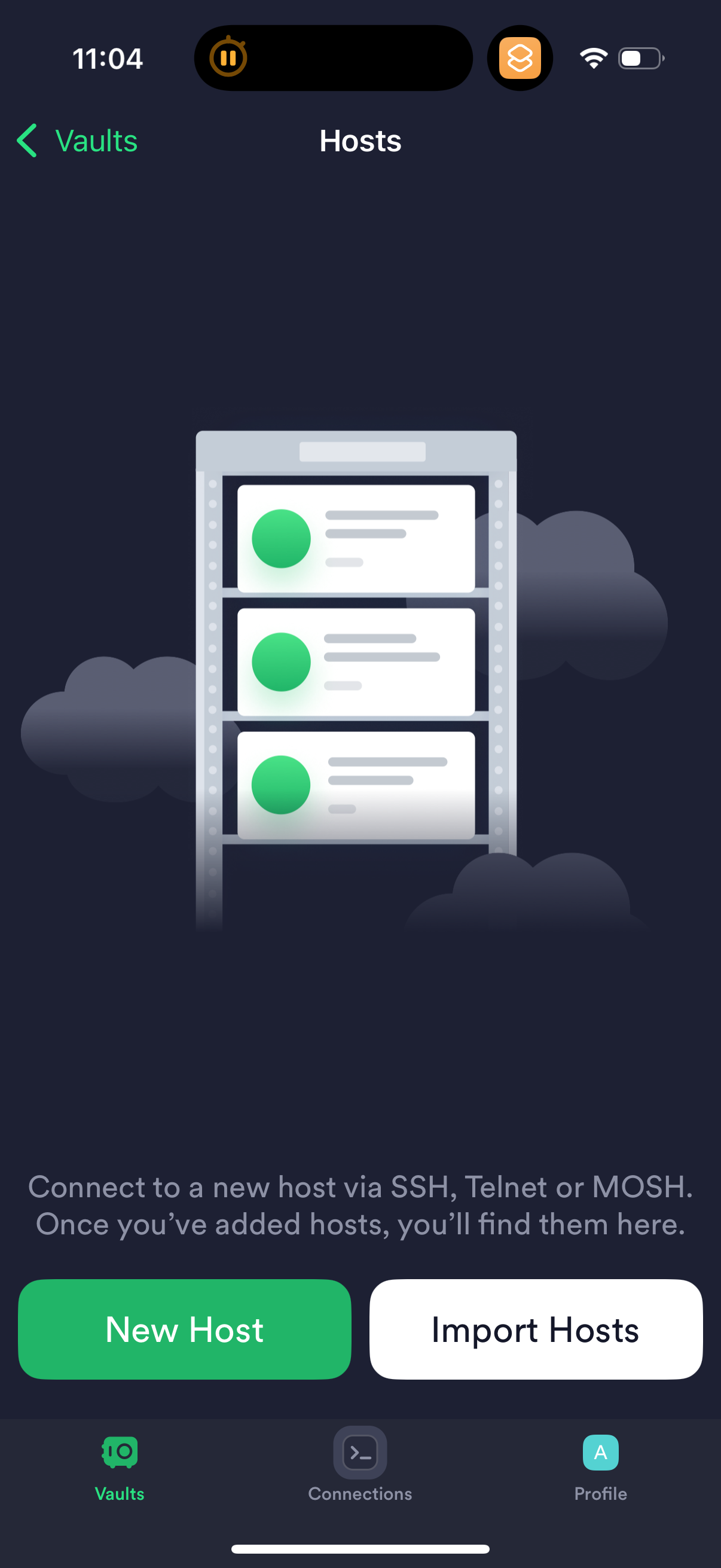
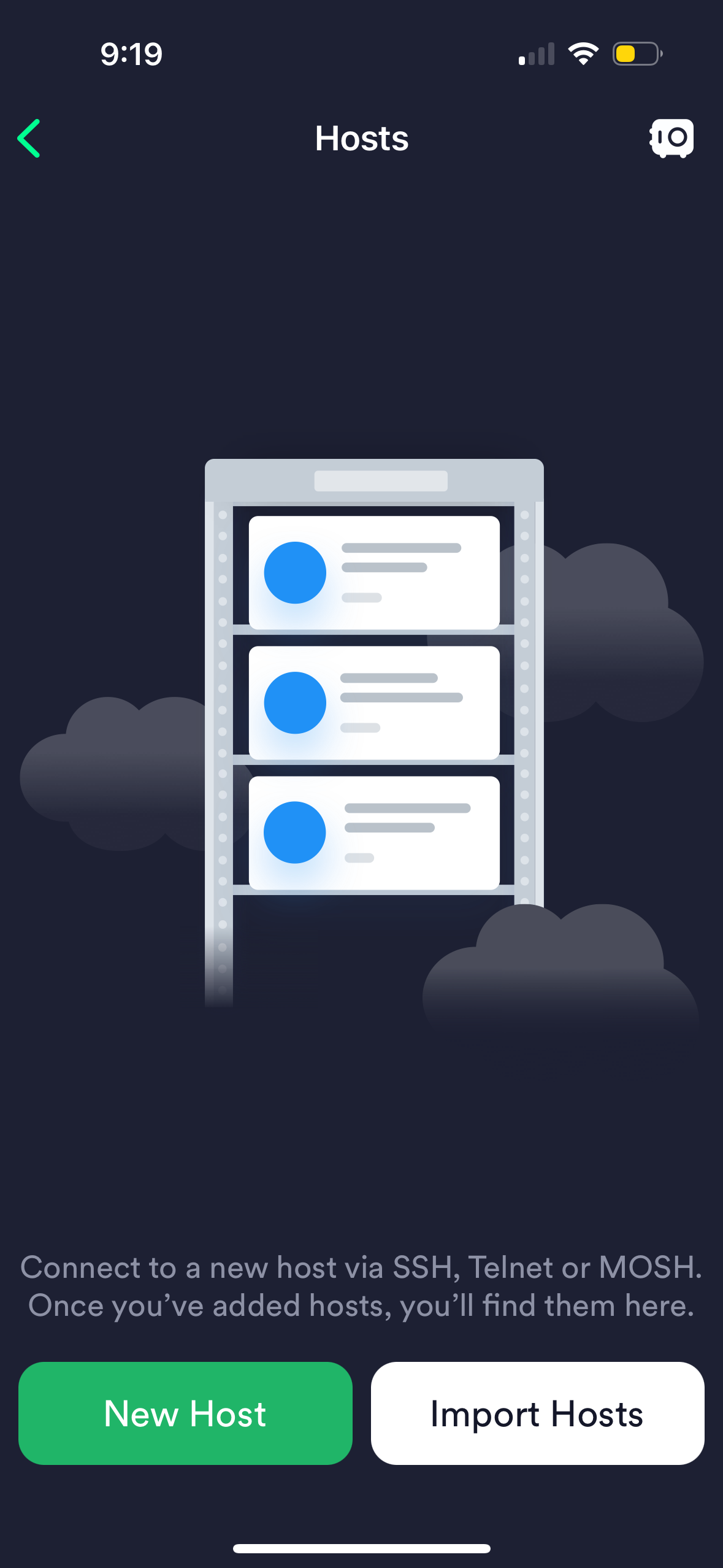
Company metadata
| Category | Developer Tools |
|---|---|
| Subcategory | VPN & Privacy |
| Tagline | Modern SSH Client — Built for Productivity and Collaboration |
| Business model | Subscription |
| Product archetype | Consumer |
| Growth engine | Network effects (social graph), Sales-led (B2B), Product-led sales (PLS), Land-and-expand, Cold outreach, Word of mouth |
| Revenue (2024) | $4,000,000 |
| Active users | 2,000,000 |
| Money raised | $2,700,000 |
| Public company | No |
| Market leader | Unknown |
| Website | https://www.termius.com |
| App Store | https://apps.apple.com/us/app/termius-modern-ssh-client/id549039908 |
| X / Twitter | https://x.com/TermiusHQ |
| https://www.instagram.com/termiushq/ | |
| https://www.linkedin.com/company/termius | |
| TikTok | https://www.tiktok.com/@termiushq |
| Crunchbase | https://www.crunchbase.com/organization/termius |
App Store description
Termius is an SSH client and terminal how it should be. Connect with one tap from any mobile and desktop device—no re-entering IP addresses, ports, and passwords. With a free Termius Starter plan, you can: • Connect from your mobile and desktop device with SSH, Mosh, Telnet, Port Forwarding, and SFTP. • Get a desktop‑grade terminal experience with a virtual keyboard covering all the special keys required, or connect your Bluetooth keyboard. • Use gestures or shake the device while in the terminal to emulate stroking of Tab, arrows, PgUp/Down, Home, and End, etc. • Work in several sessions simultaneously with a multi‑tab interface and split‑view support. • Customize your terminal themes and fonts for each connection. • Save your favorite and frequently used commands and shell scripts to execute them with a tap instead of typing. • Quickly access the unified history of your terminal commands. • Get the support of ECDSA and ed25519 keys and a chacha20‑poly1305 cipher. • Ad‑free. With the Termius Pro plan, you can also: • Access your connection settings and credentials from any device anytime with an encrypted cloud vault. • No limitations on the number of devices to sync. • Run your saved commands on multiple sessions or servers or instantly get them autocompleted in the terminal. • Authenticate using hardware FIDO2 keys. • Connect through Proxy and jump servers. • Set custom environment variables. • Integrate with AWS and DigitalOcean. • Protect your credentials with Touch ID or Face ID and your account with two‑factor authentication. • Keep your keys on your machine with SSH agent forwarding. Termius reinvents the command line experience. We strive to make remote access for admins and engineers a more productive and enjoyable experience. Termius Pro Subscription is available through auto‑renewable annual or monthly subscriptions (prices vary by region)... Please review our privacy policy https://termius.com/privacy_policy.html and terms of use https://termius.com/terms_of_use.html.