Skyview app screens & user flows
Explore up to date search, settings, permissions, reviews, and onboarding flows from Skyview and more on Lazyweb.
Skyview in Education — see 78 app screens across Paywall flows. Compare onboarding, paywall, and pricing patterns against real competitors inside Lazyweb.
Lazyweb is a blazing-fast design research library with 281k+ real app screens, user flow examples, UI patterns, and product design patterns for competitive analysis and benchmarking.
Screenshots
Company metadata
| Category | Education |
|---|---|
| Subcategory | Science & Reference Tools |
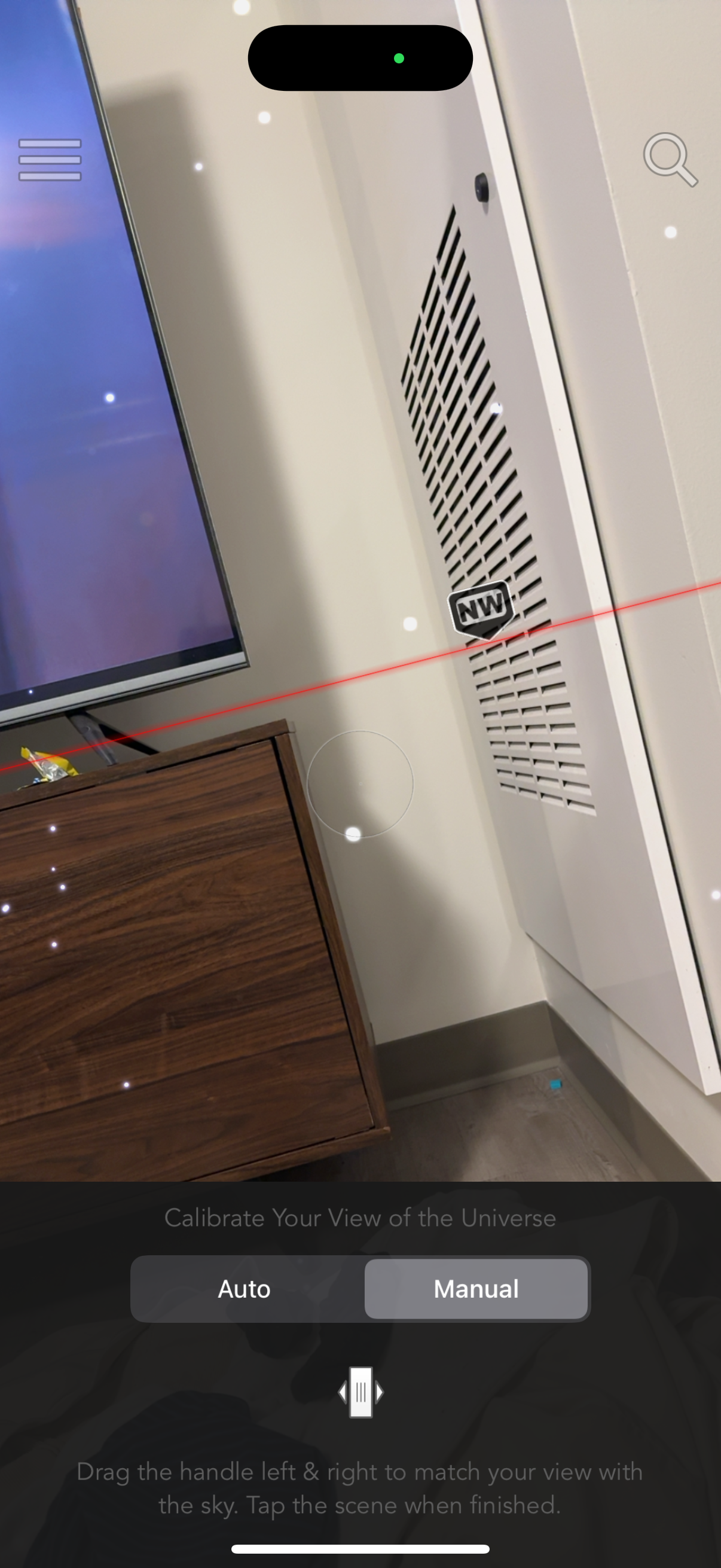
| Tagline | Stargazing Made Simple. Point your device at the sky and let SkyView show you when and where the planets, the Sun, and the Moon will be at any time on any date. |
| Business model | One-Time Purchase |
| Product archetype | Social, Consumer |
| Growth engine | Network effects (social graph), Content-led / SEO, Word of mouth |
| Active users | 3,200,000 |
| Money raised | $0 |
| Public company | No |
| Market leader | Unknown |
| Website | https://www.skyviewapp.com |
| App Store | https://apps.apple.com/us/app/skyview/id404990064 |
| X / Twitter | https://x.com/terminaleleven |
| https://www.linkedin.com/company/terminal-eleven | |
| Crunchbase | https://www.crunchbase.com/organization/terminal-eleven |
App Store description
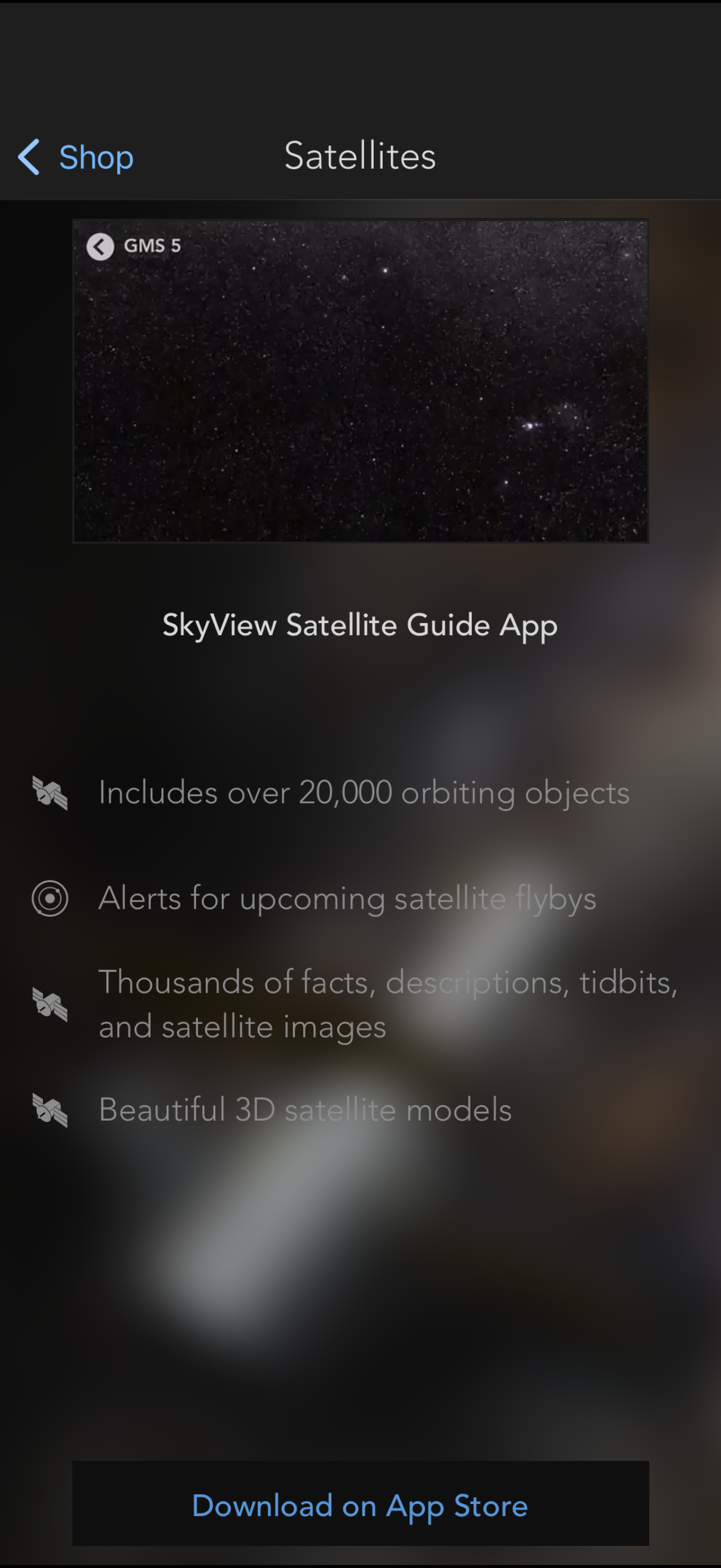
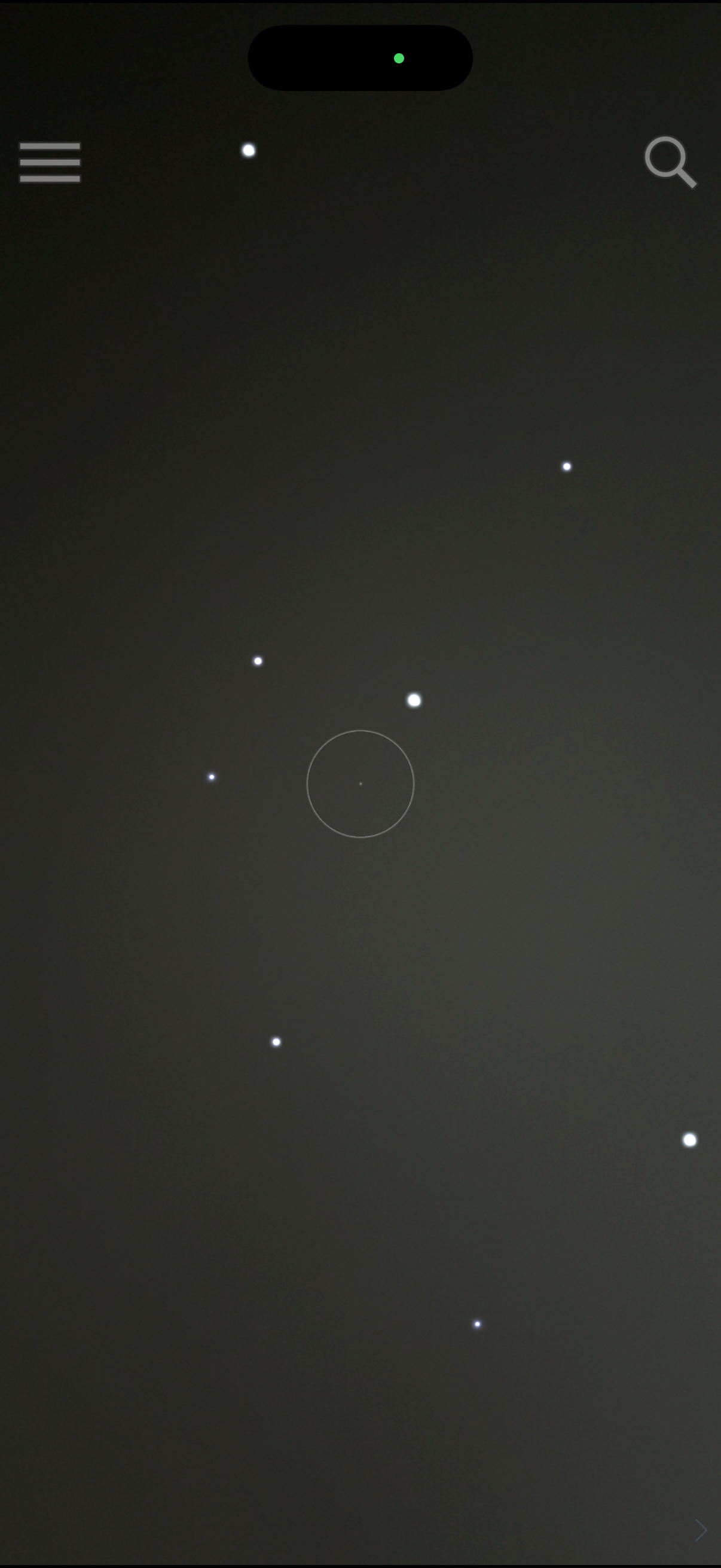
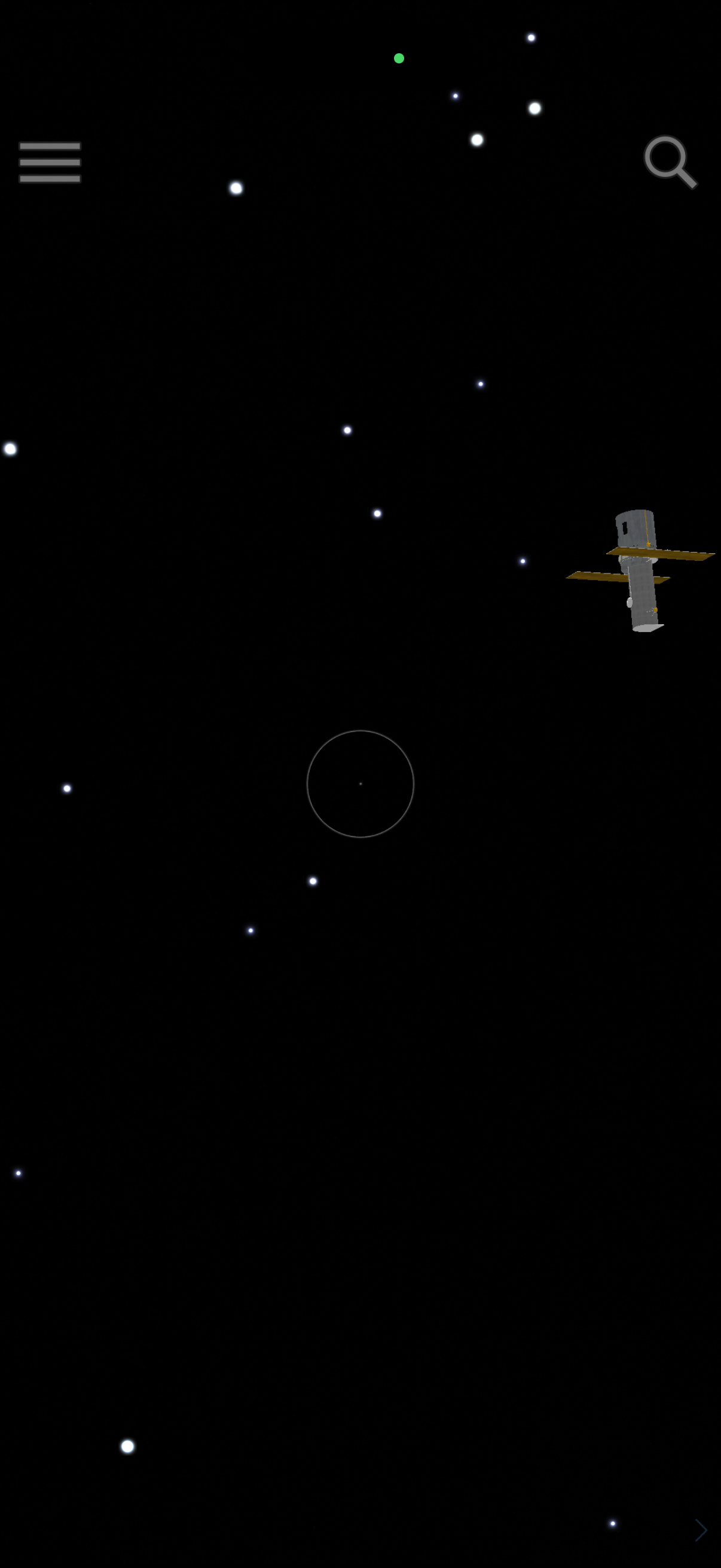
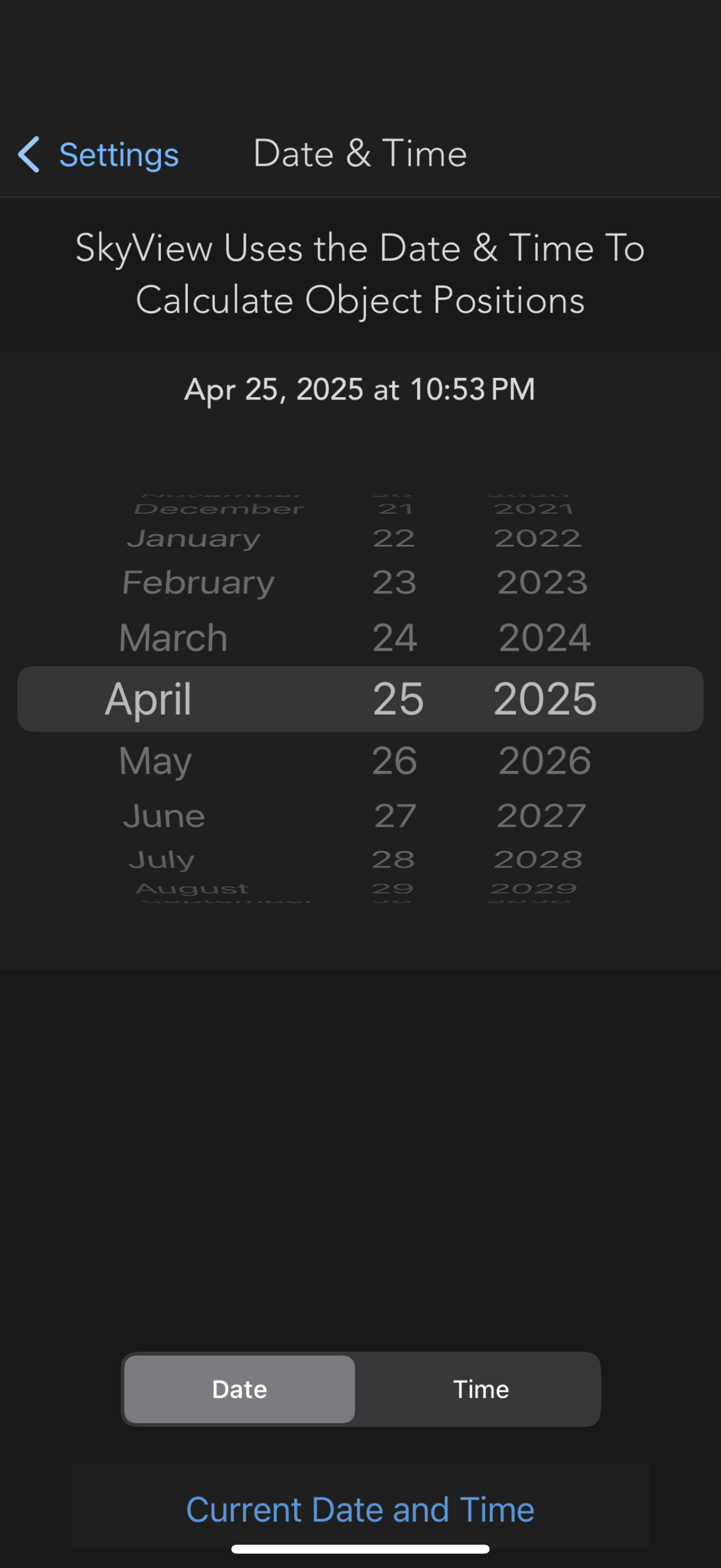
SkyView® brings stargazing to everyone. Simply point your iPhone, iPad, or iPod at the sky to identify stars, constellations, planets, satellites, and more! Over 3.2 million downloads. You don't need to be an astronomer to find stars or constellations in the sky, just open SkyView® and let it guide you to their location and identify them. Features: • Simple: Point your device at the sky to identify galaxies, stars, constellations, planets, and satellites (including the ISS and Hubble) passing overhead at your location. • Sighting Events: schedule alerts for upcoming celestial events. • Apple Watch: see what objects are visible tonight and how to spot them using your Apple Watch. • Today Widget: brand new iOS 8 today widget lets you quickly see upcoming celestial events. • Night Mode: Preserve your night vision with red or green night mode filters. • Augmented Reality (AR): Use your camera to spot objects in the sky, day or night. • Sky Paths: Follow the sky track for any object to see its exact location in the sky on any date and time. • Comprehensive: Includes thousands of stars, planets, and satellites with thousands of interesting facts. • Time Travel: Jump to the future or the past and see the sky on different dates and times. • Social: Capture and share beautiful images with friends and family on social networks. • Mobile: WiFi is NOT required (does not require a data signal or GPS to function).