Particle app screens & user flows
Explore up to date search, reviews, settings, profile, and messaging flows from Particle and more on Lazyweb.
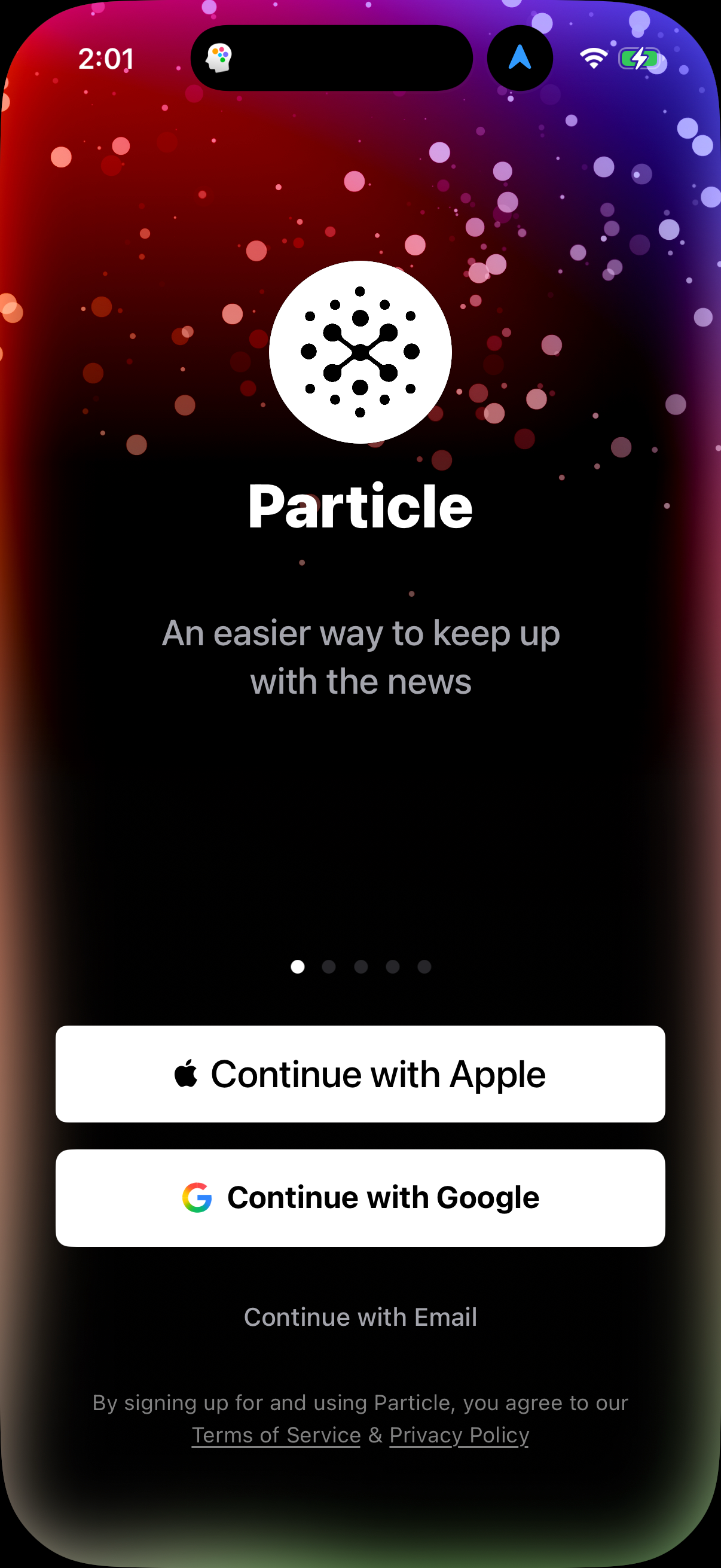
Particle in News — see 41 app screens across search, reviews, settings, profile, and messaging flows. Compare onboarding, paywall, and pricing patterns against real competitors inside Lazyweb.
Lazyweb is a blazing-fast design research library with 281k+ real app screens, user flow examples, UI patterns, and product design patterns for competitive analysis and benchmarking.
Screenshots



Company metadata
| Category | News |
|---|---|
| Subcategory | IoT Device Management |
| Tagline | Particle is the leading application infrastructure for intelligent devices. |
| Business model | Advertising, Subscription |
| Product archetype | Consumer |
| Growth engine | Content-led / SEO, Hardware/Distribution bundling, Paid performance marketing |
| Revenue (2024) | $41,700,000 |
| Active users | 250,000 |
| Money raised | $135,000,000 |
| Public company | No |
| Market leader | No |
| Website | https://www.particle.io |
| App Store | https://apps.apple.com/us/app/particle-iot/id991459054 |
| X / Twitter | https://x.com/particle |
| https://www.instagram.com/particle_iot/ | |
| https://www.linkedin.com/company/wwwparticleio | |
| Crunchbase | https://www.crunchbase.com/organization/particle-3 |
App Store description
The Particle mobile app is a tool to configure and manage your Particle hardware and cloud deployments. Set up a new device, check device diagnostics, and keep track of which devices are on- and offline with a few taps of the screen. Control Panel — rename devices, set notes, or even unclaim, all from a single section of the mobile app. Device Info Screen — view device ID, serial number, Device OS version; plus, you can ping, shout rainbows (signal mode), rename, and edit device notes. Device list filtering — sort and filter your fleet based on your needs right from the main screen of the app. UI refresh — improved information density and readability, plus multiple UI element tweaks across the app. Tinker improvements — review of pin layout, UX refresh, and updates to ensure consistent design across the mobile app experience.