
Outlook app screens & user flows
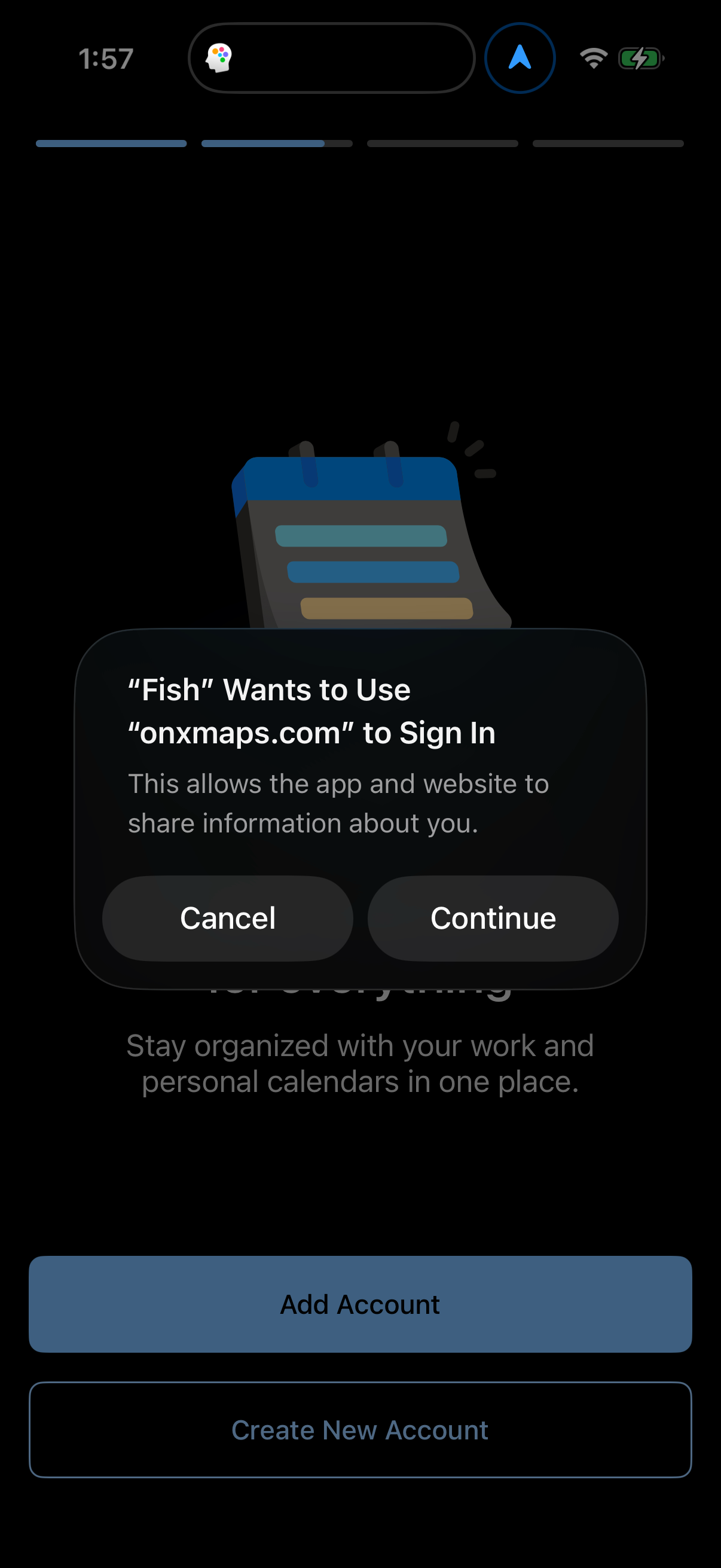
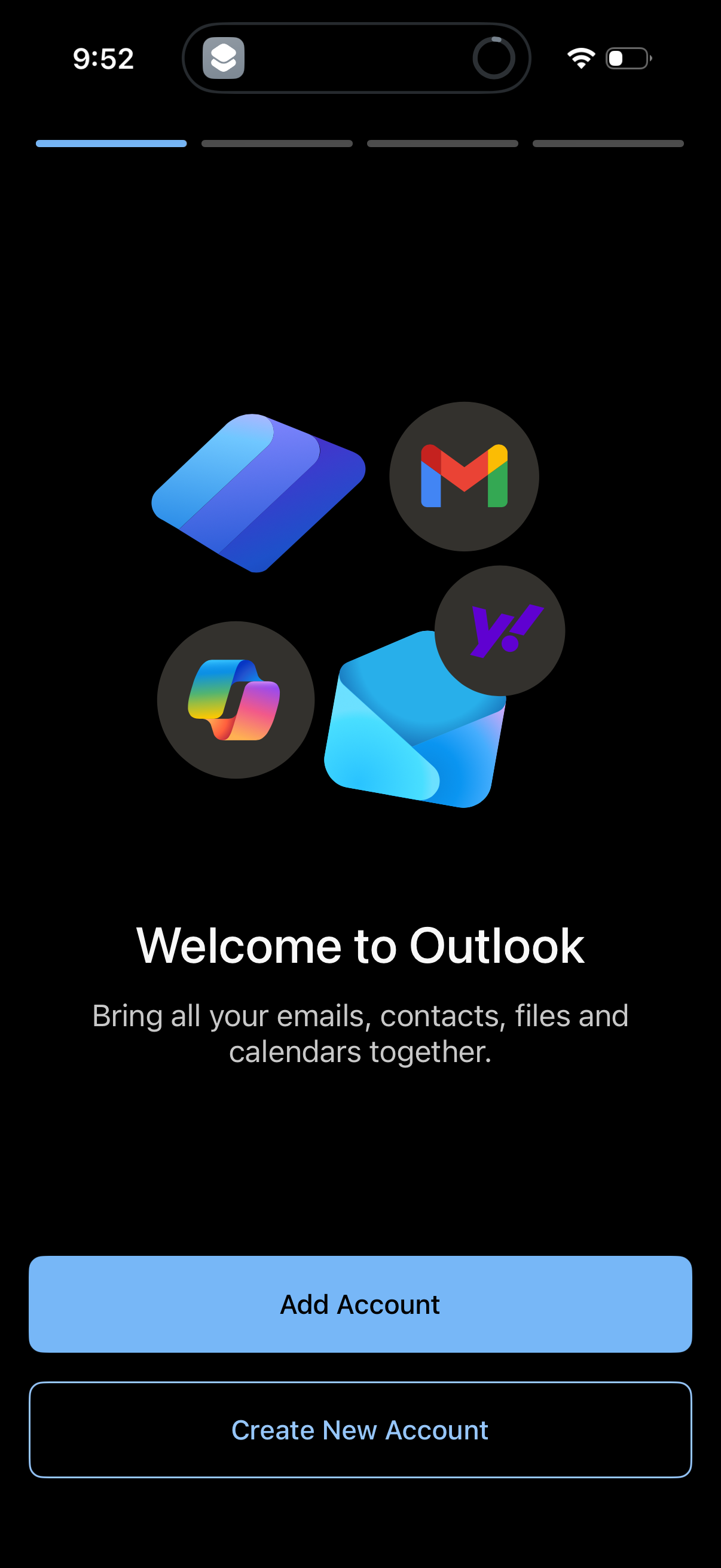
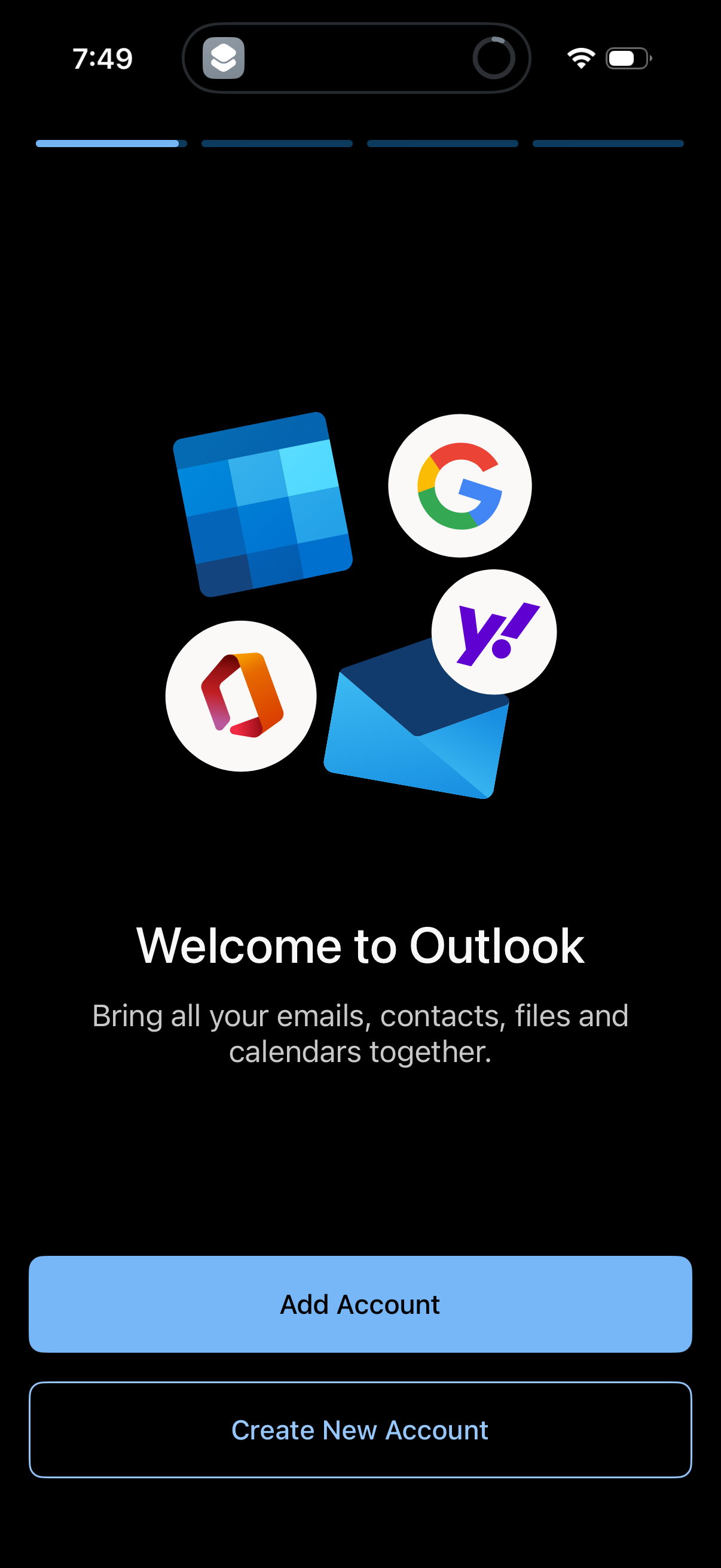
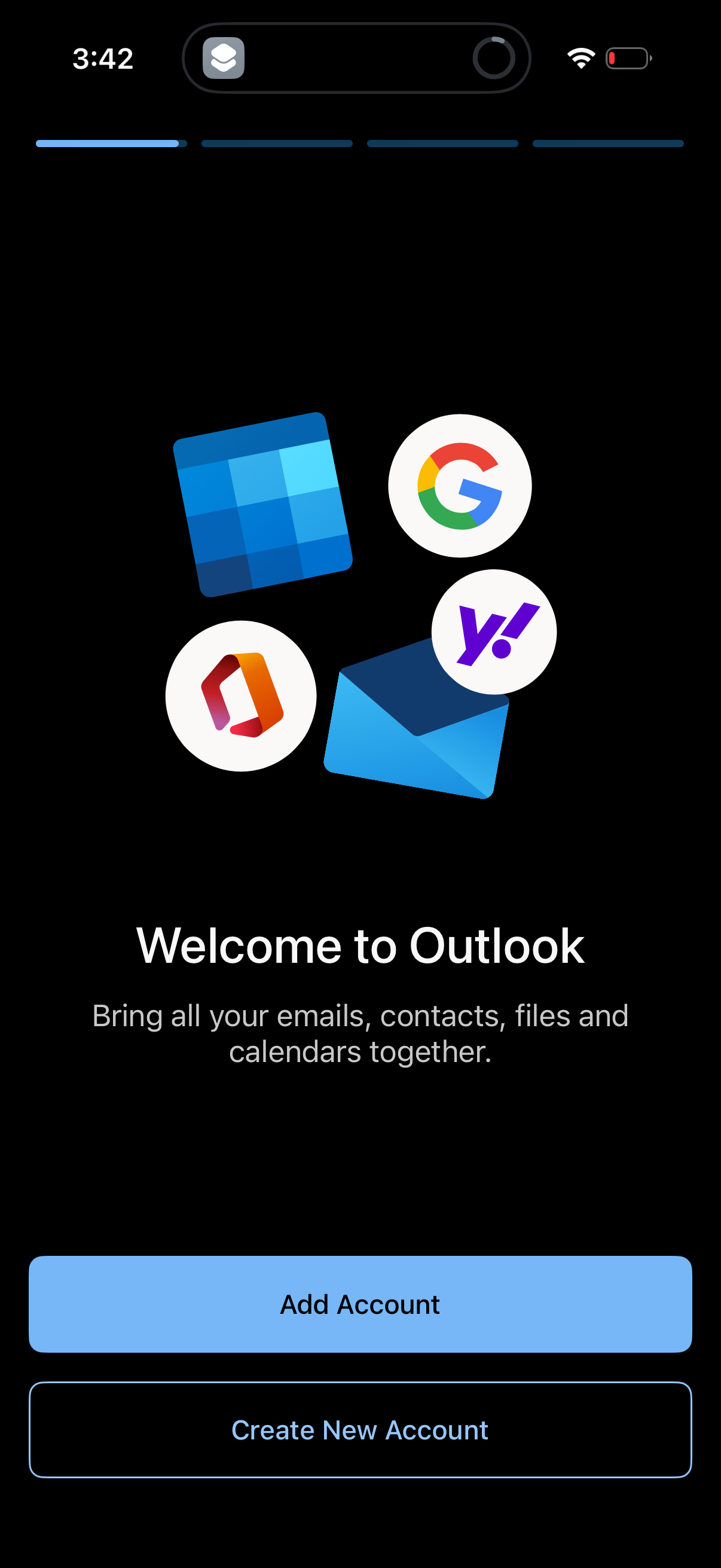
Explore up to date profile, onboarding, login, messaging, and search flows from Outlook and more on Lazyweb.
Outlook in Productivity — see 28 app screens across profile, onboarding, login, messaging, and search flows. Compare onboarding, paywall, and pricing patterns against real competitors inside Lazyweb.
Lazyweb is a blazing-fast design research library with 281k+ real app screens, user flow examples, UI patterns, and product design patterns for competitive analysis and benchmarking.
Screenshots
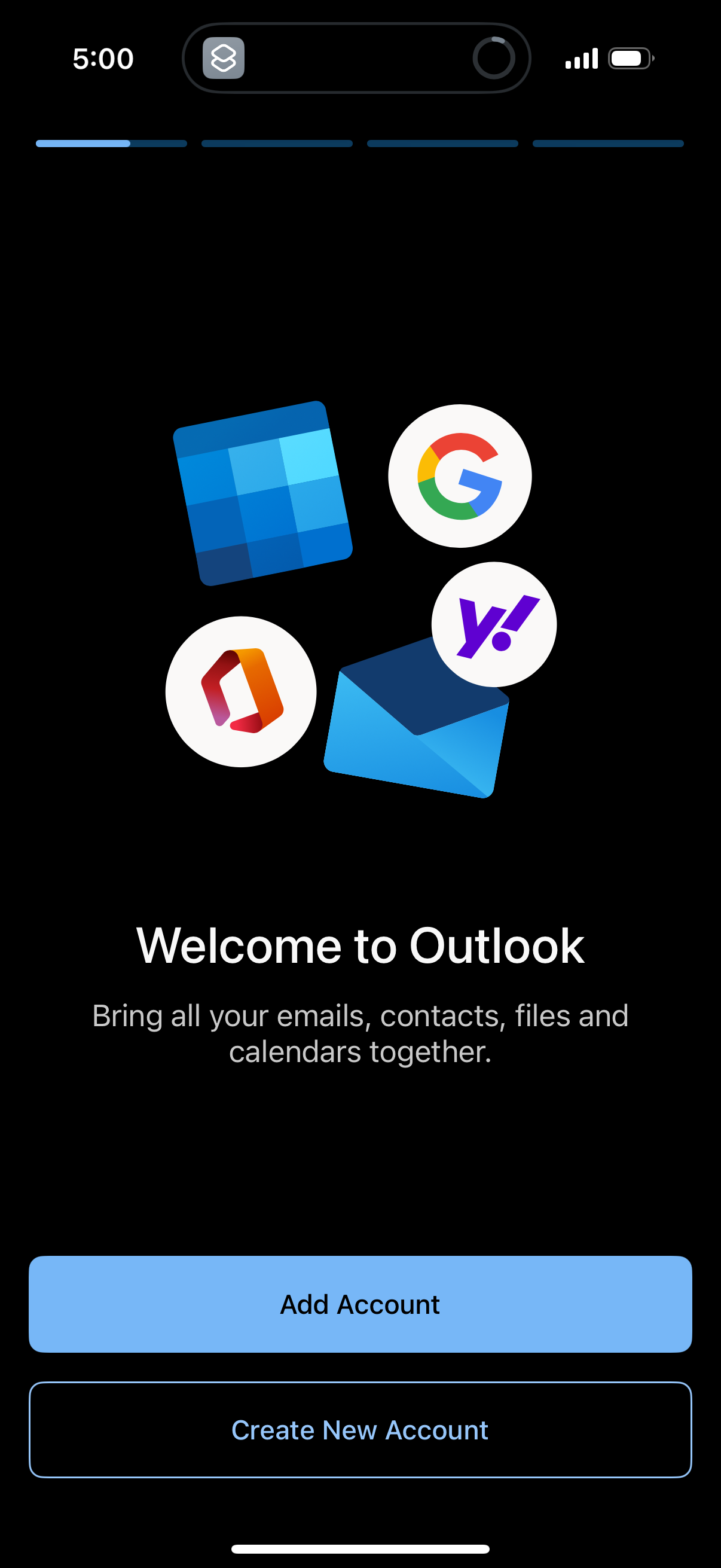
Company metadata
| Category | Productivity |
|---|---|
| Subcategory | Email & Calendar |
| Tagline | Outlook: Manage your email, calendar, tasks, and contacts together in one place. |
| Business model | B2B Licensing, Cross-subsidized Funnel / Companion App |
| Product archetype | Social, Enterprise |
| Growth engine | Network effects (social graph), Hardware/Distribution bundling, Sales-led (B2B), Product-led sales (PLS), Cold outreach, Channel / partnership-led, PR, Word of mouth |
| Money raised | $62,000,000 |
| Public company | Yes |
| Market leader | Yes |
| Website | https://www.outlook.com |
| App Store | https://apps.apple.com/us/app/microsoft-outlook/id951937596 |
| X / Twitter | https://x.com/Outlook |
| https://www.instagram.com/outlook/ | |
| https://www.linkedin.com/company/microsoft/ | |
| Crunchbase | https://www.crunchbase.com/organization/microsoft |
App Store description
Outlook lets you bring all your email accounts and calendars in one convenient spot. Whether it’s staying on top of your inbox or scheduling the next big thing, we make it easy to be your most productive, organised and connected self. Here's what you'll love about Outlook for iOS: - Focus on the right things with our smart inbox - we help you sort between messages you need to act on straight away and everything else. - Swipe to quickly schedule, delete and archive messages. - Share your meeting availability with just a tap and easily find times to meet with others. - Find everything you're looking for, including files, contacts, and your forthcoming trips. - View and attach any file from your email, OneDrive, Dropbox, and more, without having to download them to your phone. - Open Word, Excel, or PowerPoint attachments to edit them directly in the corresponding app and attach them back to an email. - Recap extra-long email threads in an instant with Summarise with Copilot* - Type a few words to have Copilot* jump-start your writing with an outline or draft - Before sending off your email, use Coaching with Copilot* to get tips and suggestions that help improve the overall tone, sentiment, and clarity *Microsoft 365 Personal/Family subscription or business account enabled with Copilot required to use Copilot features. Outlook for iOS works with Microsoft Exchange, Office 365, Outlook.com (including Hotmail and MSN), Gmail, Yahoo Email, and iCloud. To make an in-app purchase of a Microsoft 365 Family or Personal subscription, open the app, go to Settings, and tap on Upgrade next to your Outlook.com or Hotmail.com account. Subscriptions begin at $6.99 a month in the US, and can vary by region. Privacy and Cookies: https://go.microsoft.com/fwlink/?LinkId=521839 Terms of Use: http://go.microsoft.com/fwlink/?LinkID=530144 Contract Summary: https://www.microsoft.com/microsoft-365/outlook/contract-summary Consumer Health Data Privacy Policy: https://go.microsoft.com/fwlink/?linkid=2259814