Notion Calendar app screens & user flows
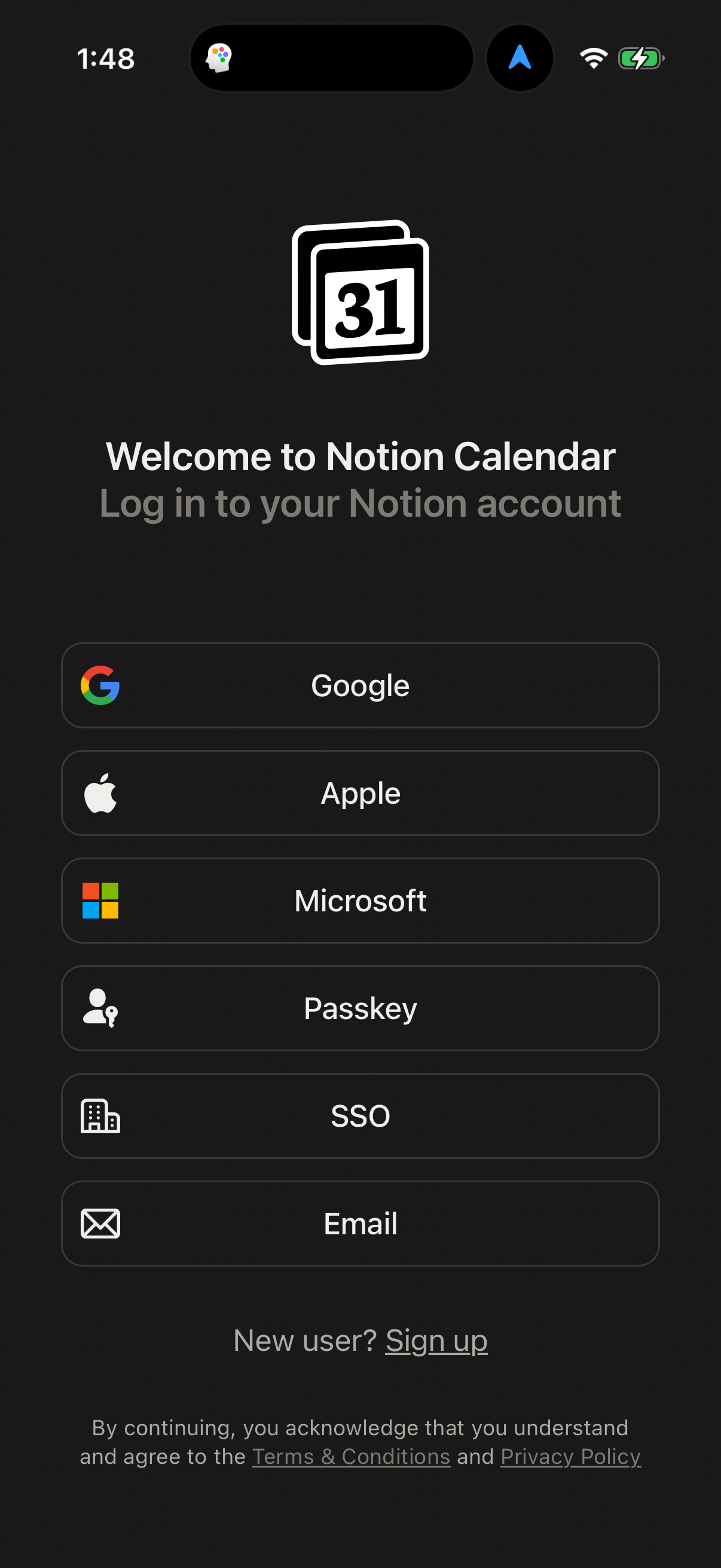
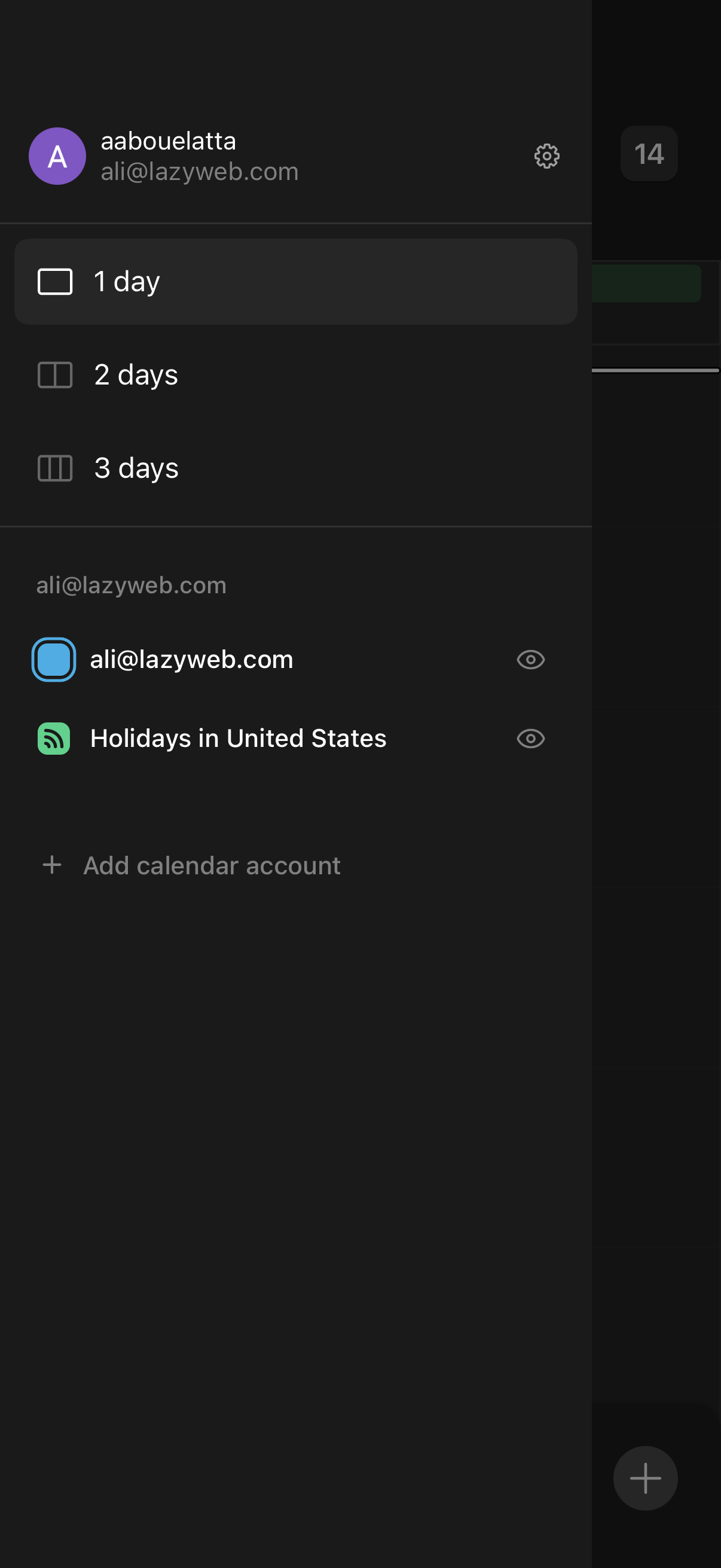
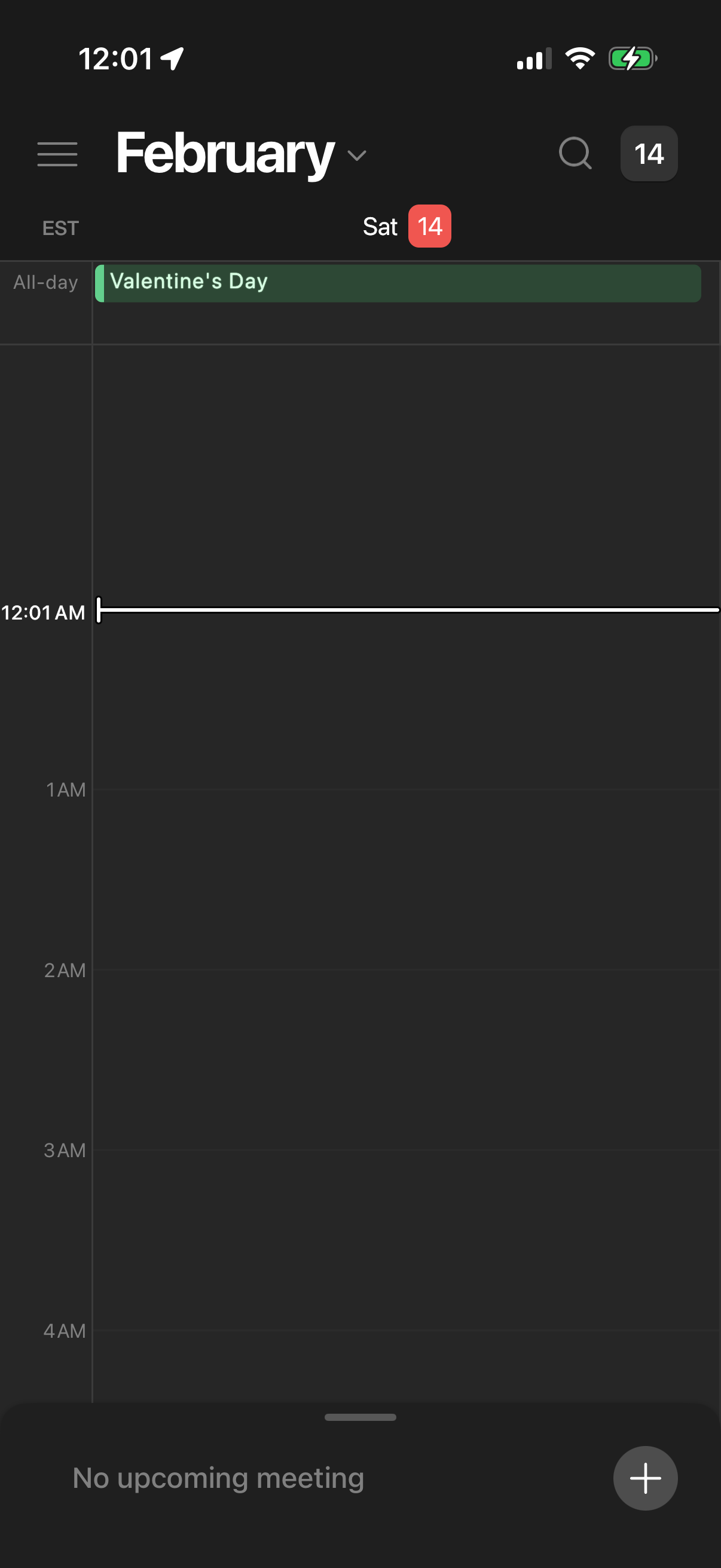
Explore up to date booking, profile, login, onboarding, and messaging flows from Notion Calendar and more on Lazyweb.
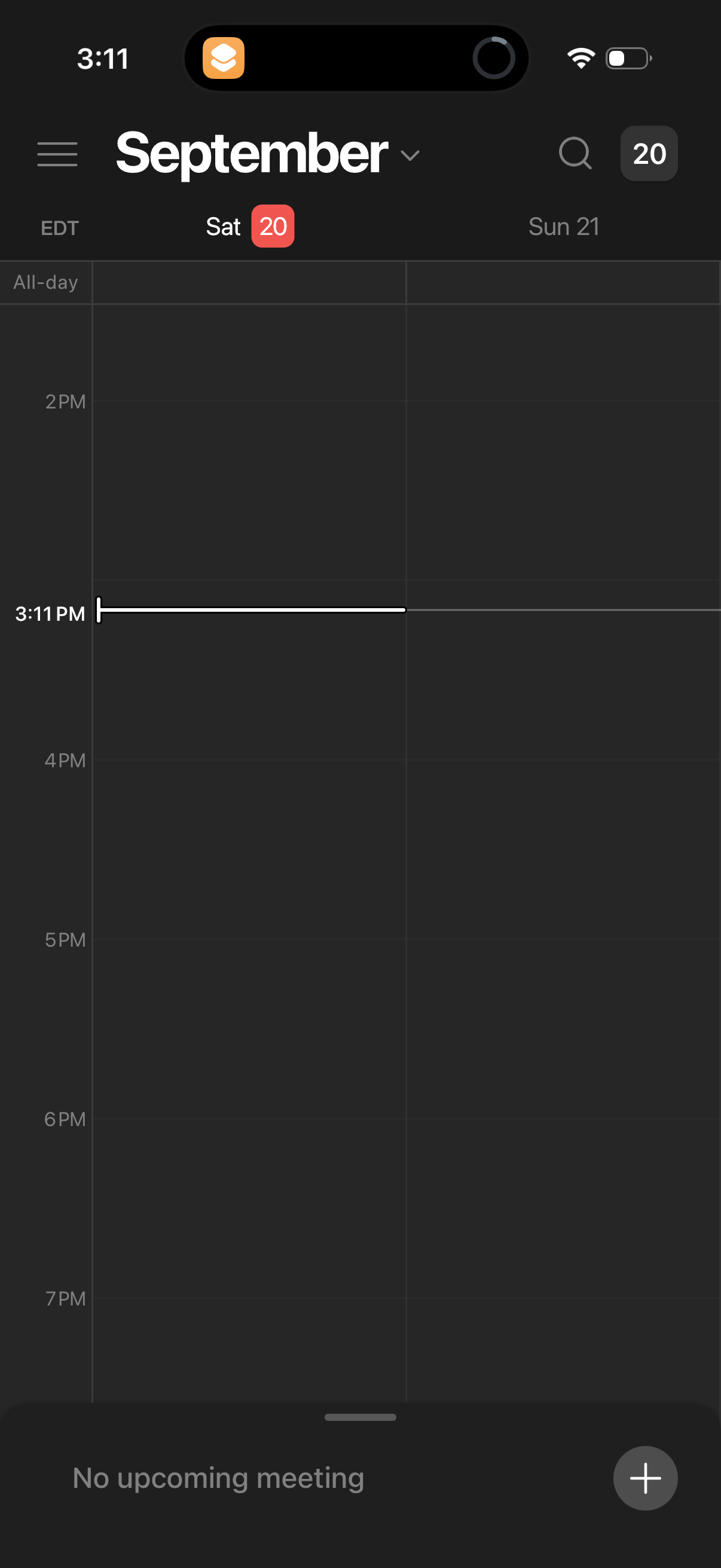
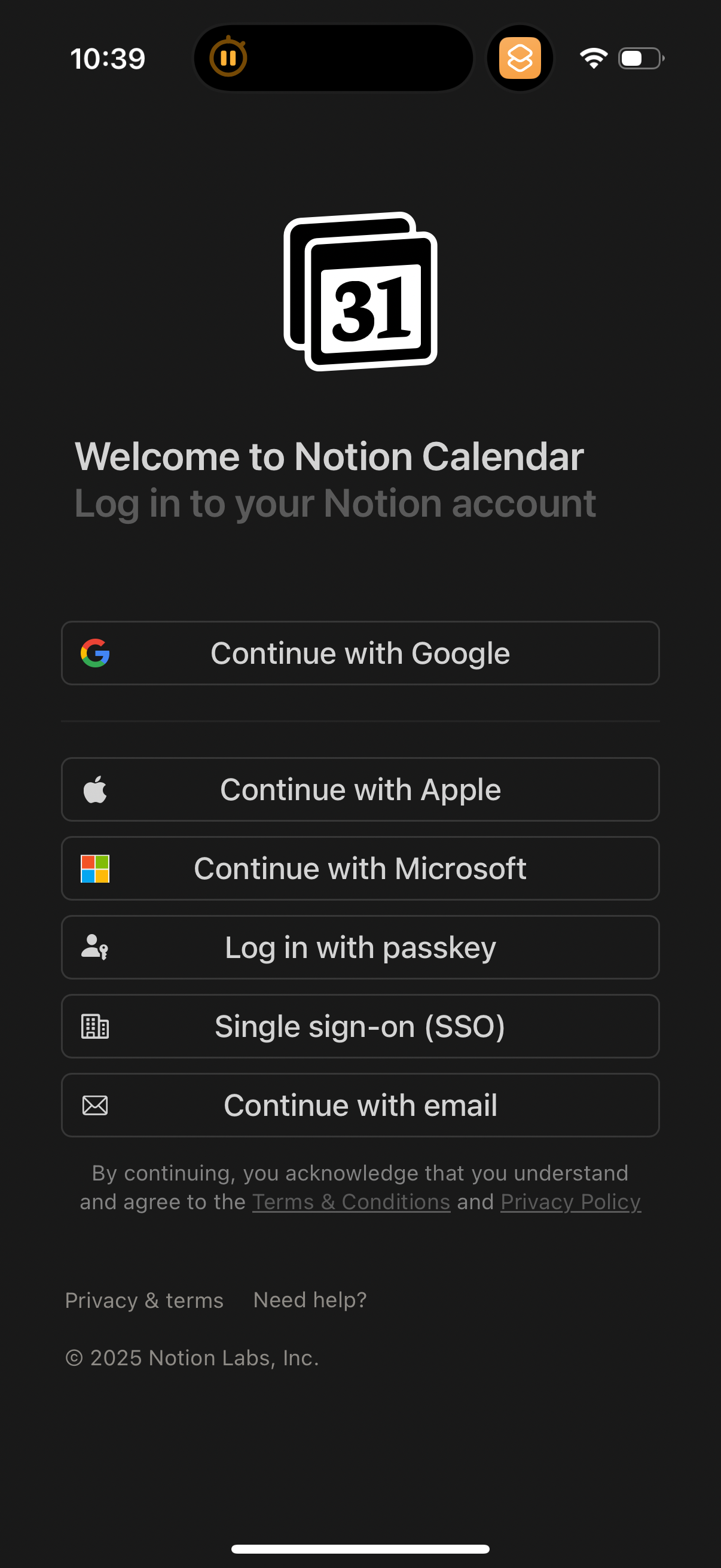
Notion Calendar in Productivity — see 18 app screens across Open Sidebar flows. Compare onboarding, paywall, and pricing patterns against real competitors inside Lazyweb.
Lazyweb is a blazing-fast design research library with 281k+ real app screens, user flow examples, UI patterns, and product design patterns for competitive analysis and benchmarking.
Screenshots
Company metadata
| Category | Productivity |
|---|---|
| Subcategory | Notes, Docs & Wikis |
| Tagline | All of your commitments, now in one place. Meet the beautifully designed, fully integrated calendar for your work and life. |
| Business model | Subscription |
| Product archetype | Prosumer |
| Growth engine | Content-led / SEO, Product-led self-serve (PLG), Social media, Word of mouth |
| Revenue (2024) | $0 |
| Money raised | $418,000,000 |
| Public company | No |
| Market leader | No |
| Website | https://www.notion.so/calendar |
| App Store | https://apps.apple.com/us/app/notion-calendar/id1607562761 |
| X / Twitter | https://twitter.com/notioncalendar |
| https://www.instagram.com/notionhq/ | |
| https://www.linkedin.com/company/notionhq/ | |
| TikTok | https://www.tiktok.com/@NotionHQ |
| Crunchbase | https://www.crunchbase.com/organization/notion-so |
App Store description
Notion Calendar lets you schedule meetings and control your time like never before. It deeply integrates with Google Calendar accounts so that all your events are synced. Along with speed, beauty, and light/dark modes, Notion Calendar includes powerful features: - CONNECTED TO NOTION — add Notion docs, projects, and timelines. - MULTIPLE TIME ZONES — pull the time zone column to the right to “travel to any city” and add more time zones. - ALL IN ONE PLACE — see one unified view across multiple calendars and auto-sync events between them. - WIDGETS — select from 6 Home Screen Widgets featuring rich previews of upcoming events, month overviews, quick‑add event buttons, and more! The Lock Screen Widget lets you see what’s coming at a glance when picking up your phone. - AVAILABLE IN 12 LANGUAGES — Japanese, Korean, French, German, Spanish, Portuguese, Danish, Dutch, Finnish, Norwegian, and Swedish. It’s time.