Lockwidget app screens & user flows
Explore up to date paywall, dashboard, checkout, reviews, and onboarding flows from Lockwidget and more on Lazyweb.
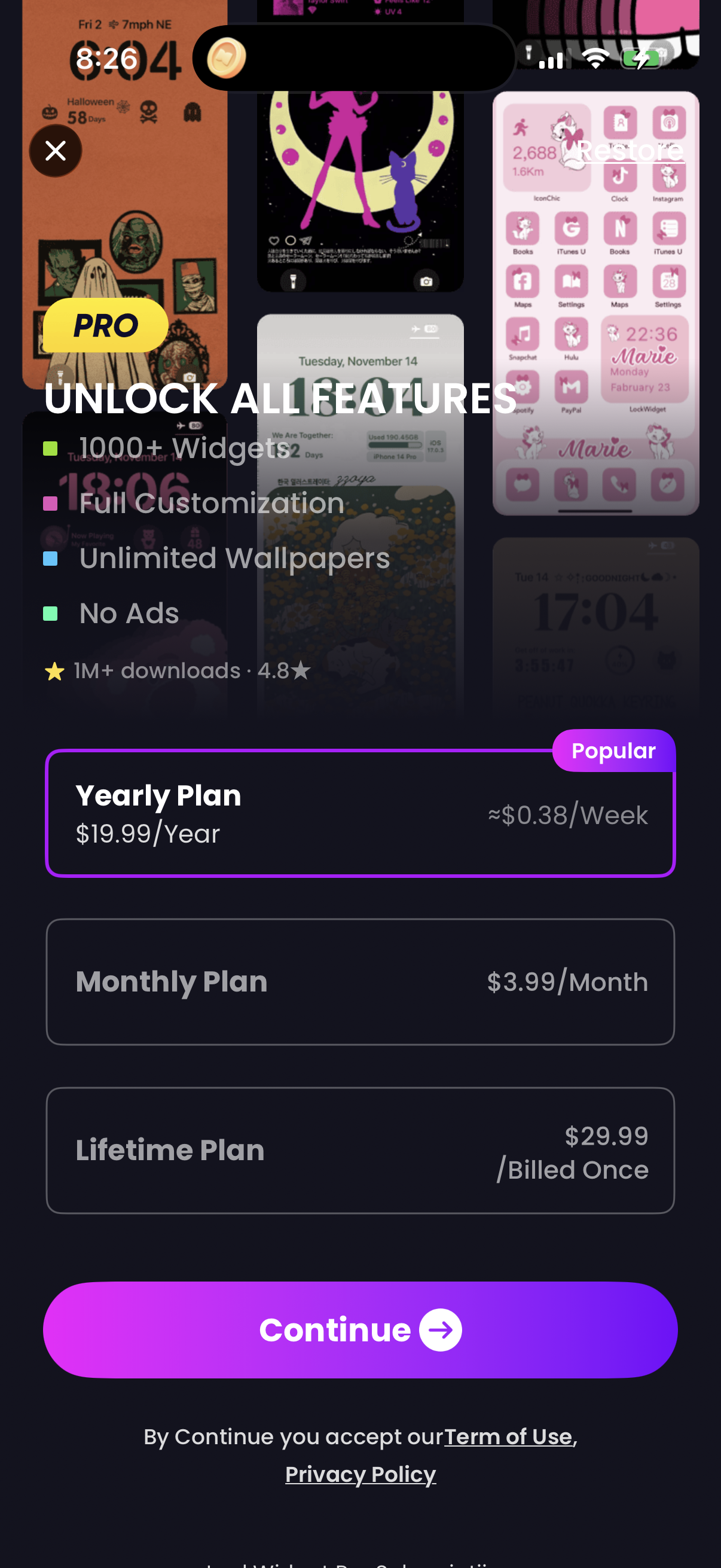
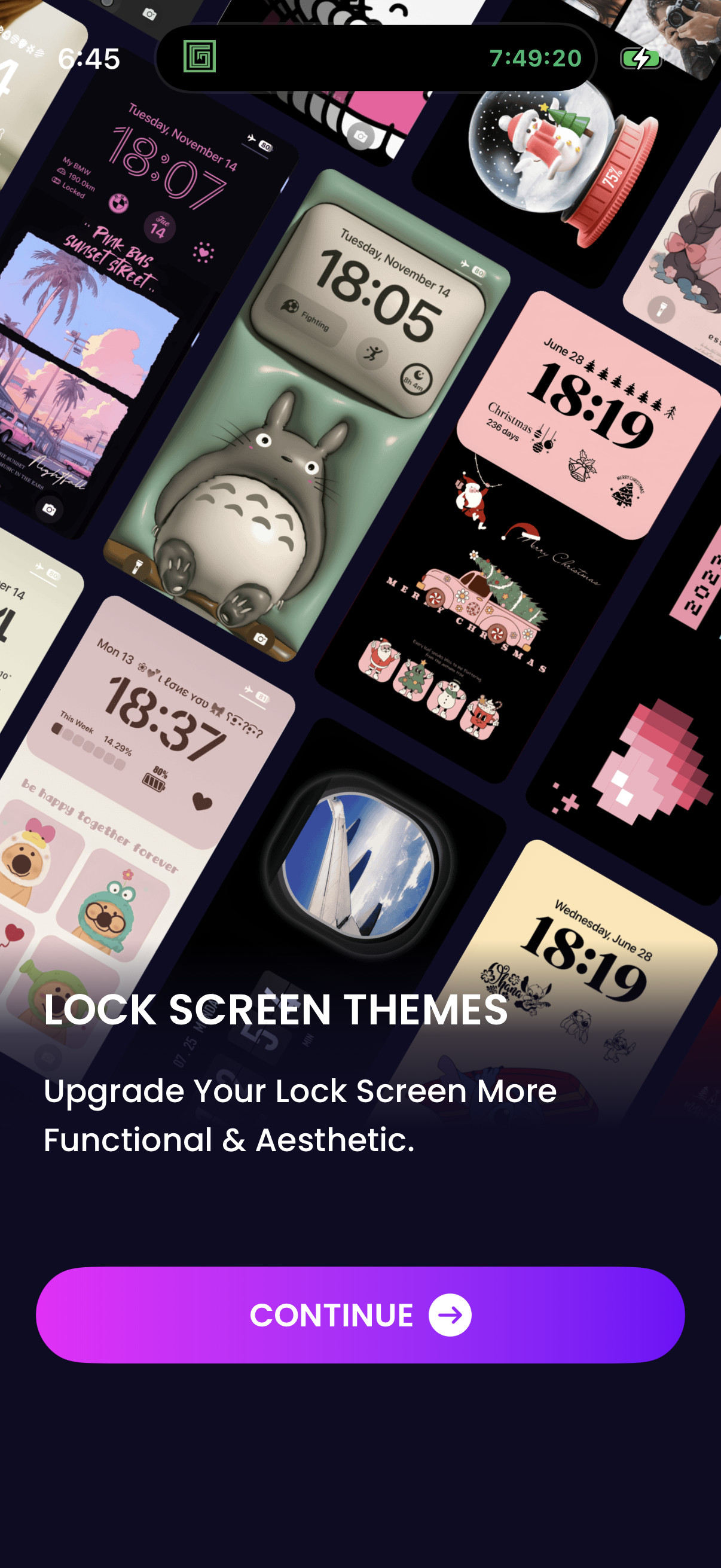
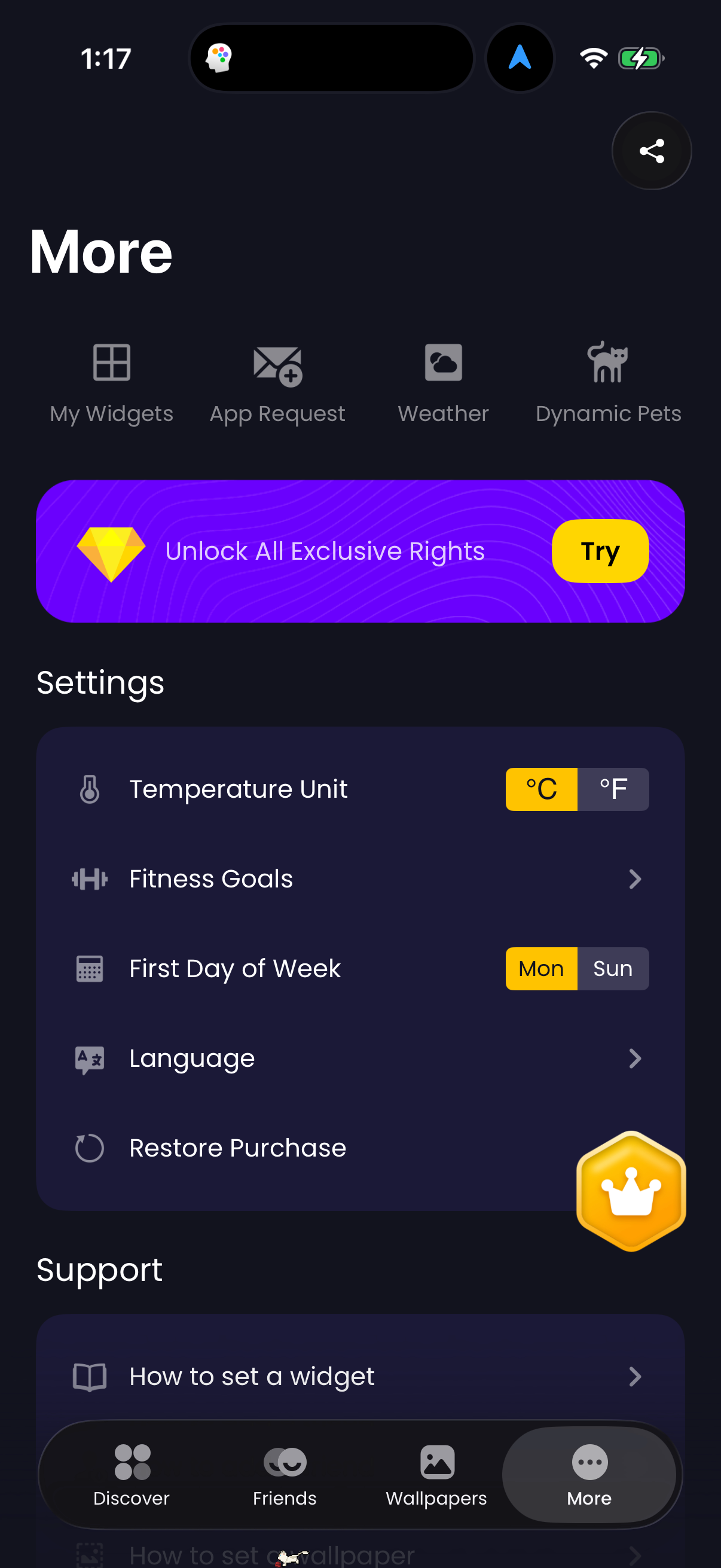
Lockwidget in Graphics & Design — see 161 app screens across Paywall flows. Compare onboarding, paywall, and pricing patterns against real competitors inside Lazyweb.
Lazyweb is a blazing-fast design research library with 281k+ real app screens, user flow examples, UI patterns, and product design patterns for competitive analysis and benchmarking.
Screenshots
Company metadata
| Category | Graphics & Design |
|---|---|
| Subcategory | Widgets, Icons & Themes |
| Tagline | Data unavailable |
| Business model | Subscription |
| Product archetype | Social, Consumer |
| Growth engine | Product-led self-serve (PLG) |
| Revenue (2024) | $96,000 |
| Money raised | $0 |
| Public company | No |
| Market leader | Unknown |
| Website | https://artbest.pro |
| App Store | https://apps.apple.com/us/app/lockwidget-lockscreen-themes/id1643112111 |
App Store description
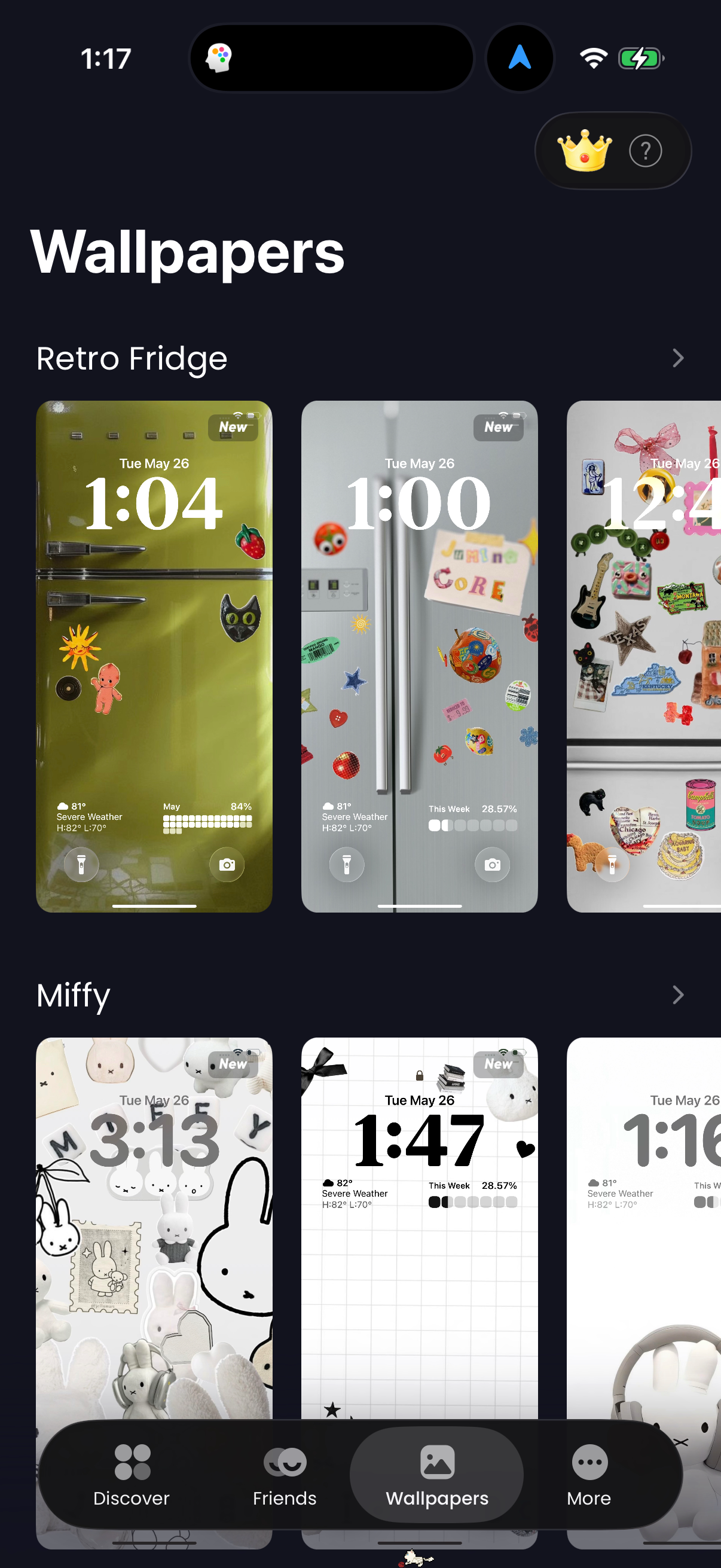
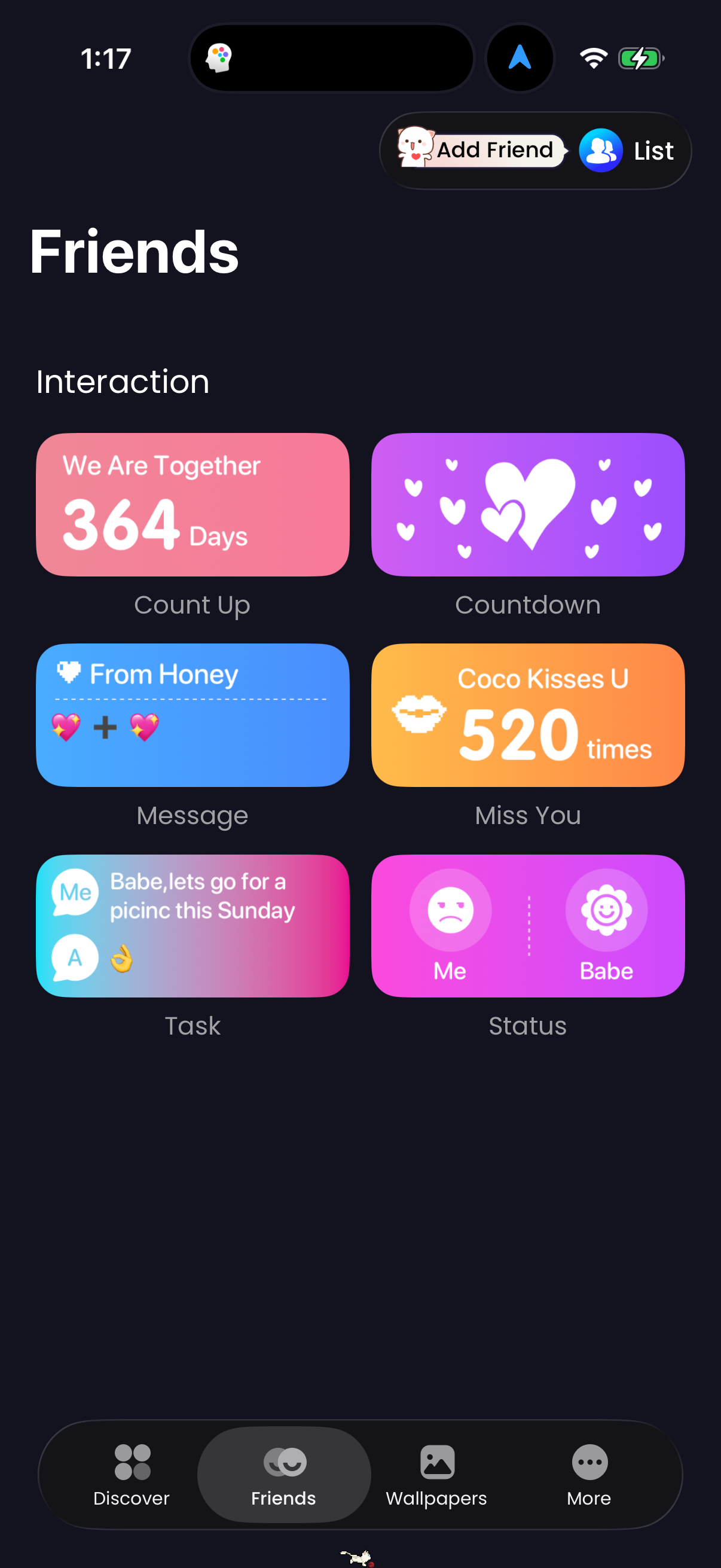
Fancy a new set of iOS 16 widgets on the Lock Screen ? LockWidget provides a vast collection of lock screen widgets: weather, lock launcher, contact launcher, quotes, health, photos, clock, time, calendar, moon phase, countdown, year process and more. You can custom redirect URL, edit fonts, change theme styles and even background opacity to fine-tune them in line with your preference. # Pixel Pet Widgets: Get a pixel pet on your lock screen. You can feed & play with your pet. # Widgets for Friends: Set a widget on both of your and friend’s on the lock screen. Confirm the days to o go to the next anniversary, and count up the days you’ve been together. # All Widgets You Need Are Here : - Battery percentage on lock screen. - Couple Widget on lock screen. Send secret notes your partner's lock screen, share status, and say " I miss you" with each other. - Weather on lock screen. - Live Widgets : set GIFs with dynamic effect on lock screen. - Photos Widget on lock screen : including bit-icons, emoji icons, pixel art, emoticons, stylish symbols and more... - App Launcher : quick launch your favorite Games and Apps on lock screen without redirecting. - Quotes on lock screen : personalize your text on lock screen with tons of fancy fonts. - Countdown on lock screen : countdown Christmas, birthday and your customized big days. - Calendar on lock screen : Moon Phase and Lunar Calendar - To-do-list - Health widgets: Steps, Sleep and Kcal tracker on lock screen. - World clock on lock screen. #HD Lock Screen Wallpapers : - High-quality wallpapers for both iPhone and iPad devices - All wallpapers perfectly fit Depth Effect - Unique 4K wallpapers with multiple styles LockWidget also provide well-designed home screen widgets, themes, app icon changer and useful tools for iOS16 . Come and customize your own home screen and lock screen aesthetic with LockWidget Now! More surprises waiting for you to explore... Notes: LockWidget optionally integrates with Apple Health. This data is used to display your step and activity if you select one of those widget types. Permission for LockWidget to access this data is controlled through the Apple Health app. Notes: LockWidget optionally integrates with Apple Health. This data is used to display your step and activity if you select one of those widget types. Permission for LockWidget to access this data is controlled through the Apple Health app. LockWidget has the following subscriptions: $4.99/ week, $9.99 / year. Payment will be charged to your iTunes Account after purchase. Subscription automatically renews 24 hours before the end of the subscription period. Subscription types and prices remain the same. If you do not want to automatically renew your subscription, be sure to cancel your subscription at least 24-hours before it expires. After purchase, you can manually turn off auto-renewal in iTunes/Apple ID Settings Manager. Term of use: https://d1swygfq48i87z.cloudfront.net/term.html Privacy Policy : https://d1swygfq48i87z.cloudfront.net/privacy-1.html