
Granola app screens & user flows
Explore up to date onboarding, permissions, verification, profile, and referral flows from Granola and more on Lazyweb.
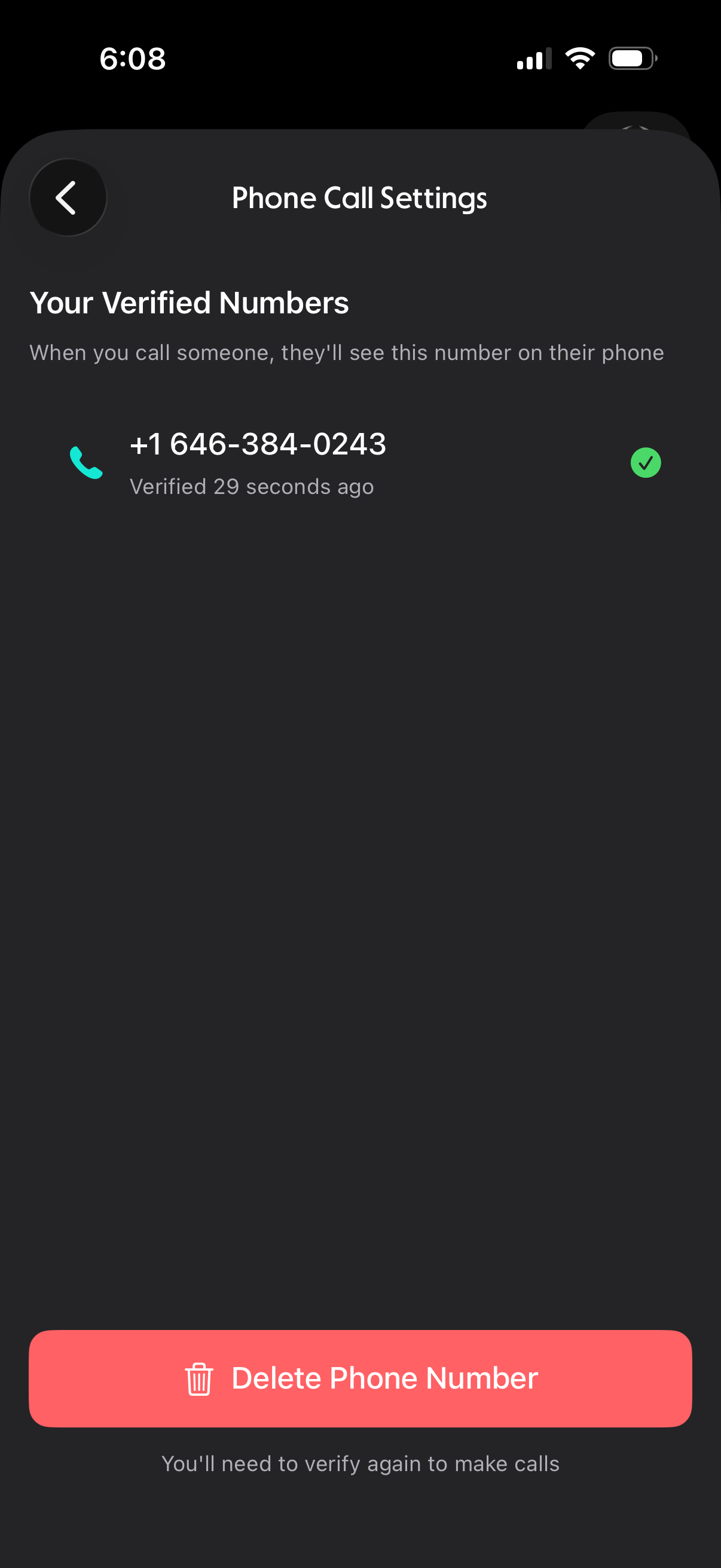
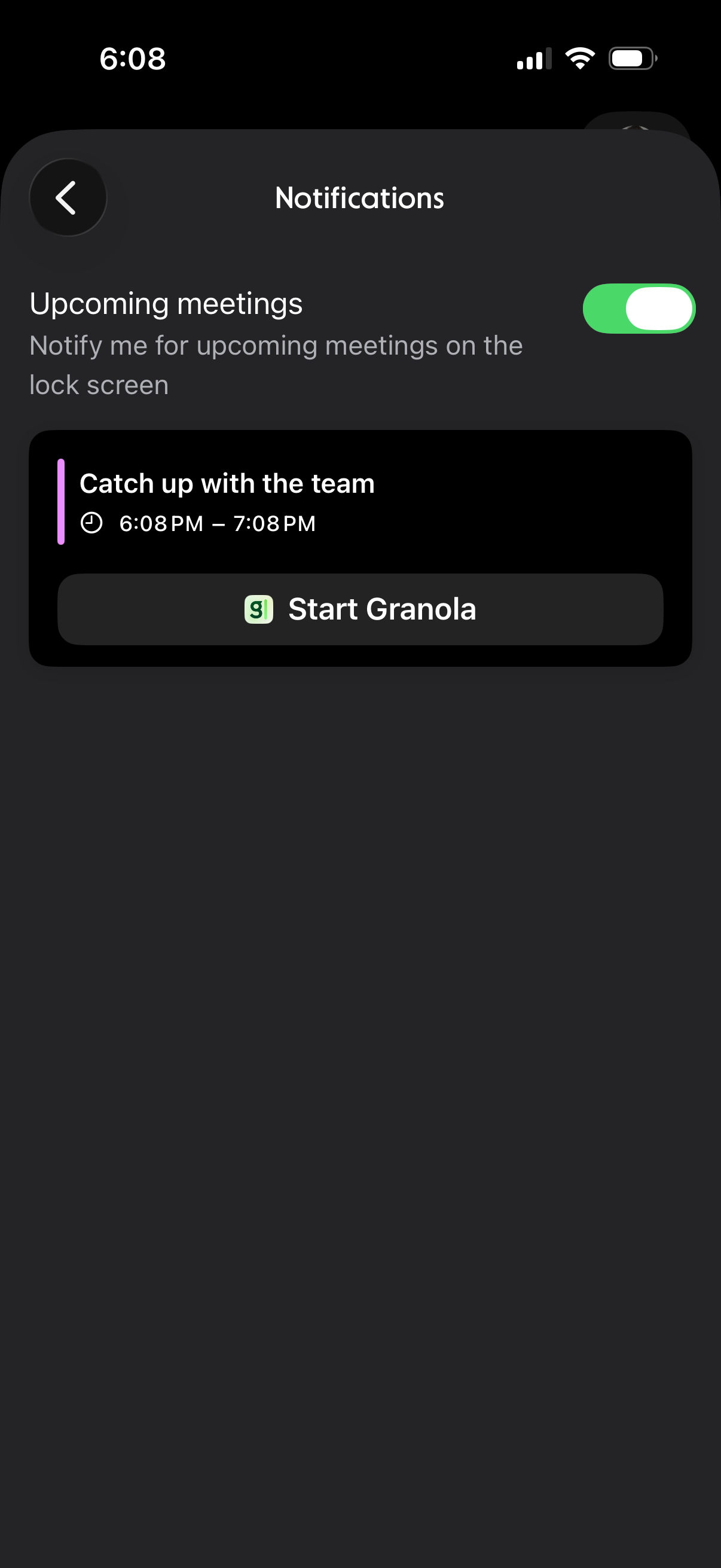
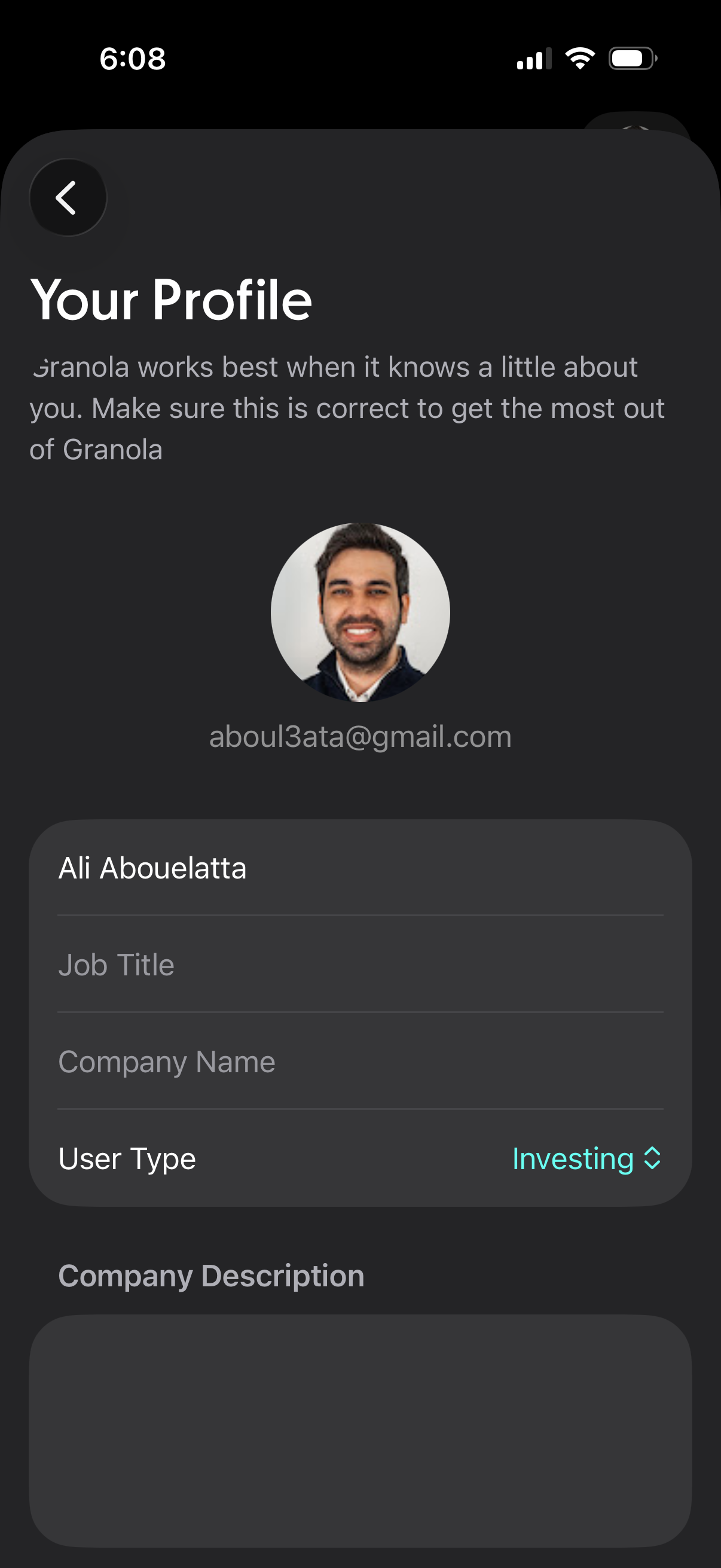
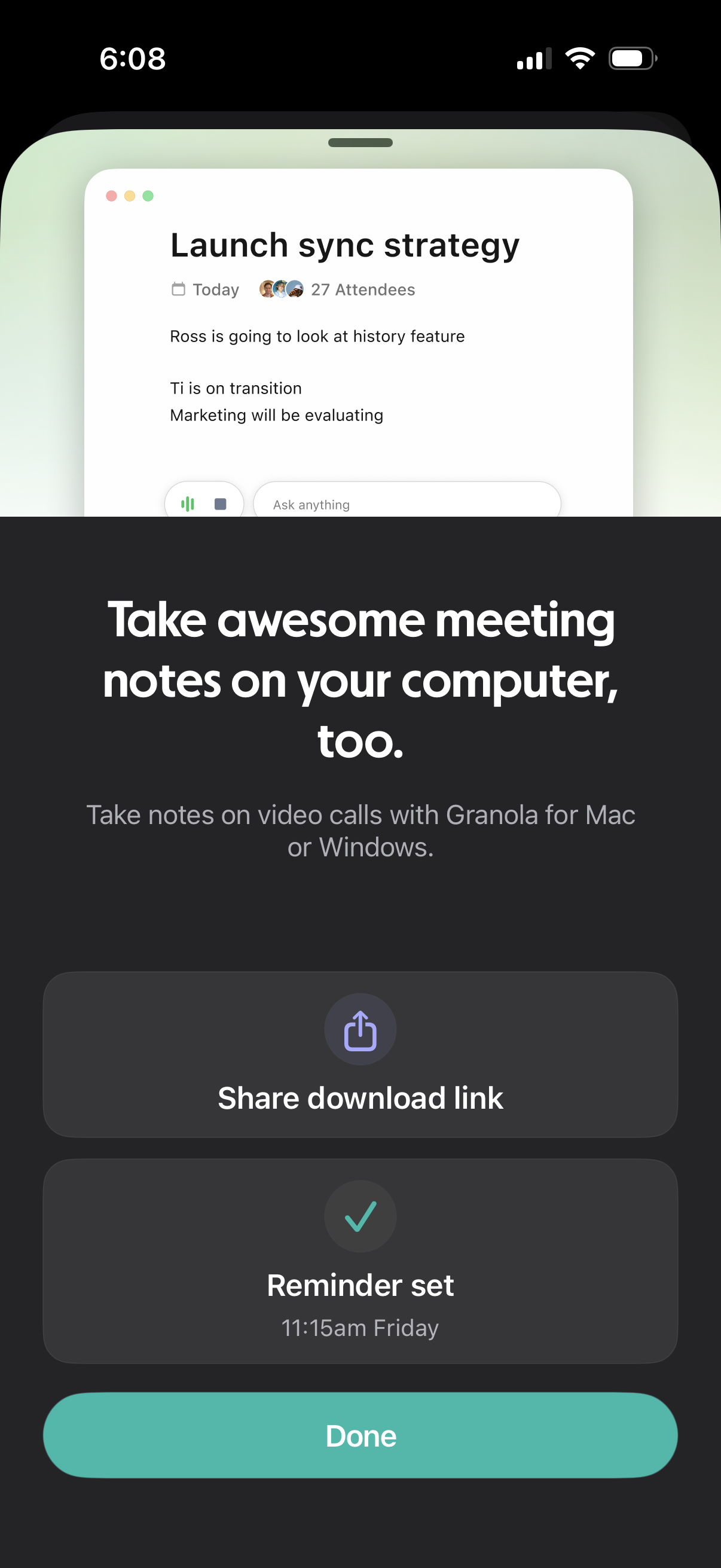
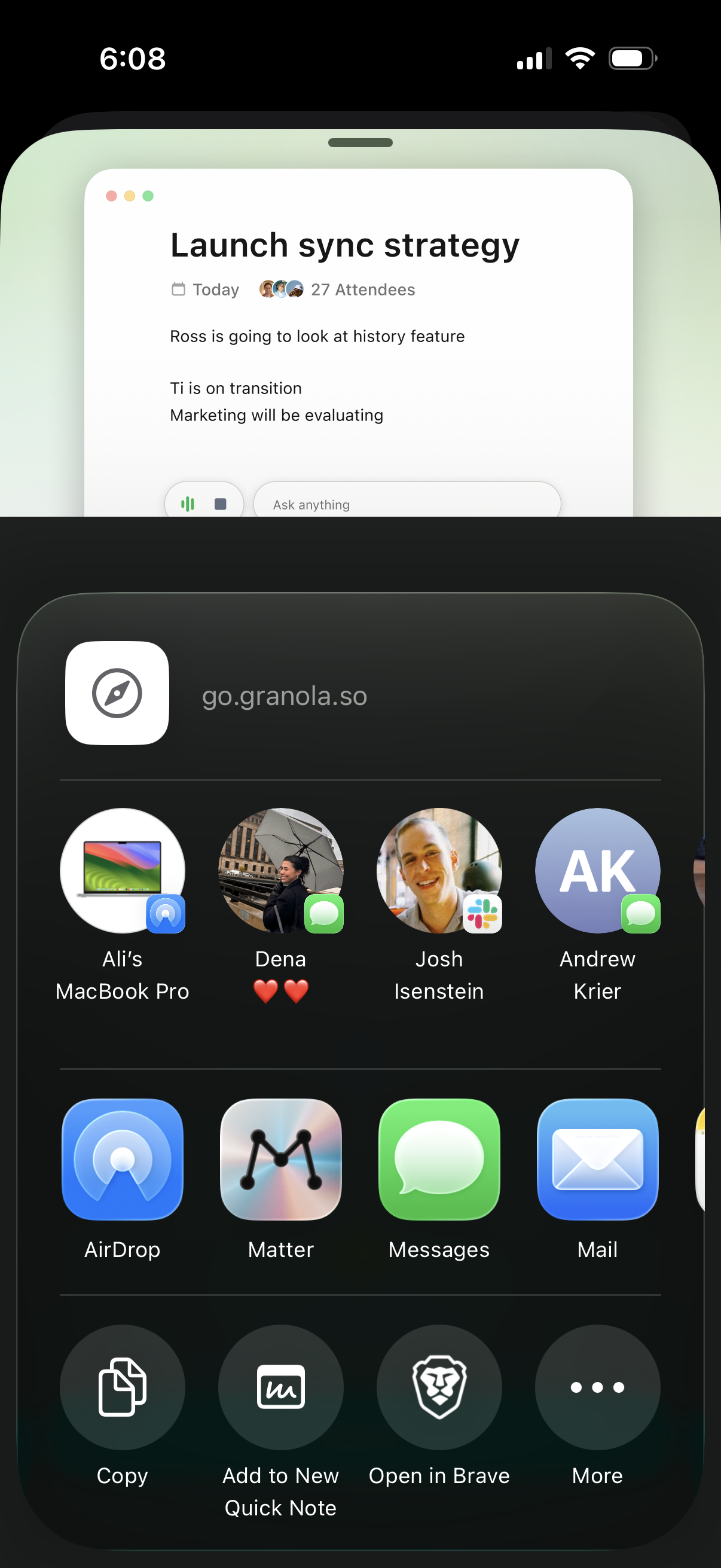
Granola in Productivity — see 43 app screens across Connect contacts for calling, Create note with transcription, Complete onboarding, and Enable microphone access flows. Compare onboarding, paywall, and pricing patterns against real competitors inside Lazyweb.
Lazyweb is a blazing-fast design research library with 281k+ real app screens, user flow examples, UI patterns, and product design patterns for competitive analysis and benchmarking.
Screenshots
Company metadata
| Category | Productivity |
|---|---|
| Subcategory | AI meeting notes |
| Tagline | The AI notepad that helps you get the doing done |
| Business model | Subscription |
| Market leader | Unknown |
| Website | https://www.granola.ai |
| App Store | https://apps.apple.com/us/app/granola-ai-meeting-notes/id6739429409 |
| https://uk.linkedin.com/company/meetgranola |
App Store description
Granola is the AI notepad for people in back-to-back meetings, trusted by top founders, VCs, and recruiters. And now it's available on your iPhone. Stay present and capture every conversation on-the-go — perfect for coffee catch-ups, phone calls, conference days, or just distilling your thoughts. Just open the app, tap start or make a call, and Granola instantly begins transcribing. Granola creates a shareable summary with highlights, decisions, and action items. BEAUTIFUL NOTES, ZERO EFFORT • Accurately transcribes meetings and phone calls, even in noisy environments • Lets you stay focused on the conversation instead of taking notes • Gives you clarity on key moments, decisions, and action items ONE-TAP CAPTURE • Start and stop note-taking straight from your Lock Screen with a single tap • Take notes on outbound phone calls directly from the iPhone app • Create an ad-hoc note from within the app • Use the Lock Screen or Home Screen widgets for easy access CHAT WITH NOTES • Ask questions about your notes and meeting attendees • Extract new insights and refer back to important details • Get clarity on action items and help drafting follow-ups SHARE EFFORTLESSLY • Send polished summaries to attendees in seconds • Edit notes and formatting to fit your needs • View and manage your notes across both iPhone and Mac Here's how it works: • Start a new note from your Lock Screen, Home Page widget, or in the app • Sync with Google Calendar to launch notes for upcoming events • Stay present while Granola transcribes in the background • Afterward, share notes with attendees or keep them private • Chat with your notes to get answers and uncover new insights • Search, view, and manage all your notes in one place Try Granola for a few meetings or calls today. It's free to get started. Need support? Head to our Help Center: https://www.granola.ai/docs Terms of Use: https://www.granola.ai/docs/policies/terms/tos Privacy Policy: https://www.granola.ai/docs/policies/privacy/pp