Grammarly app screens & user flows
Explore up to date profile, onboarding, dashboard, paywall, and reviews flows from Grammarly and more on Lazyweb.
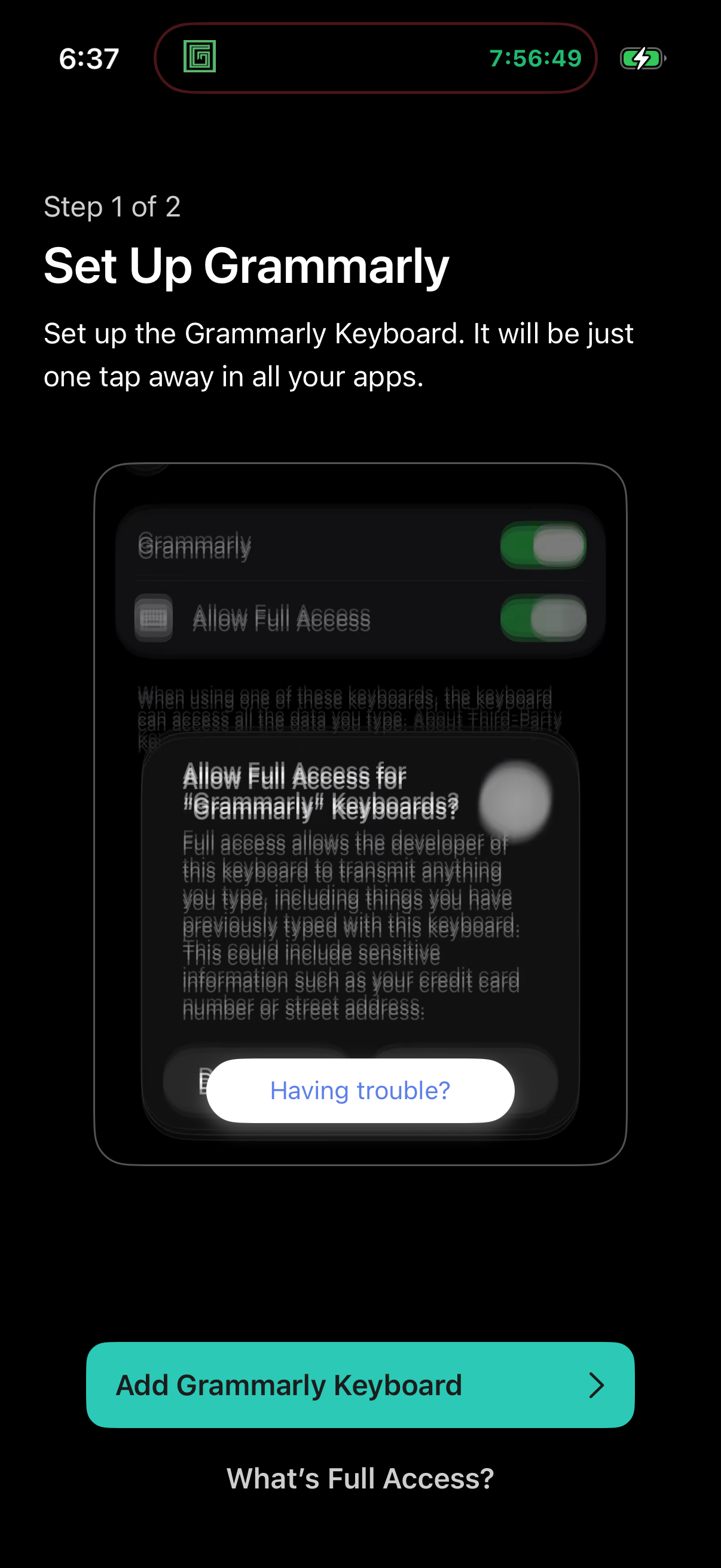
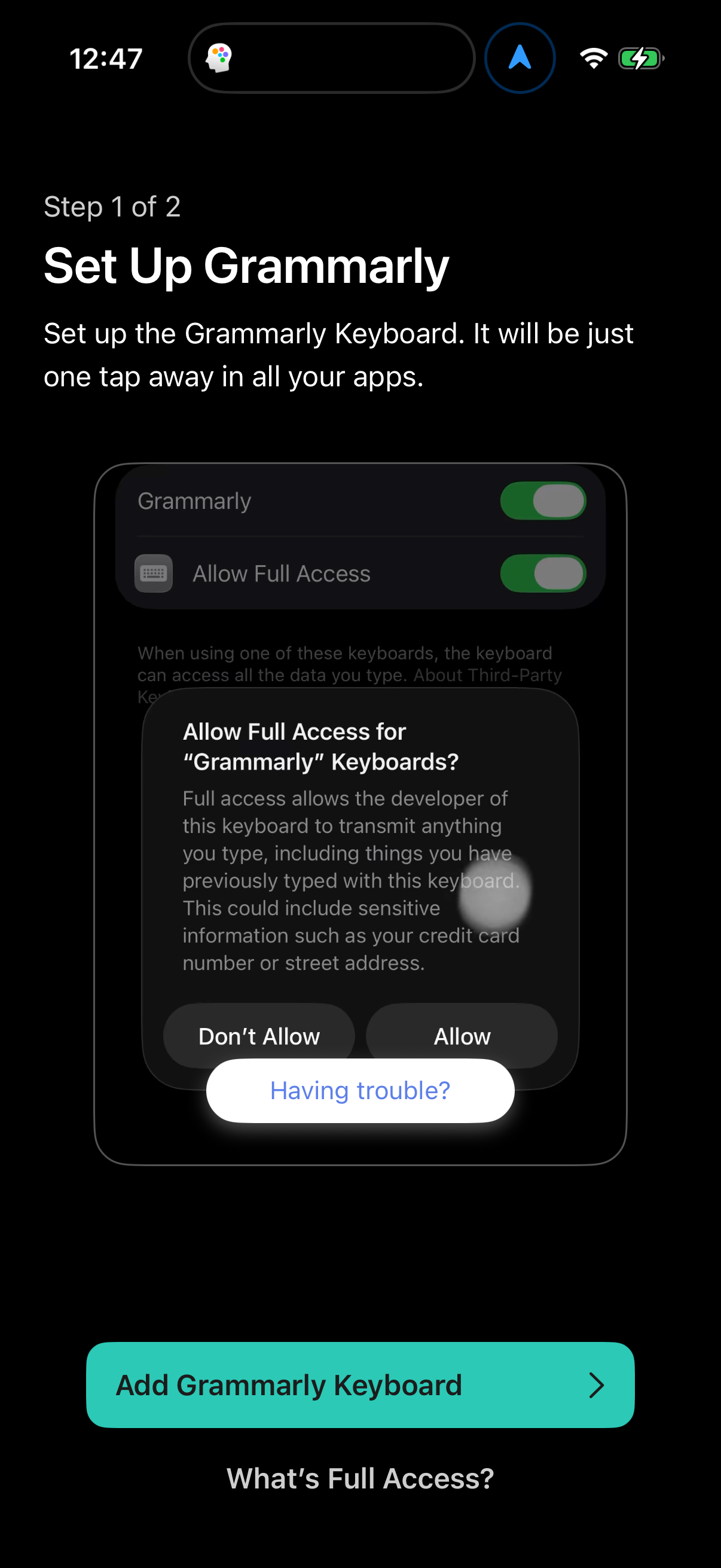
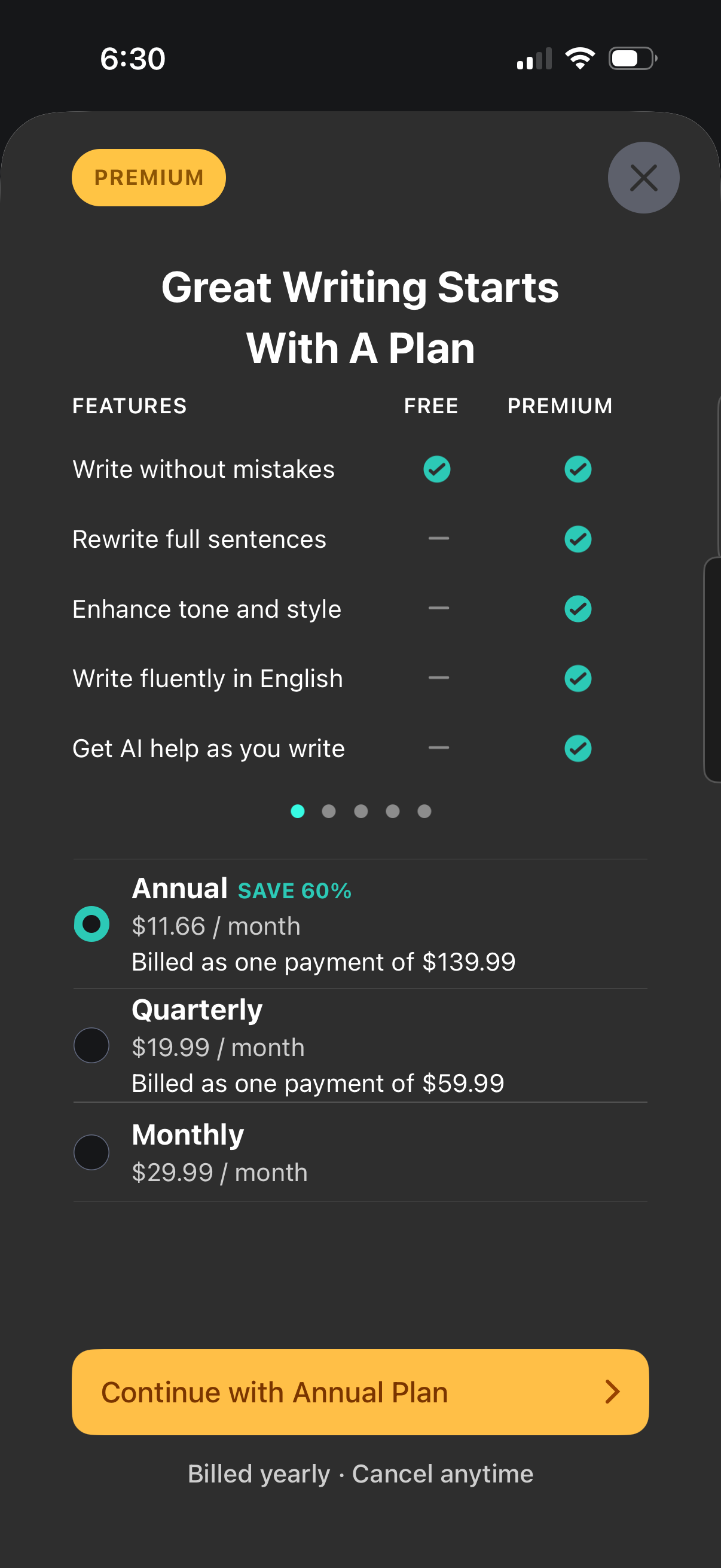
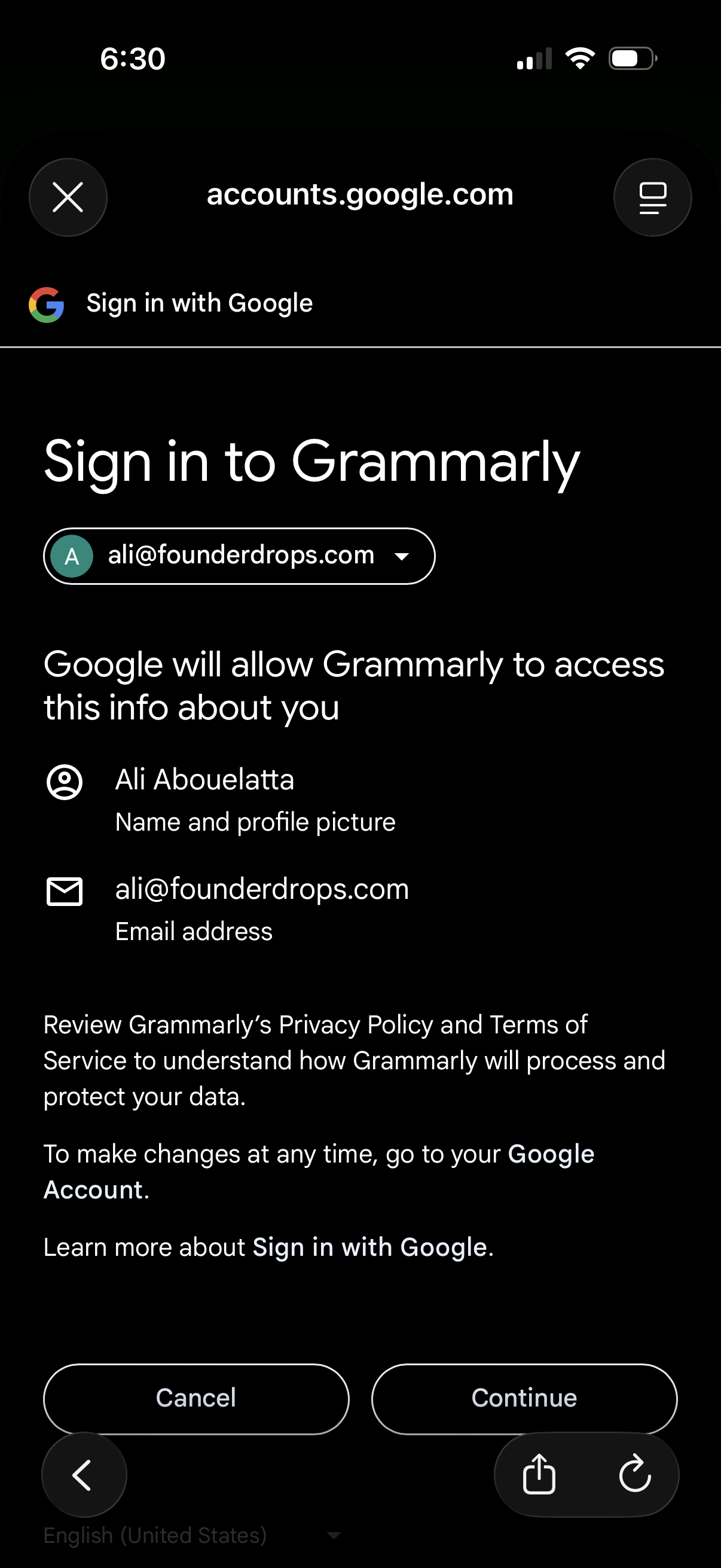
Grammarly in Safari Extensions — see 161 app screens across Keyboard settings, Login, and Sign up flows. Compare onboarding, paywall, and pricing patterns against real competitors inside Lazyweb.
Lazyweb is a blazing-fast design research library with 281k+ real app screens, user flow examples, UI patterns, and product design patterns for competitive analysis and benchmarking.
Screenshots
Company metadata
| Category | Safari Extensions |
|---|---|
| Subcategory | Writing & Grammar |
| Tagline | You think big. We’ll take care of the details. Work with an AI partner that helps turn your thoughts into writing that’s clear, credible, and impossible to ignore. |
| Business model | Subscription, B2B Licensing |
| Product archetype | Consumer |
| Growth engine | Network effects (social graph), Sales-led (B2B), Product-led sales (PLS), Cold outreach, Channel / partnership-led, PR, Word of mouth |
| Active users | 40,000,000 |
| Money raised | $1,545,000,000 |
| Public company | No |
| Market leader | Yes |
| Website | https://www.grammarly.com |
| App Store | https://apps.apple.com/us/app/grammarly-ai-writing-keyboard/id1158877342 |
| X / Twitter | https://twitter.com/grammarly |
| https://www.instagram.com/grammarly/ | |
| https://www.linkedin.com/company/grammarly | |
| TikTok | https://www.tiktok.com/@grammarlyofficial |
| Crunchbase | https://www.crunchbase.com/organization/superhuman-1 |
App Store description
Instantly and easily create smart, polished writing with the Grammarly Keyboard. Designed to deliver real-time writing feedback and provide AI assistance, the Grammarly Keyboard works directly in your iPhone and iPad apps, no copy and paste required. When you join the millions of people using the Grammarly Keyboard, you’ll benefit from: An easy-to-use AI keyboard that works in all your apps - Spelling, grammar, and conciseness suggestions - Vocabulary and clarity recommendations (Premium only) - Tone detection - Tone transformations (Premium only) - Multiword text predictions - Smart autocorrect and swipe typing - Emoji predictions and search bar Generative AI Rewrites - New versions of your entire message in a couple of taps - Versions adjust for length, fluency, tone, and more - Works in all your favorite apps A document editor for long-form writing - Comprehensive writing feedback - Cloud-based document management - Personal writing statistics - Plagiarism and AI detection - Compatible with hardware keyboards A Safari extension for typing on websites - Spelling and grammar checker Further Improve Your Writing With Grammarly Premium Grammarly Premium makes your writing more engaging and effective with advanced suggestions for clarity, conciseness, tone, and vocabulary. Premium works across all your devices; just sign in to enjoy its benefits.