
Google Maps app screens & user flows
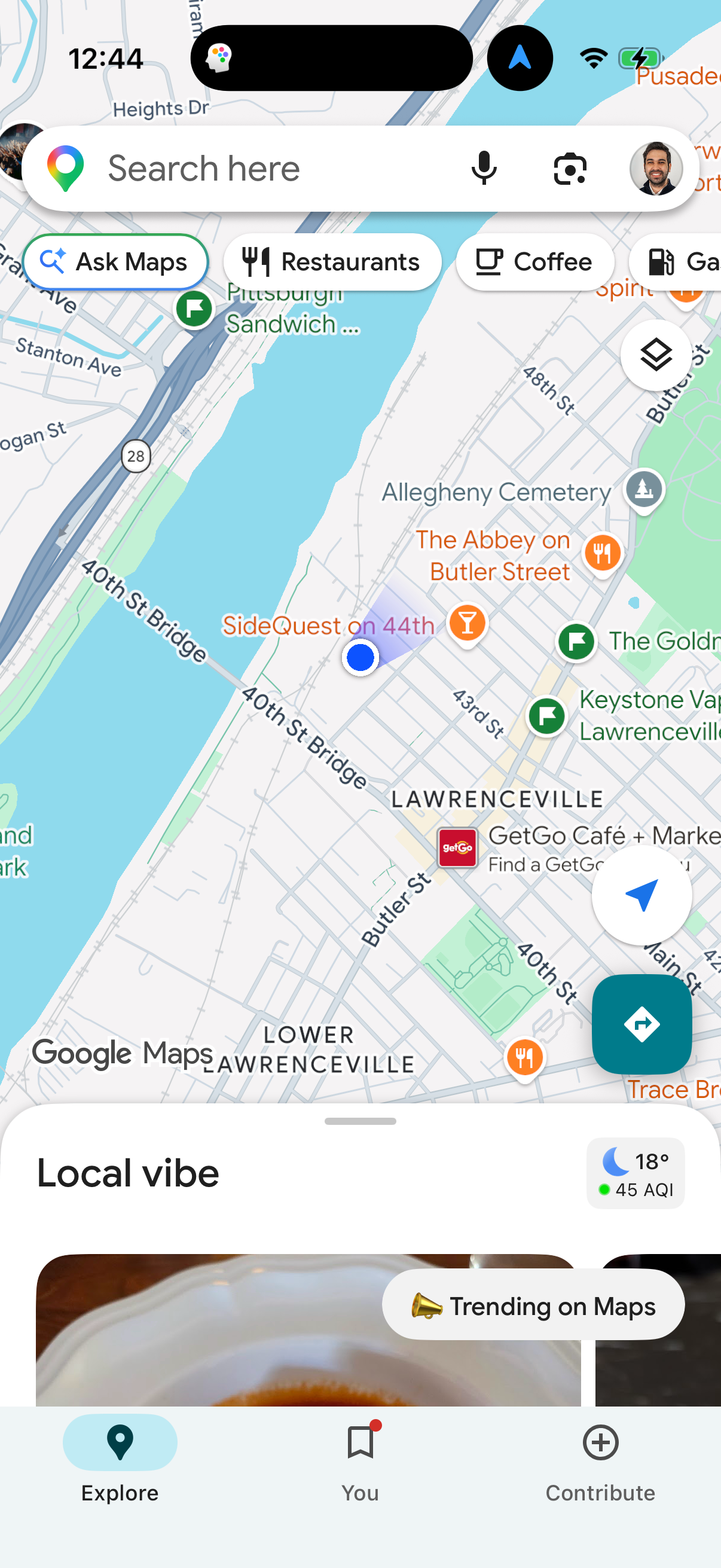
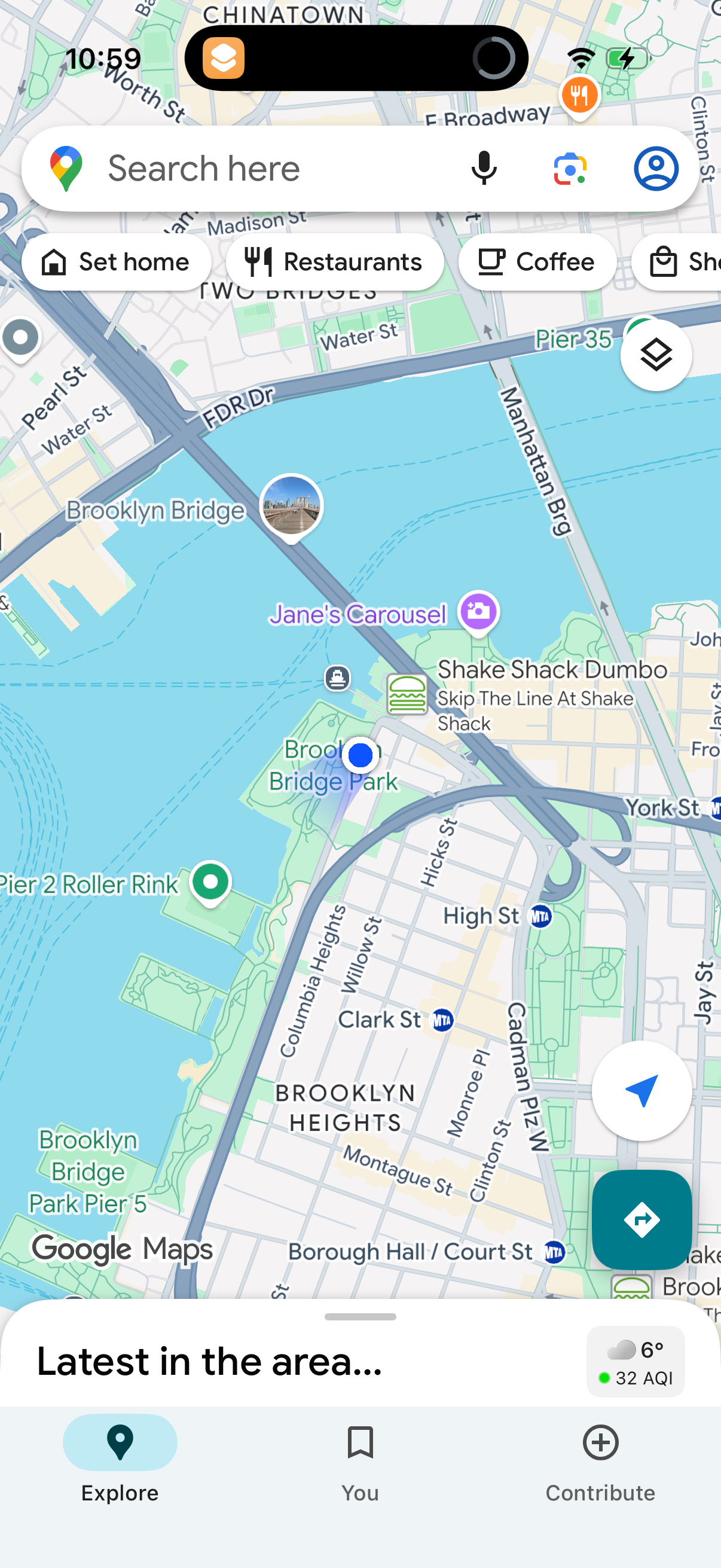
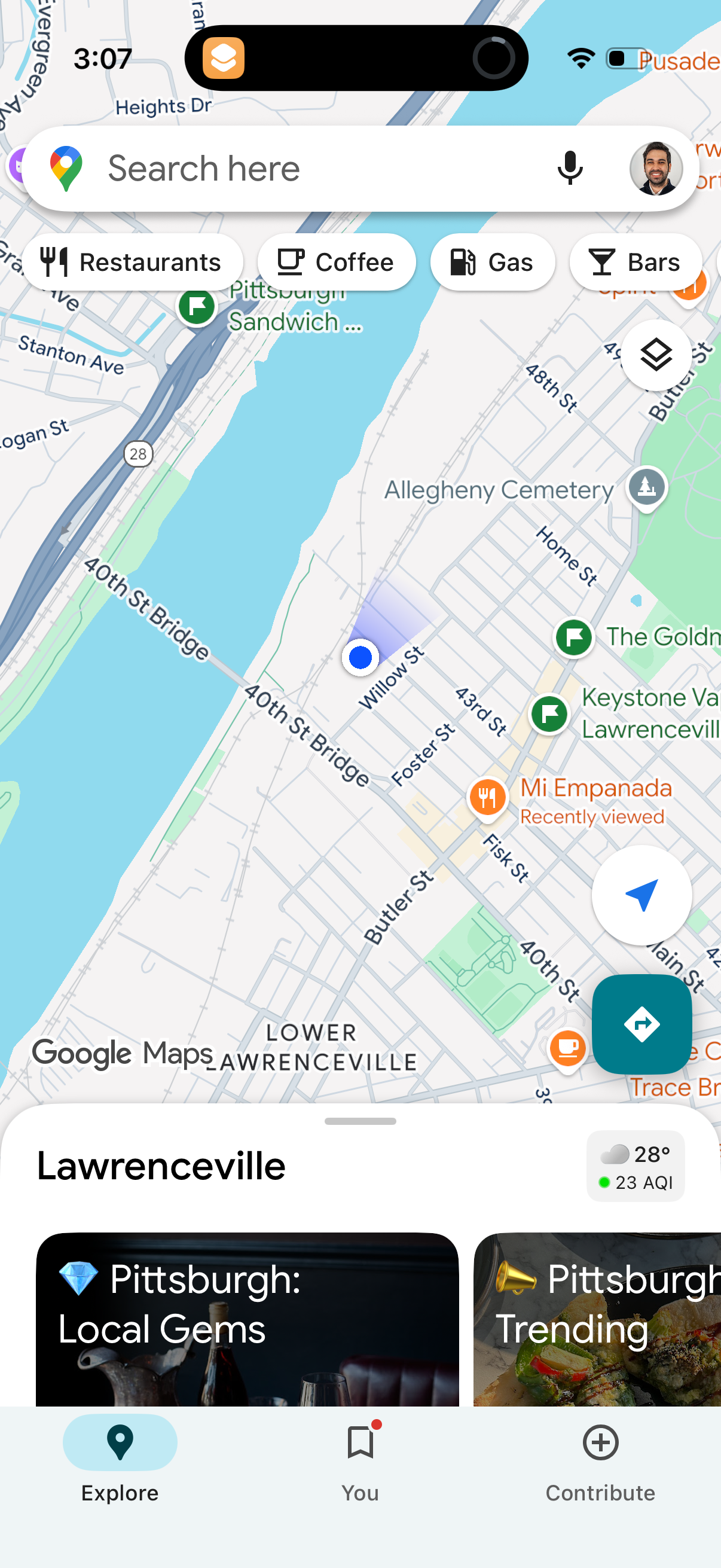
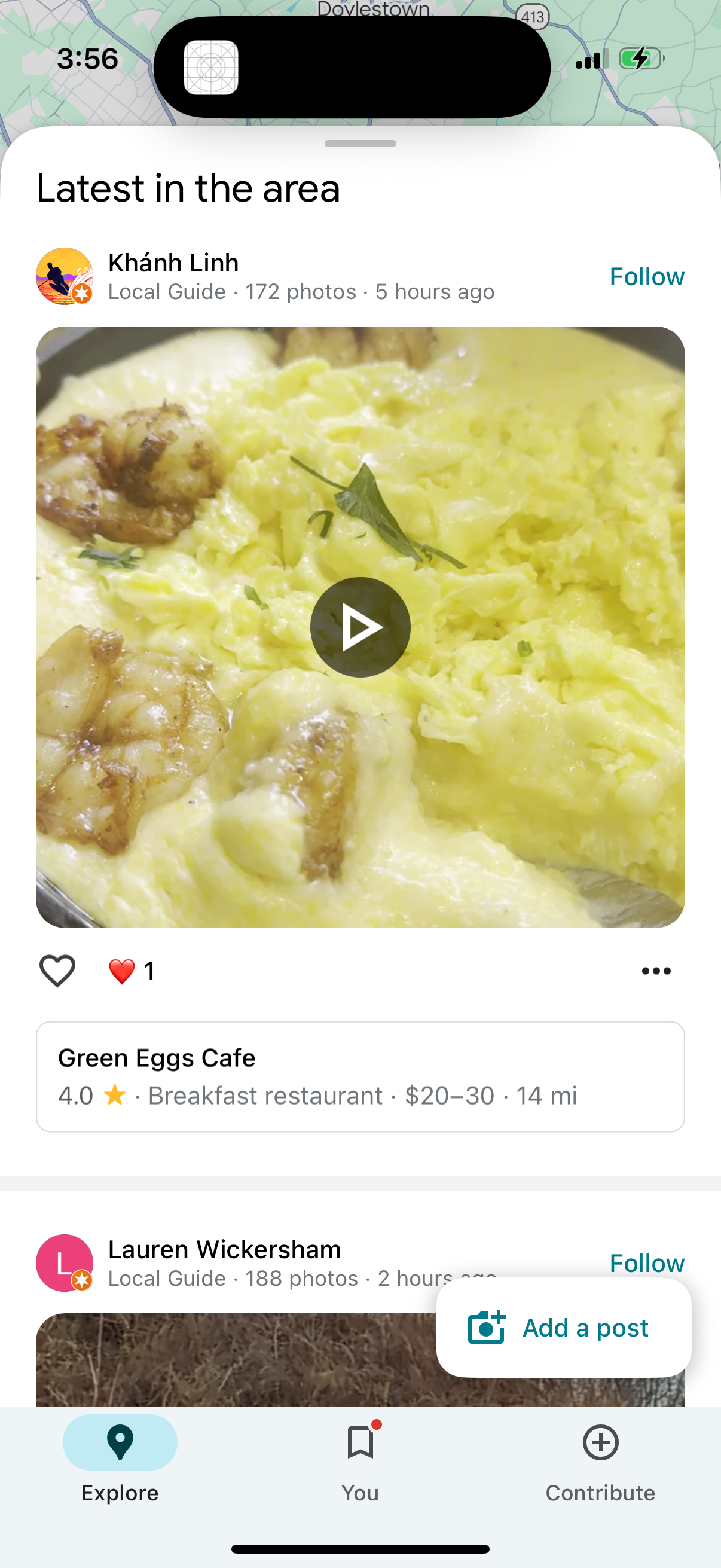
Explore up to date search, reviews, wishlist, referral, and dashboard flows from Google Maps and more on Lazyweb.
Google Maps in Navigation — see 143 app screens across search, reviews, wishlist, referral, and dashboard flows. Compare onboarding, paywall, and pricing patterns against real competitors inside Lazyweb.
Lazyweb is a blazing-fast design research library with 281k+ real app screens, user flow examples, UI patterns, and product design patterns for competitive analysis and benchmarking.
Screenshots
.png)
Company metadata
| Category | Navigation |
|---|---|
| Subcategory | Maps & Transit |
| Tagline | Find local businesses, view maps and get driving directions in Google Maps. |
| Business model | Advertising, Cross-subsidized Funnel / Companion App |
| Product archetype | 2-sided Marketplace, Consumer |
| Growth engine | Network effects (social graph), Hardware/Distribution bundling, Paid performance marketing, PR, Word of mouth |
| Active users | 2,000,000,000 |
| Money raised | $1,239,681,475 |
| Public company | Yes |
| Market leader | Yes |
| Website | https://maps.google.com |
| App Store | https://apps.apple.com/us/app/google-maps/id585027354 |
| X / Twitter | https://x.com/googlemaps |
| https://www.instagram.com/googlemaps/ | |
| https://www.linkedin.com/company/google | |
| Crunchbase | https://www.crunchbase.com/organization/google |
App Store description
Explore and navigate the world with confidence using Google Maps. Find the best routes with live traffic data and real-time GPS navigation for driving, walking, cycling, and public transport. Discover over 250 million businesses and places - from restaurants and shops to everyday essentials – with photos, reviews, and helpful information. Navigate the world, the way you want: • Get to where you need to go with fuel‑efficient route options • Find the best route with real‑time, turn‑by‑turn voice, and on screen navigation • Save time with automatic rerouting based on live traffic, incidents, and road closures • Catch the bus, train, and ride‑share effortlessly, with real‑time updates • Find bike or scooter rentals to get around more easily Plan trips and experiences effortlessly: • Preview an area before you go (e.g. parking, entrances) with Street View • Use Immersive View to experience what landmarks, parks and routes look like, and even check the weather so you can be ready in advance • Create custom lists of your favorite saved places and share with others • Order delivery and takeout, make reservations, and book hotels • Don't get lost with offline maps in an area with bad signal • Search for local places and things to do, and decide based on user reviews and photos Discover and explore like a local: • Explore with confidence knowing 500 million users contribute and keep the map up to date each year • Avoid the crowds by seeing how busy a place is before you get there • Use Lens in Maps to see walking directions overlaid on the real world • Filter restaurants by cuisine, hours, price, rating and more • Ask questions about a place, from dishes to parking, and get quick answers Some features not available in all countries or cities Navigation isn’t intended to be used by oversized or emergency vehicles