Google Auth app screens & user flows
Explore up to date profile, search, dashboard, verification, and onboarding flows from Google Auth and more on Lazyweb.
Google Auth in Utilities — see 68 app screens across profile, search, dashboard, verification, and onboarding flows. Compare onboarding, paywall, and pricing patterns against real competitors inside Lazyweb.
Lazyweb is a blazing-fast design research library with 281k+ real app screens, user flow examples, UI patterns, and product design patterns for competitive analysis and benchmarking.
Screenshots
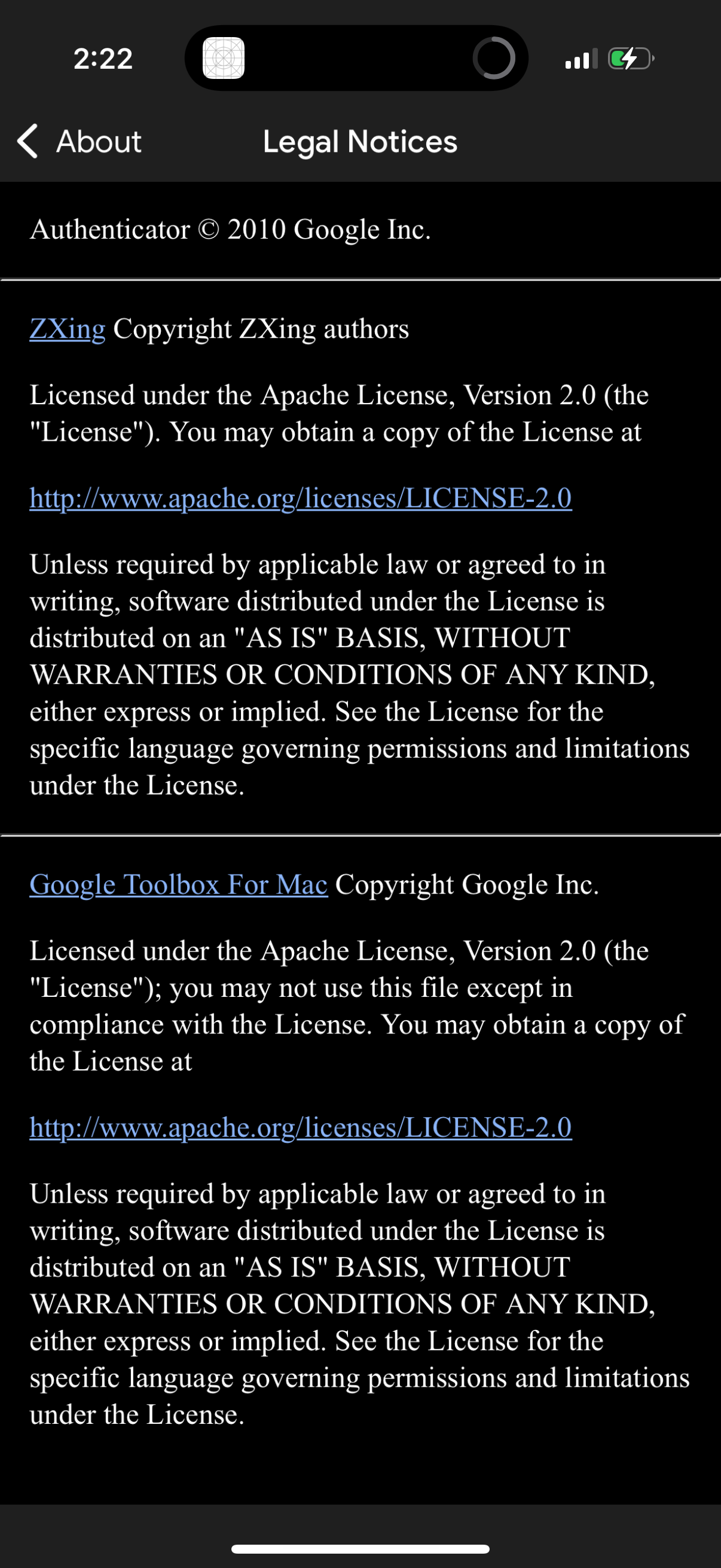
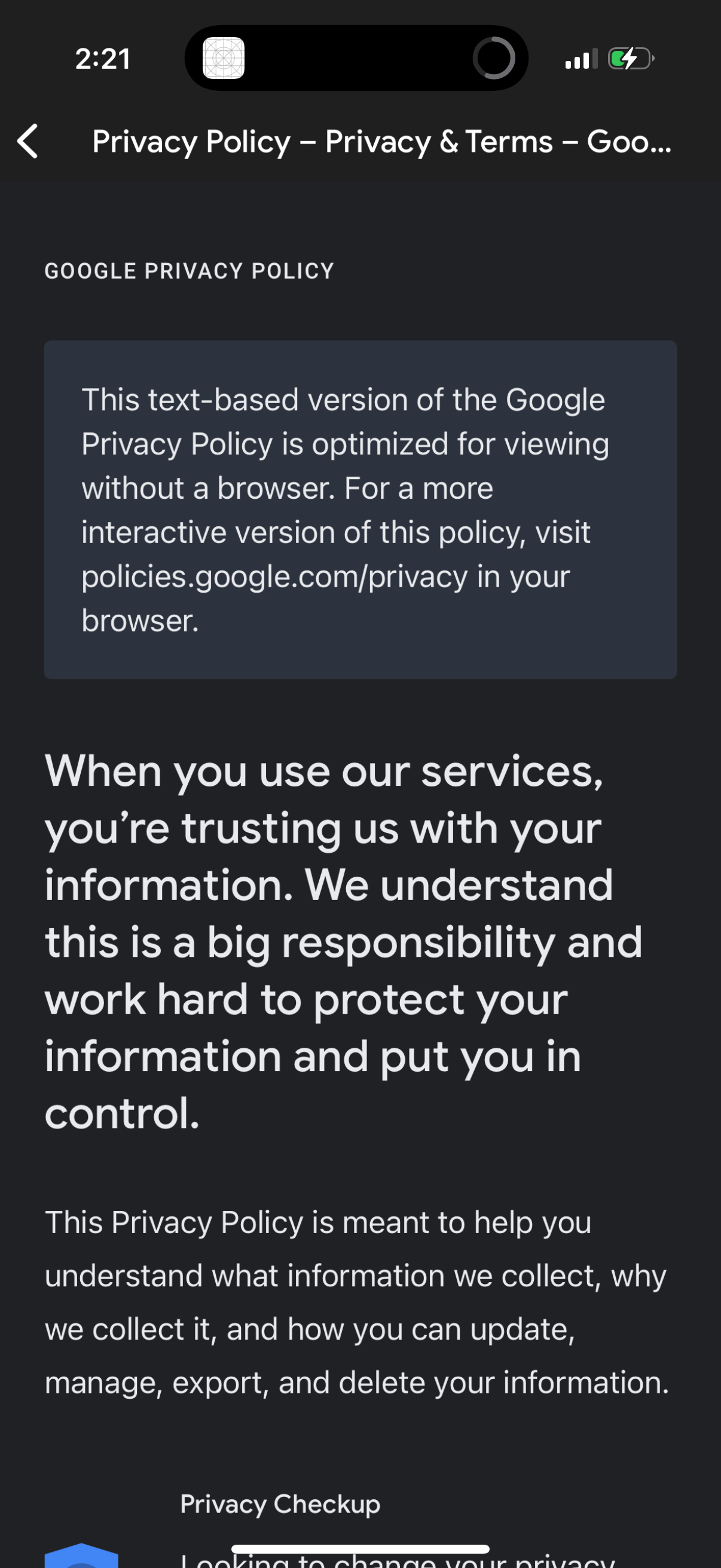
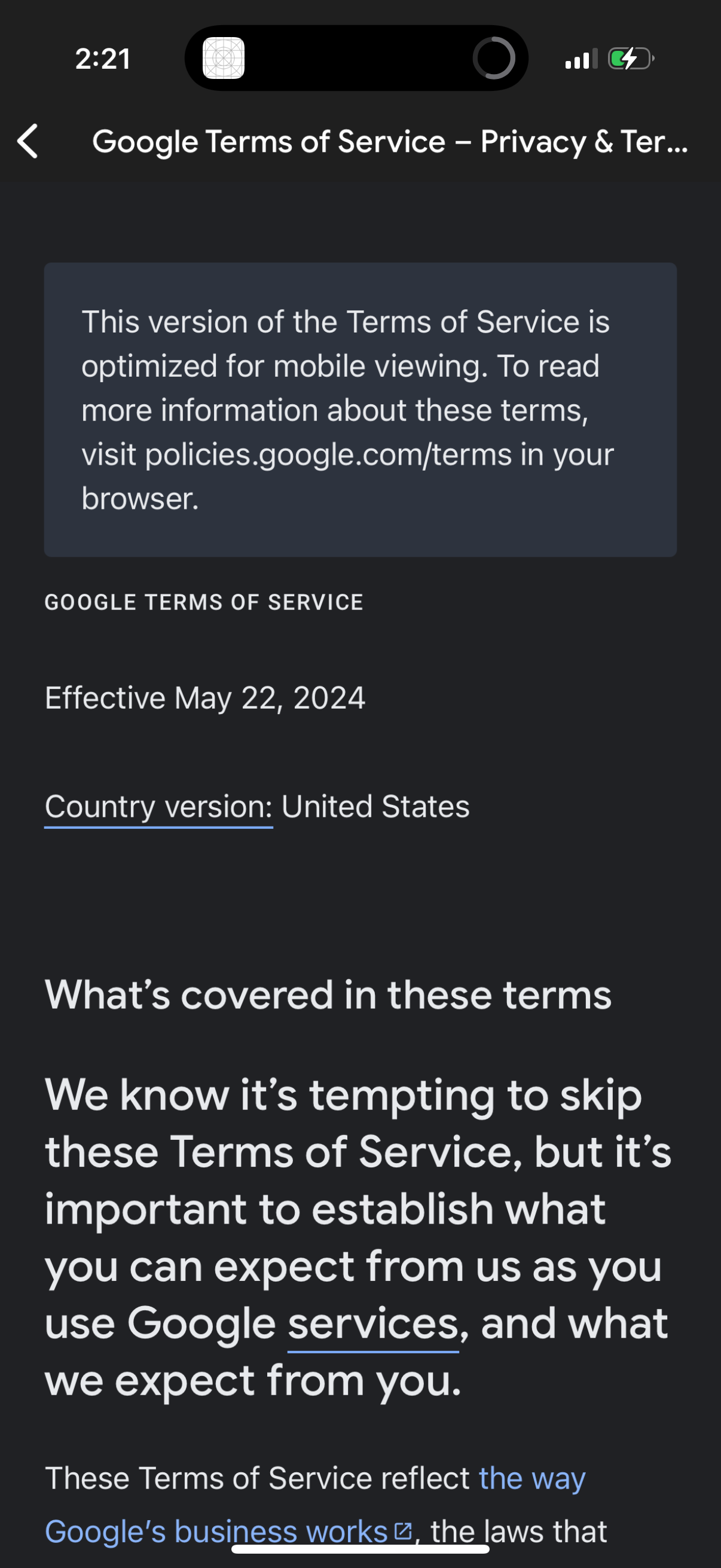
Company metadata
| Category | Utilities |
|---|---|
| Subcategory | Authentication & 2FA |
| Tagline | The safer way to sign in to all of your online accounts |
| Business model | Cross-subsidized Funnel / Companion App |
| Product archetype | Consumer |
| Growth engine | Hardware/Distribution bundling, PR, Word of mouth |
| Active users | 100,000,000 |
| Money raised | $0 |
| Public company | Yes |
| Market leader | No |
| Website | https://www.google.com/landing/2step |
| App Store | https://apps.apple.com/us/app/google-authenticator/id388497605 |
| X / Twitter | https://x.com/Google |
| https://www.instagram.com/google/ | |
| https://www.linkedin.com/company/google/ | |
| TikTok | https://www.tiktok.com/@google |
| Crunchbase | https://www.crunchbase.com/organization/google |
App Store description
Google Authenticator adds an extra layer of security to your online accounts by adding a second step of verification when you sign in. This means that in addition to your password, you'll also need to enter a code that is generated by the Google Authenticator app on your phone. The verification code can be generated by the Google Authenticator app on your phone, even if you don't have a network or cellular connection. • Sync your Authenticator codes to your Google Account and across your devices. This way, you can always access them even if you lose your phone. • Set up your Authenticator accounts automatically with a QR code. This is quick and easy, and it helps to ensure that your codes are set up correctly. • Support for multiple accounts. You can use the Authenticator app to manage multiple accounts, so you don't have to switch between apps every time you need to sign in. • Support for time-based and counter-based code generation. You can choose the type of code generation that best suits your needs. • Transfer accounts between devices with a QR code. This is a convenient way to move your accounts to a new device. To use Google Authenticator with Google, you need to enable 2-Step Verification on your Google Account. To get started visit http://www.google.com/2step