
DS Clock app screens & user flows
Explore up to date dashboard, onboarding, messaging, reviews, and search flows from DS Clock and more on Lazyweb.
DS Clock in Lifestyle — see 9 app screens across Add home widget flows. Compare onboarding, paywall, and pricing patterns against real competitors inside Lazyweb.
Lazyweb is a blazing-fast design research library with 281k+ real app screens, user flow examples, UI patterns, and product design patterns for competitive analysis and benchmarking.
Screenshots

Company metadata
| Category | Lifestyle |
|---|---|
| Subcategory | Clock Widgets |
| Product archetype | Consumer |
| Public company | No |
| Market leader | Unknown |
| App Store | https://apps.apple.com/us/app/dsclock-retro-clock-widget/id6746729918 |
App Store description
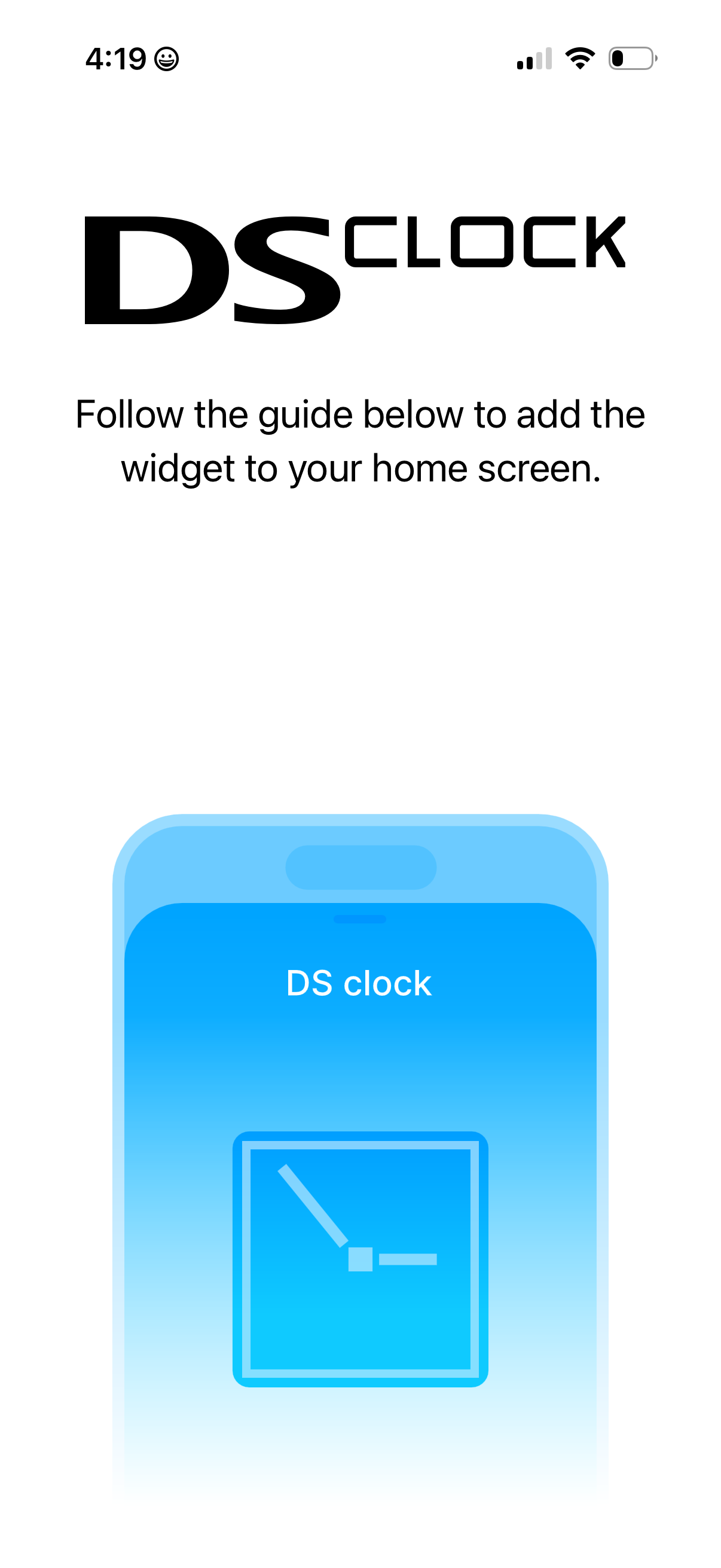
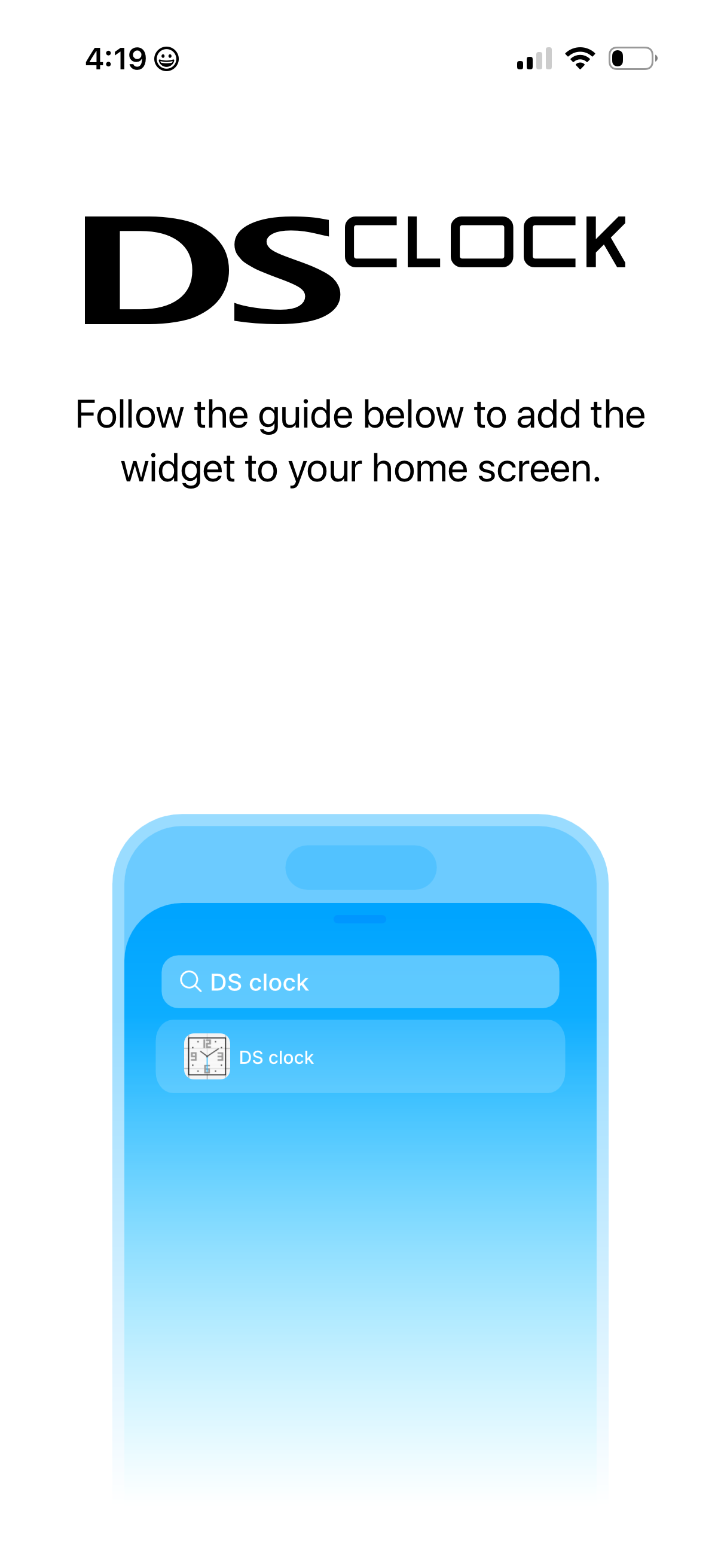
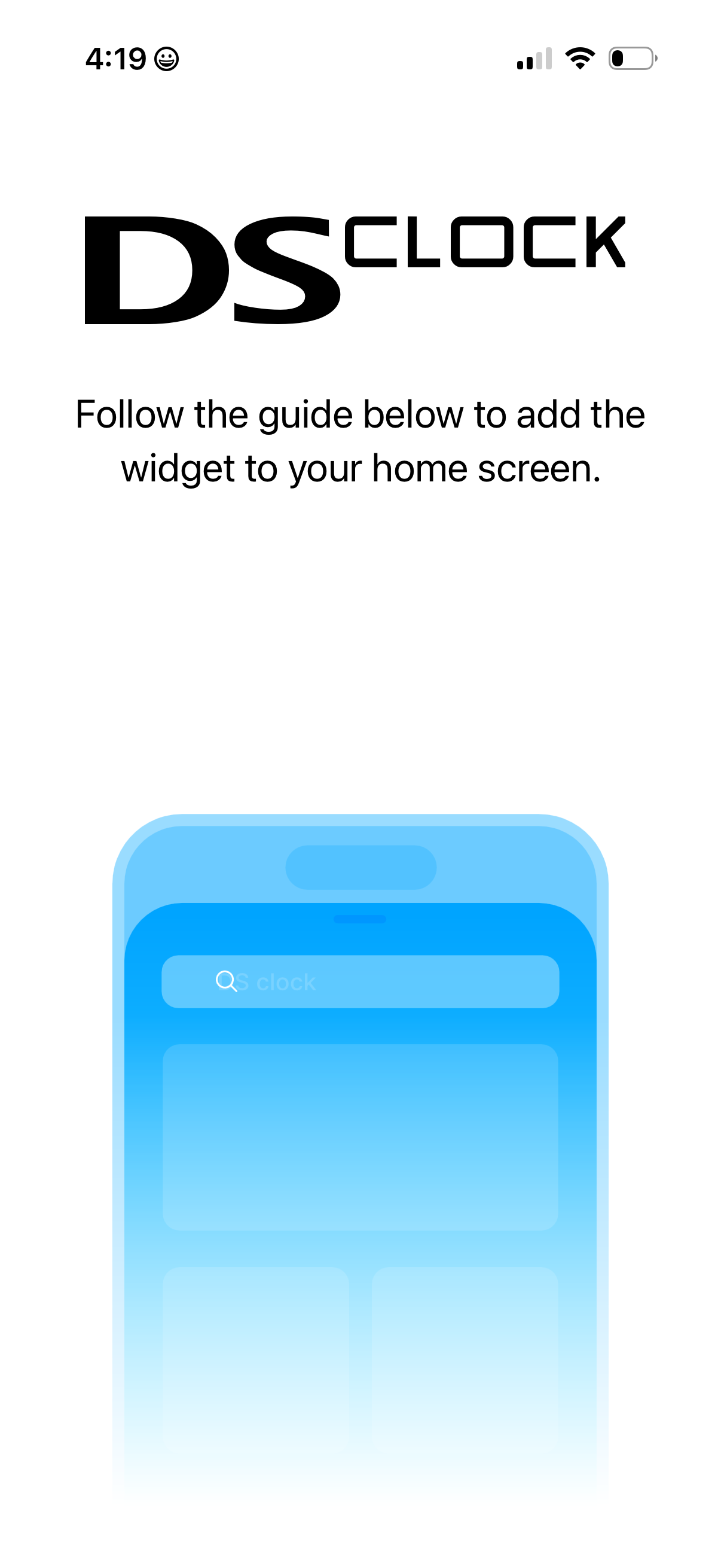
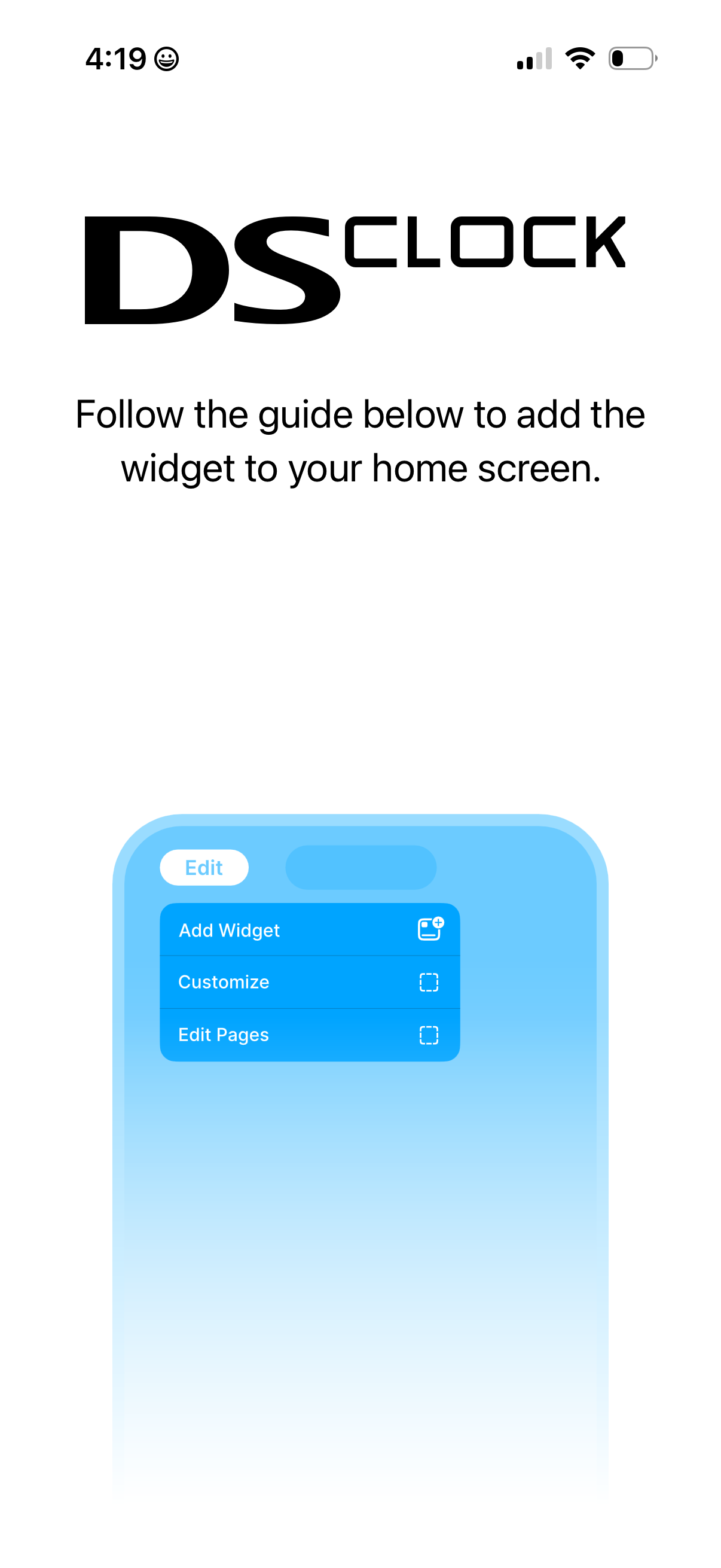
Nostalgic Nintendo DS-style clock widgets in both light and dark themes. Drop them on your Home, Lock, or StandBy screens — no ads, no tracking. Bring a slice of handheld-era charm to iPhone. Highlights • Authentic DS-inspired dial design • Separate light & dark widgets (S, M, L) • Works on Home Screen, Lock Screen, StandBy • Zero ads, zero data collection • Tiny footprint, battery-friendly Setup Open DS Clock Widget once. Long-press a screen → + → search “DS Clock”. Pick light or dark, choose a size. DS Clock Widget is an independent homage and is not affiliated with Nintendo.