_pixar.png)
Delta app screens & user flows
Explore up to date profile, login, booking, search, and dashboard flows from Delta and more on Lazyweb.
Delta in Travel — see 55 app screens across profile, login, booking, search, and dashboard flows. Compare onboarding, paywall, and pricing patterns against real competitors inside Lazyweb.
Lazyweb is a blazing-fast design research library with 281k+ real app screens, user flow examples, UI patterns, and product design patterns for competitive analysis and benchmarking.
Screenshots
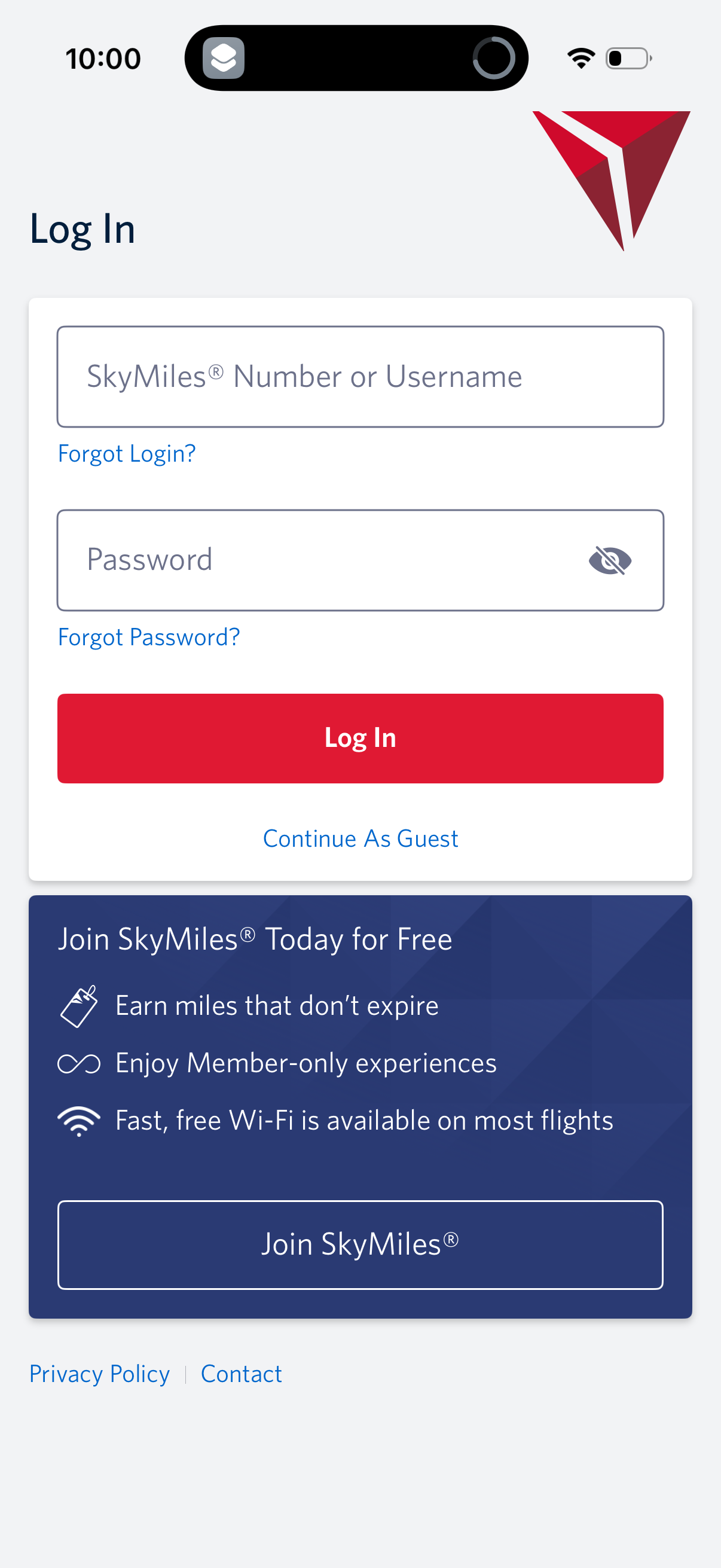
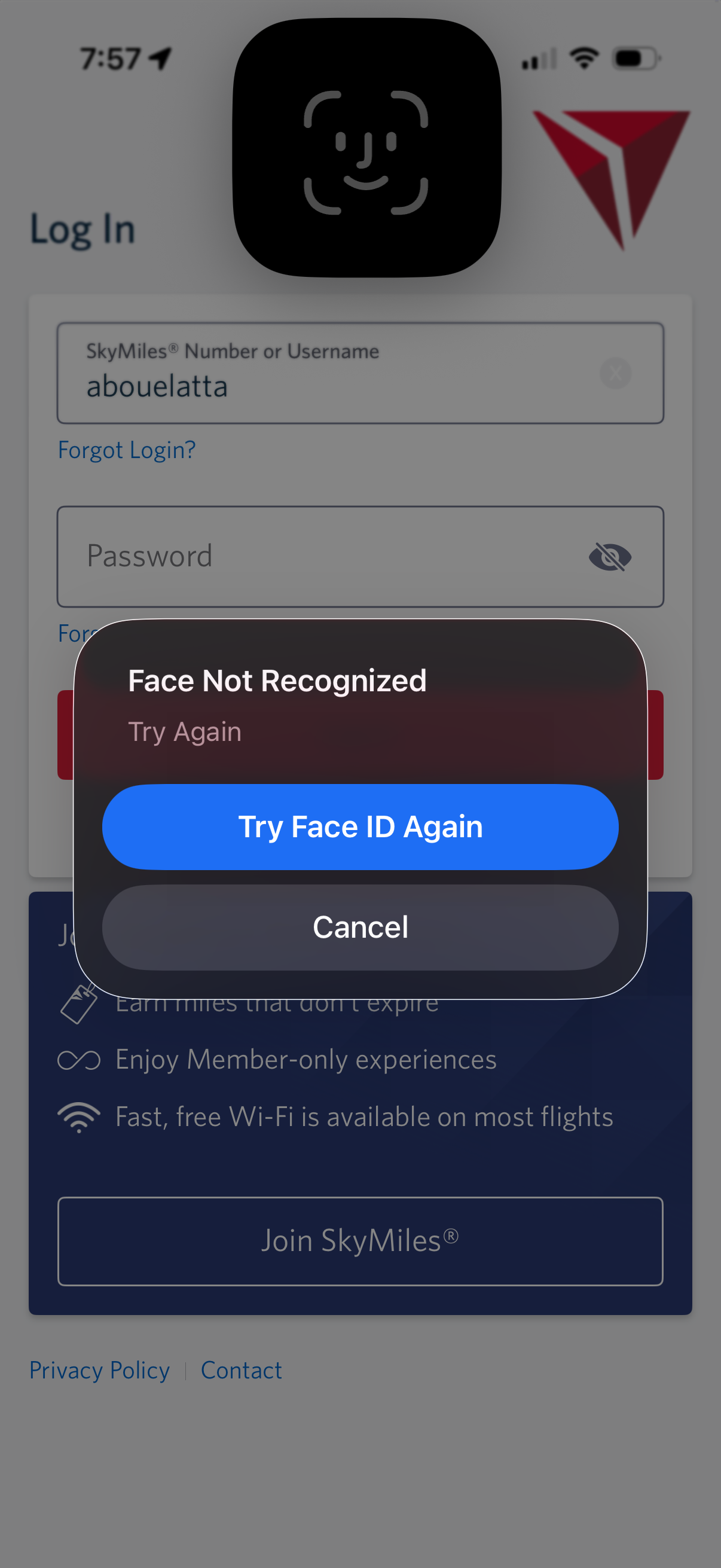

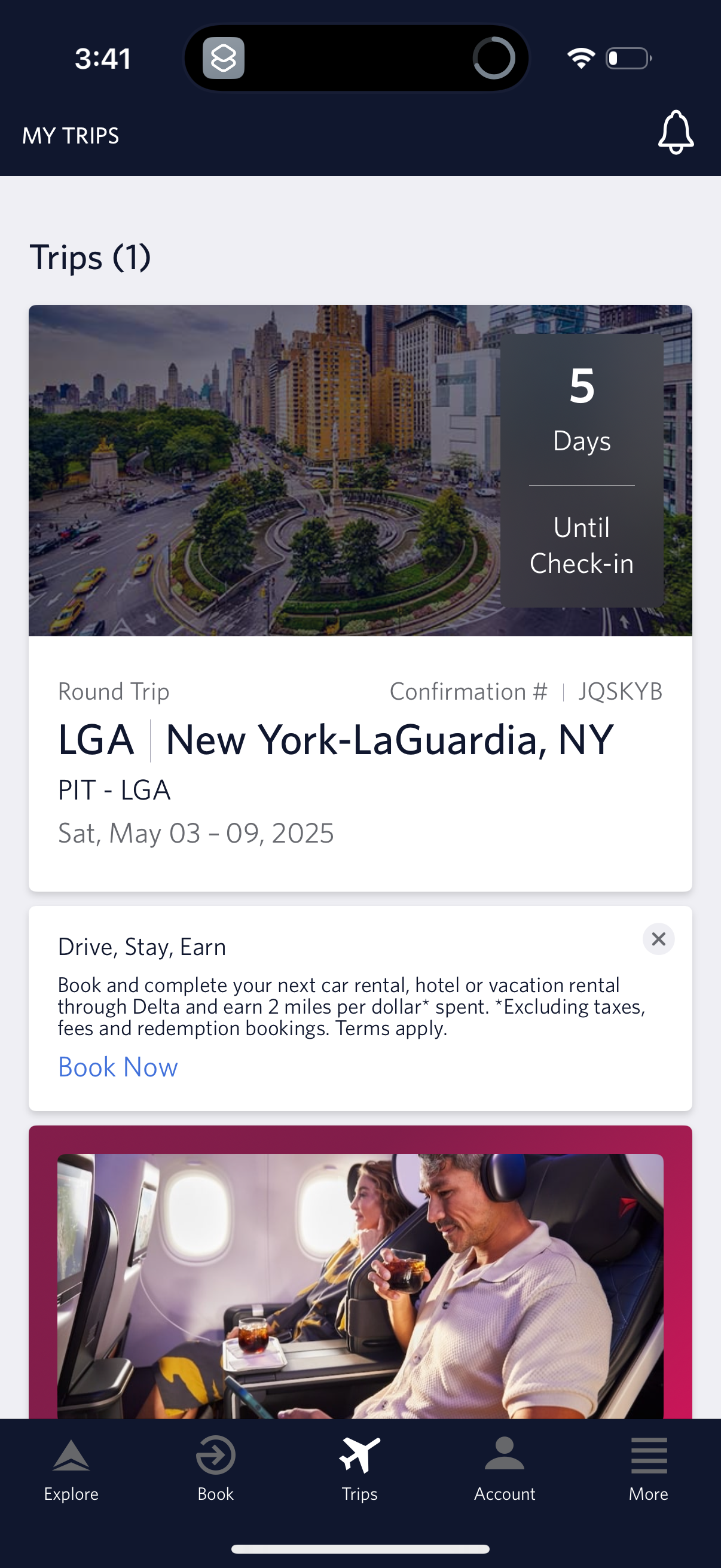
Company metadata
| Category | Travel |
|---|---|
| Subcategory | Airlines |
| Tagline | CONNECT TO YOUR ME TIME. Enjoy your airtime with fast, free Delta Sync Wi‑Fi presented by T‑Mobile as a SkyMiles Member. |
| Business model | Cross-subsidized Funnel / Companion App |
| Product archetype | 2-sided Marketplace, Consumer |
| Growth engine | Hardware/Distribution bundling, Paid performance marketing, Social media, PR |
| Revenue (2024) | $61,643,000,000 |
| Money raised | $208,825,979 |
| Public company | Yes |
| Market leader | Yes |
| Website | https://www.delta.com |
| App Store | https://apps.apple.com/us/app/fly-delta/id388491656 |
| X / Twitter | https://x.com/Delta |
| https://www.instagram.com/delta/ | |
| https://www.linkedin.com/company/delta-air-lines | |
| TikTok | https://www.tiktok.com/@delta |
| Crunchbase | https://www.crunchbase.com/organization/delta-air-lines |
App Store description
Welcome to Fly Delta, Delta’s award winning iOS app. With our dynamic Today screen which provides quick access to your boarding pass and other important day-of-travel information, Fly Delta makes travel easier than ever before. • Enroll in Delta's SkyMiles® program and earn miles every time you travel • Find, compare and book Domestic and International flights • Book SkyMiles award tickets • Purchase Delta Comfort+™ seats and Trip Extras, including in‑flight Wi‑Fi, Priority Boarding and more • Reserve Preferred Seats like bulkhead and aisle • Rebook cancelled flights or missed connections • Manage your trips, profile and customize your travel preferences • Check your SkyMiles account balance and current Medallion® status • Check in, view your boarding pass and add it to Apple Wallet • Pay for checked bags and track their location • Check the latest flight status and receive flight and gate change notifications • Save a photo to remember your parking spot • Check your status on the upgrade or standby list • View or change your seat • Locate Delta Sky Club® lounges • View interactive airport maps, public transportation details and weather information • Get detailed info about our fleet and partners • Map flights en route with an interactive flight tracker • “Today” gathers everything you need for your day of travel into one convenient place • “Notifications” ensures you always have the latest flight updates, gate changes and more • View countdown to departure and arrival along with gate and baggage carousel information on Apple Watch The Fly Delta app for iPhone and delta.com are always free to use on Delta’s Wi‑Fi‑enabled flights. Visit delta.com/app for more information. When downloading the Fly Delta app, you agree that your personal data will be processed in accordance with Delta’s Privacy Policy which can be accessed via the link below or on our website at delta.com.