
Bluenote app screens & user flows
Explore up to date reviews, settings, dashboard, wishlist, and paywall flows from Bluenote and more on Lazyweb.
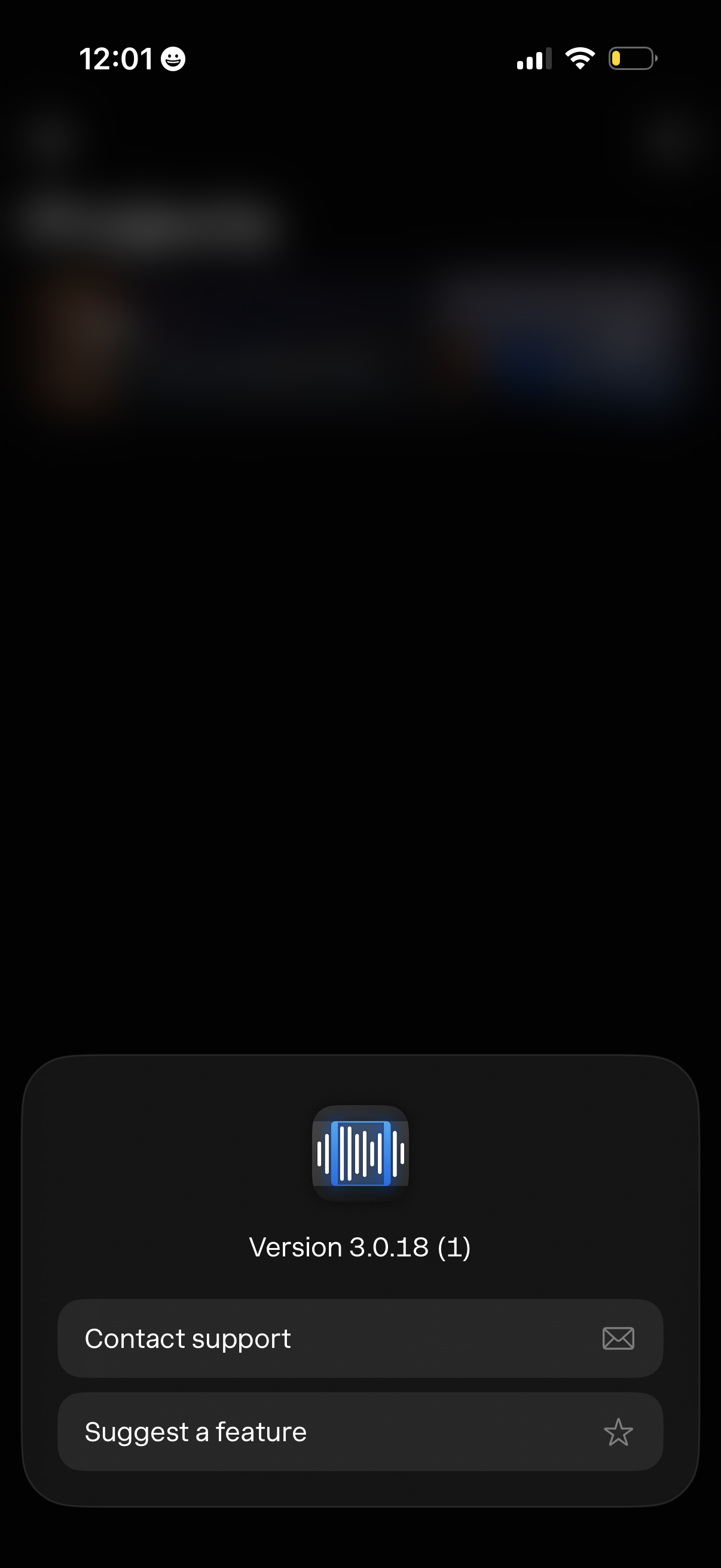
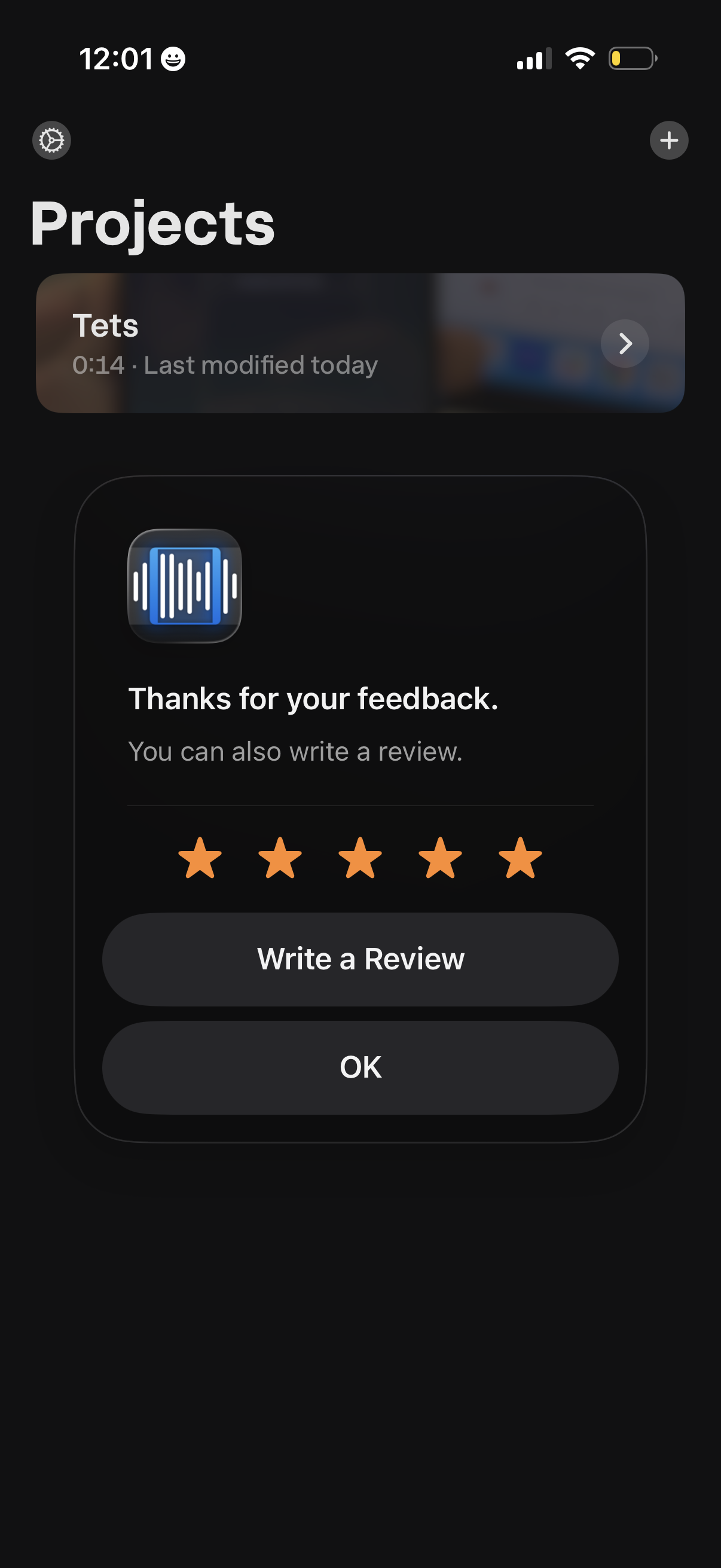
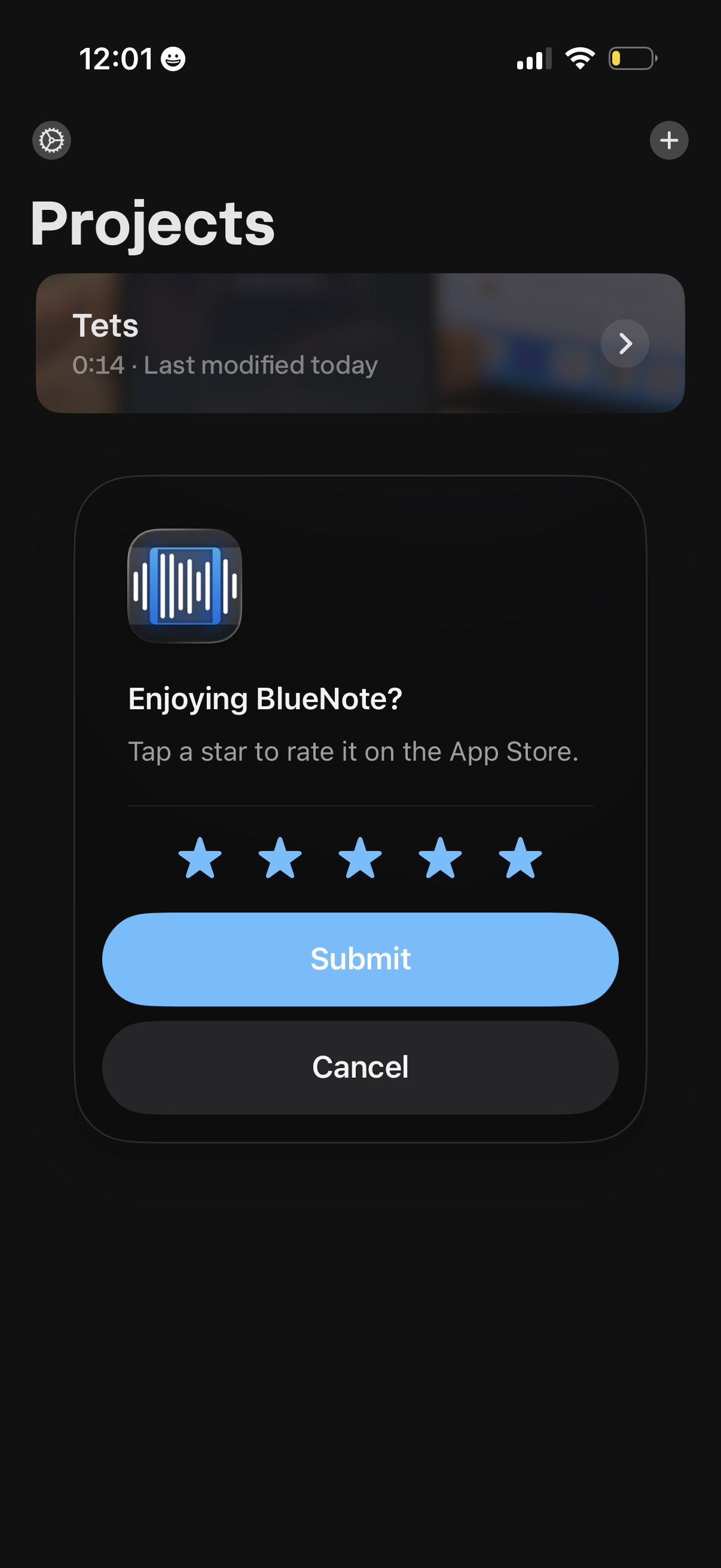
Bluenote in Music — see 17 app screens across Start subscription trial, Create project from media, Suggest a feature, and Rate the flows. Compare onboarding, paywall, and pricing patterns against real competitors inside Lazyweb.
Lazyweb is a blazing-fast design research library with 281k+ real app screens, user flow examples, UI patterns, and product design patterns for competitive analysis and benchmarking.
Screenshots


Company metadata
| Category | Music |
|---|---|
| Subcategory | Vocal remover (AI stem splitter) |
| Business model | Subscription |
| Market leader | Unknown |
| Website | https://codalabs.io |
| App Store | https://apps.apple.com/us/app/bluenote-ai-vocal-remover/id1587389494 |
App Store description
BlueNote is a simple tool that helps you learn music by ear. Features: Stem Split: Split your projects into 4 stems – bass, vocals, drums, and other instruments. Adjust the volume of each stem independently. Great for removing vocals, drums, or other instruments. Sheet music: Get sheet music for any audio or video. Works best with piano-like instruments. Speed Control: Slow down or speed up playback without altering pitch, perfect for intricate solos. Pitch Adjustment: Change the pitch to match your instrument or preferred key. Audio Freeze: Pause at any point to dissect complex rhythms and notes. Looping Audio: Seamlessly loop specific sections of any audio or video. Audio & Video Integration: Add your choice of audio or video files to transcribe. Video Zoom: Zoom in on videos for detailed visual analysis of fingerings and techniques. Advanced EQ: Customize your listening experience with high pass and low pass filters. Stereo Channel Isolation: Focus on left or right audio channels to hear nuanced components of the solo. Project Management: Organize your transcriptions efficiently with a user-friendly interface.