
Bing app screens & user flows
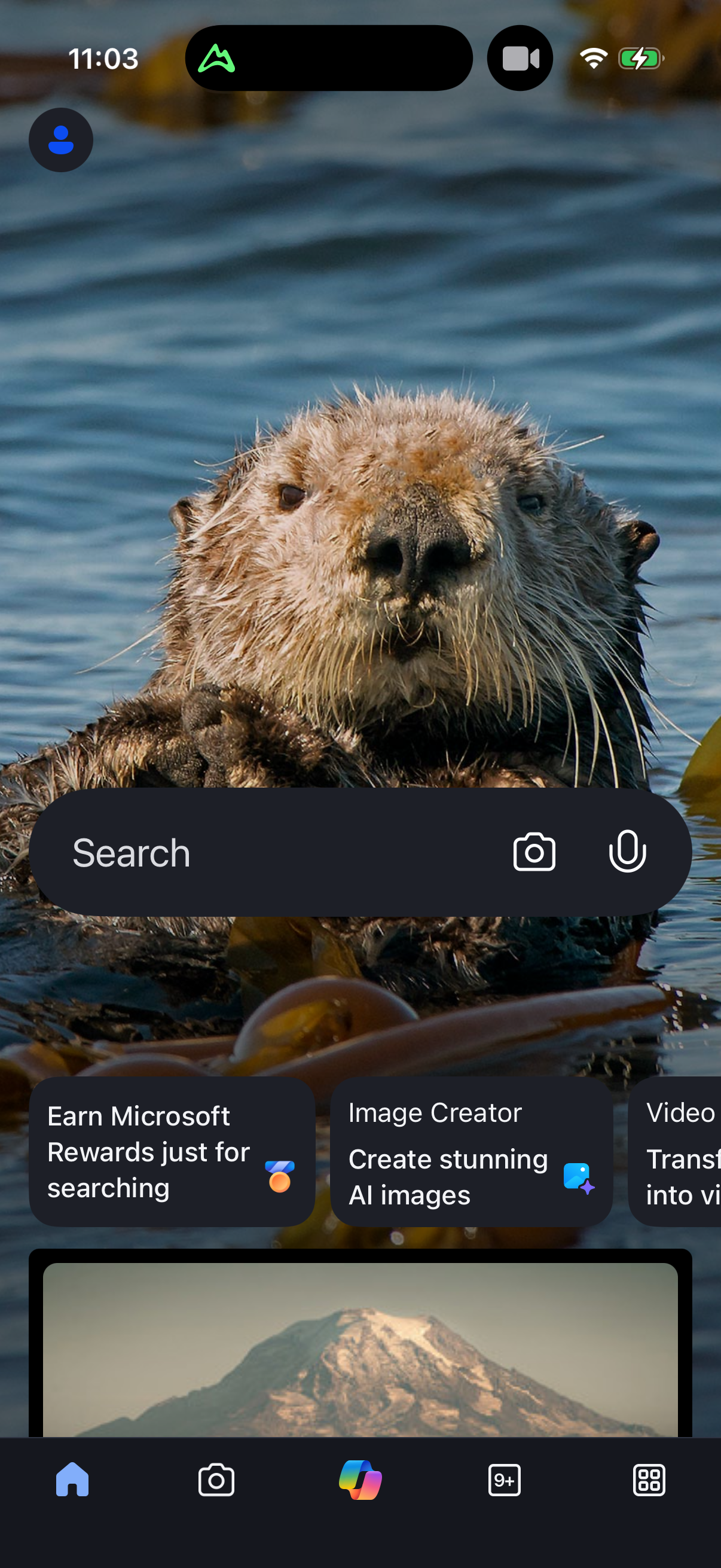
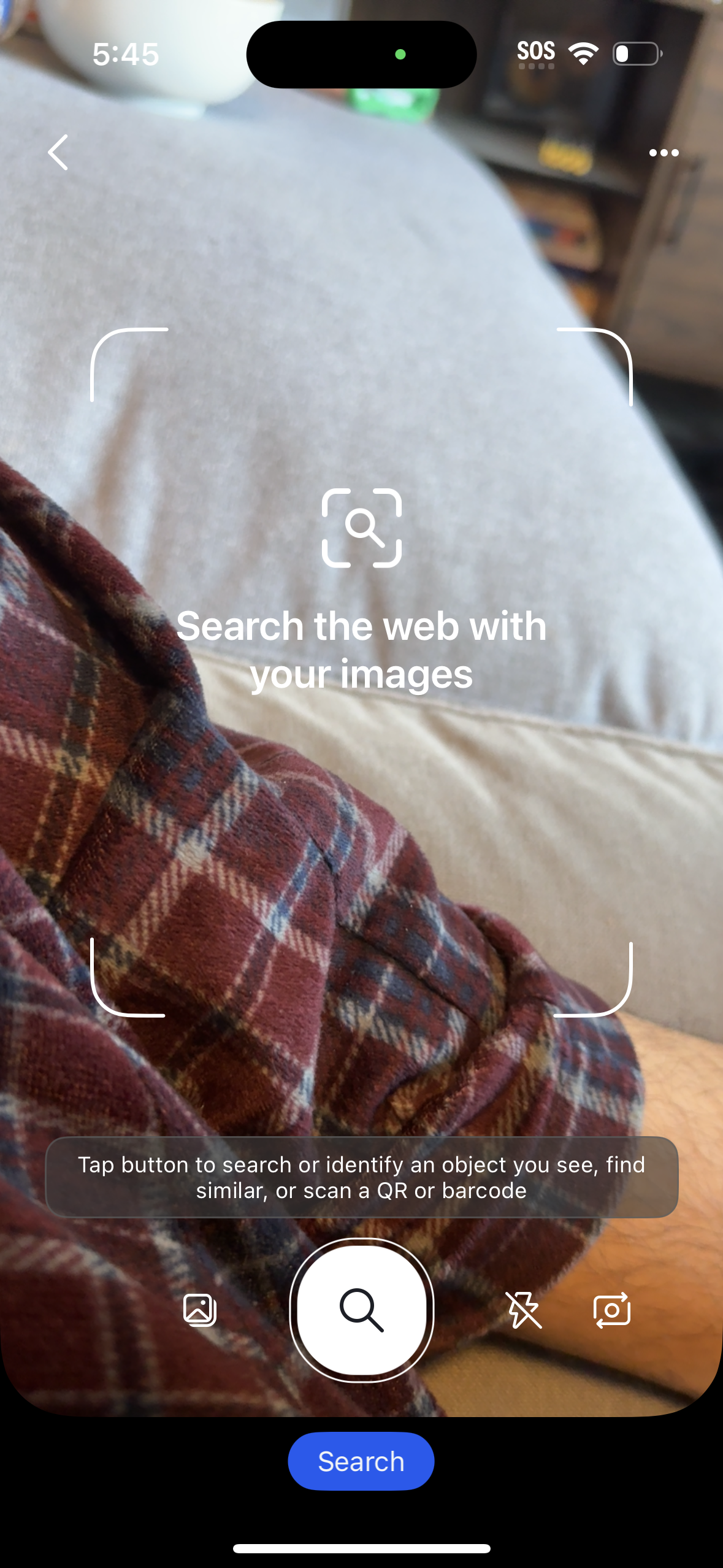
Explore up to date search, dashboard, settings, messaging, and profile flows from Bing and more on Lazyweb.
Bing in Productivity — see 59 app screens across search, dashboard, settings, messaging, and profile flows. Compare onboarding, paywall, and pricing patterns against real competitors inside Lazyweb.
Lazyweb is a blazing-fast design research library with 281k+ real app screens, user flow examples, UI patterns, and product design patterns for competitive analysis and benchmarking.
Screenshots


Company metadata
| Category | Productivity |
|---|---|
| Subcategory | AI Chatbots & Assistants |
| Tagline | Your AI-powered search and answer engine |
| Business model | Advertising, Cross-subsidized Funnel / Companion App |
| Product archetype | Prosumer |
| Growth engine | Network effects (social graph), UGC / creator-led, Hardware/Distribution bundling, Paid performance marketing, Social media, PR, Word of mouth |
| Revenue (2024) | $12,576,000,000 |
| Active users | 100,000,000 |
| Money raised | $0 |
| Public company | Yes |
| Market leader | No |
| Website | https://www.bing.com |
| App Store | https://apps.apple.com/us/app/microsoft-bing-search/id345323231 |
| X / Twitter | https://x.com/bing |
| https://www.instagram.com/bing/ | |
| https://www.linkedin.com/company/microsoft | |
| TikTok | https://www.tiktok.com/@microsoftbing |
| Crunchbase | https://www.crunchbase.com/organization/bing |
App Store description
Microsoft Bing delivers fast, intelligently curated answers and makes it easier than ever to discover more. Introducing Copilot Search in Bing Copilot Search in Bing brings AI to search where clear answers and key information are quickly curated at the top of your search results. Kickstart your next discovery with a new search to unlock the possibilities of where your curiosity can take you. Unlock answers faster Copilot Search in Bing brings intelligence to search so you can spend less time searching and more time discovering. Depending on your query, you’ll get an easy-to-scan layout of information, a summary of the most critical points, or a clear answer. No more hunting across the web. Explore deeper Need to dive deeper? The next answer or new angle is waiting for you with helpful web links and clickable follow‑up topics. It brings the best of traditional and generative search together to help you find what you need – and discover more. Discover confidently Perfect for when you want to go heads‑down to write a paper, learn something new, explore a passion project, or simply let your curiosity wonder. Choose from a variety of suggested queries to start your journey or simply start a new search to harness the power of AI to get curated results. Try Copilot Search in Bing today! All the highlights New homepage: Stay updated on topics you're following, and get quick access to Microsoft features Copilot Search in Bing: Seamlessly find a topic to explore within your everyday search flow Image Creator: Create images from words with AI Visual search: Search right from your camera or by uploading a picture Voice search: Tap the mic icon and use your voice to search Microsoft Rewards: Earn more rewards is easy, simple, and fun. Just search with the Microsoft Bing app and you’ll earn faster than ever Weather: See the forecast for today and the week ahead Wallpaper: Pick from a collection of beautiful images featured on the Bing homepage Functions mentioned above not available in all markets, actual features and display contents may vary.